

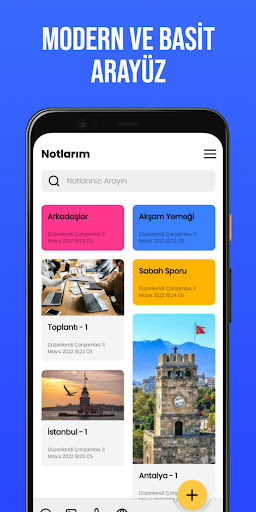
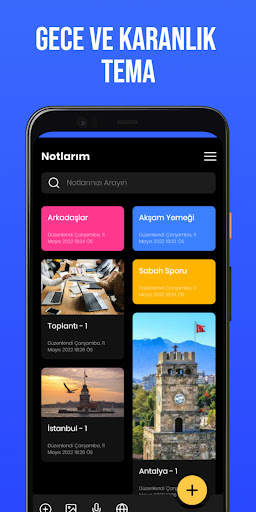
G4G - My English Note App is all in one for creating and storing notes. Our application, which has a clean and simple interface, offers a smooth user experience while taking notes. The best part is the note sharing feature. Now let's move on to the details of what else you can put in the picture.
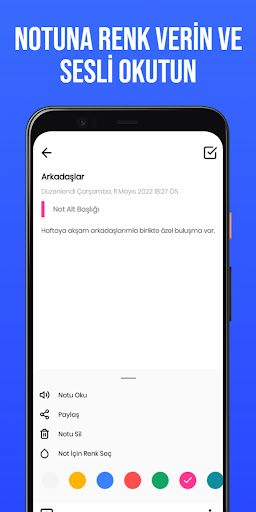
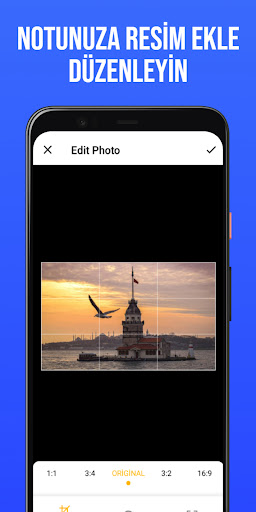
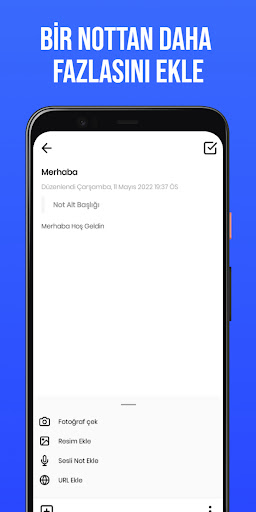
First of all, our app gives you a clean interface to add notes with title, subtitle and note text. You can then add color to your note. You can then add a picture to your note. Our app offers you two ways to add pictures Take a picture with your device's camera and select a picture from the gallery. After you select an image, you can edit, crop, scale or rotate it. You can also add web links (URLs) to your note. You can also add a voice memo if you hate typing.
After adding all this, you can save and view your note. You can also search for any saved note. You can then have him read the note for you. You can delete any saved note. You can share any note through various social media platforms.
You can edit any note at any time - Change the color, change or remove the image, edit or remove the web link (URL) and much more. There are quick actions on the homepage itself to add to your convenience.
The app comes with both light and dark themes for ease of visibility.
G4G - My English Note App Features:
1. Add Note - Title, Subtitle and Body
2. Add color to notes
3. Add image - take photo from camera or select from gallery
4. Edit image - crop, scale and rotate
5. Add web links (URLs)
6. Add a voice memo
7. Save and view notes
8. Search any note
9. Have the NOTD dictate the grade to you
10. Delete any saved note
11. Edit any note - Change color, image, url and much more
12. Share any note via various social media platforms
13. Quick Actions to add to user's convenience
14. Dark and Light mode support
15. In-App Updates: Allows users to download and install app updates while using the app.
Web: https://www.get4games.com
Facebook: http://www.facebook.com/get4games
Twitter: http://twitter.com/get4gamesofficial
Instagram: https://www.instagram.com/get4games
Youtube: https://www.youtube.com/c/get4gamestv
Fixed the splash screen issue.





9Apps 4.9














