
Fade In Mobile icon

Fade In Mobile

4.0.3 for Android
2.8 | 5,000+ Installs | Reviews

The General Coffee Company Film Productions

$4.99

Description of Fade In Mobile

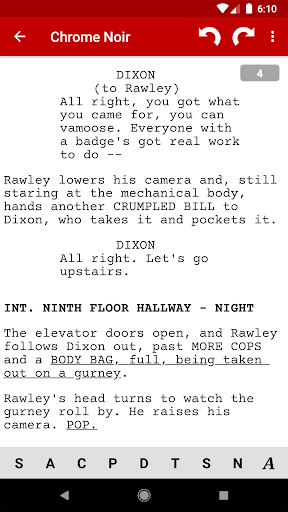
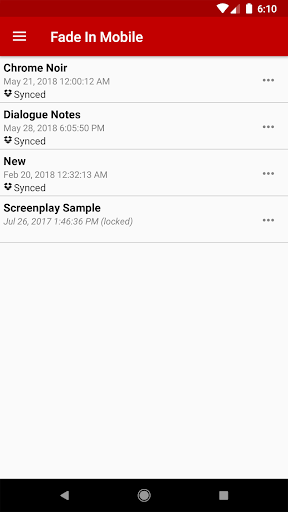
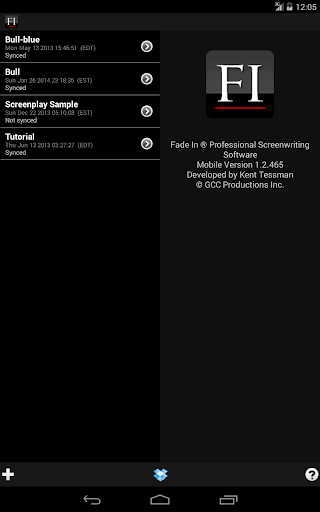
Fade In Mobile is a companion app for Fade In Professional Screenwriting Software for working with Fade In (.fadein) files. It is specifically designed to work with the unique interface and capabilities of your mobile device.
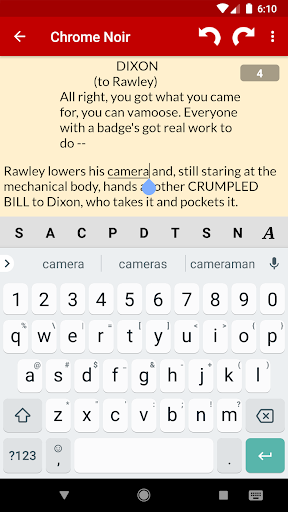
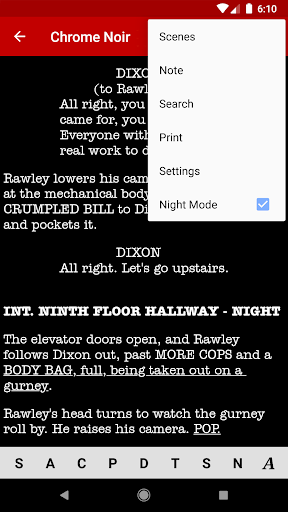
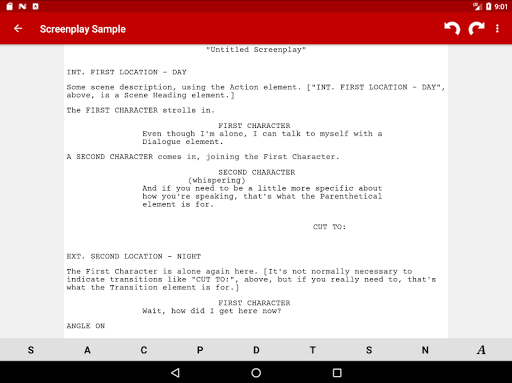
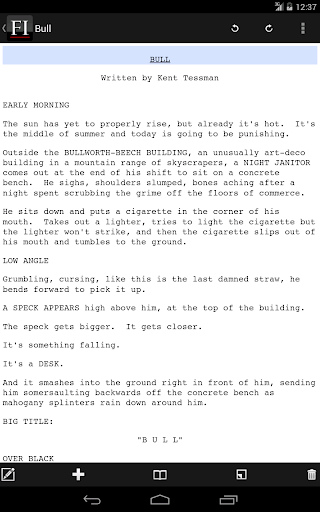
It takes care of proper script formatting, including standard script styles, and provides tools for quickly selecting character and location names, as well as for efficiently navigating your script.
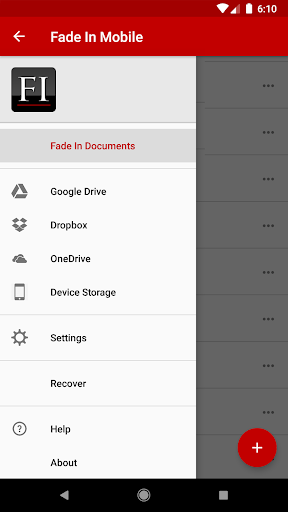
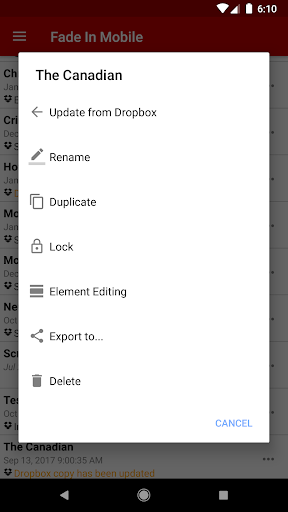
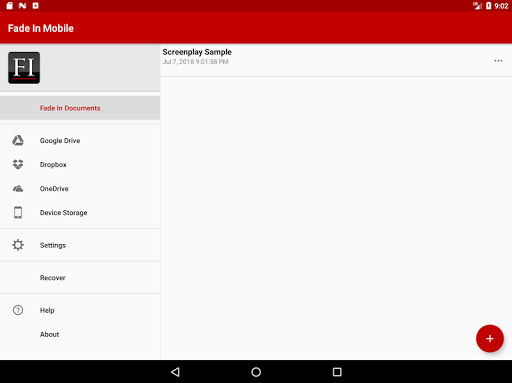
Import/export using Google Drive/Dropbox/OneDrive to access your work on the go and sync your writing seamlessly with your computer.
Use the full or demo desktop version of Fade In Professional Screenwriting Software to easily import screenplays from any number of formats, including PDF and Final Draft into this full version of Fade In Mobile.
Follow @fadeinsoftware on Twitter for updates.
Like using Fade In Mobile? Please think about rating it here on Google Play. Thank you!

What's New with Fade In Mobile 4.0.3

Some recent devices/Android builds ship with new restrictions enabled by default that were affecting some apps, including (previously) Fade In

Information

  • Category:
    Productivity
  • Latest Version:
    4.0.3
  • Updated:
    2021-04-18
  • File size:
    2.7MB
  • Requirements:
    Android 4.0.3 or later
  • Developer:
    The General Coffee Company Film Productions
  • ID:
    com.generalcoffee.fadeinmobile
  • Available on:
Reviews
  • avatar
    The Best and Most Affordable writing software
    2024-02-24 12:04
  • avatar
    Great app so far. I took one star off because I linked my Google Drive account and when I try to drill down into a folder to find a script, the app acts like it's loading but goes right back to the parent directory.
    2024-01-31 02:39
  • avatar
    Very good experience.
    2024-01-23 06:50
  • avatar
    This is the absolute worst writing software in existence. On the computer it's medicare to even good. But as a mobile app on either phone or iPad, it is unusable. God forbid you get part way through a project like I did and can't even export or select all to copy and paste the work into a useable software.
    2023-09-17 06:03
  • avatar
    Horrible experience. What's the point in purchasing the app if I can even do a simple task like opening a file saved on my device or even dropbox for that matter??. Disappointed. Can you fix this ??? And if you can't then provide refund!!
    2023-08-30 11:48
  • avatar
    Importing and exporting with Google Drive doesn't work. In fact, I can't even select a folder to pull from. FadeIn merely displays the root of my Google drive, but won't let me select anything or navigate into subfolders. Literally the only reason I bought the mobile app was to be able to make edits on the go seamlessly.
    2023-08-18 06:54