
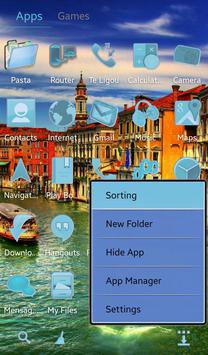

▌Requirements
• Newer version of application (
GO Launcher EX
) installed to apply the theme. This application is free and available in Market by (
GO Launcher Dev Team
).
▌How to Apply
1) In GO Launcher EX press the phone menu button;
2) Select the THEME option;
3) From the Theme listing select the theme you´ve just download and installed;
4) Select APPLY.
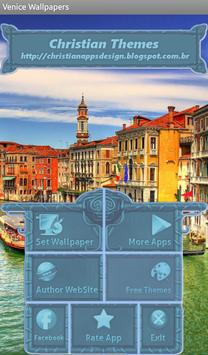
▌ Applying the Wallpapers
1) In GO Launcher EX press the phone menu button;
2) Select the Wallpaper option;
3) Select the Venice Wallpapers option;
4) Select desired wallpaper and click Set Wallpaper.
▌Matching Themes Available for
-
Skinnable Calculator
;
• You can see my others APPs in Google Play Store.
▌Comments & Ratings
• Leave Comments and Rate;
• Any questions please contact by e-mail.

9Apps 4.9














