

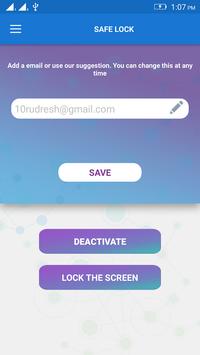
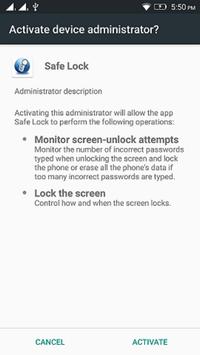
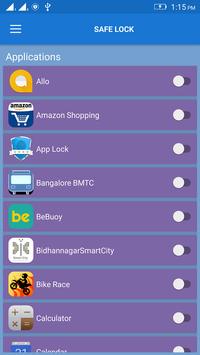
• User opens the app.
• Email id can also be default for particular mobile user.
• User needs to enter his current working email id and save to get the updates of screen lock.
• Once the User enters the valid email id, user has to click on the activate option, to activate the service.
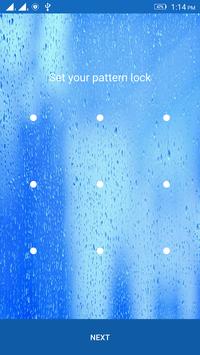
• When fake user attempts to unlock the device by pattern option or enter pin option.
User enters the random pin or draws the pattern, which is rejected.
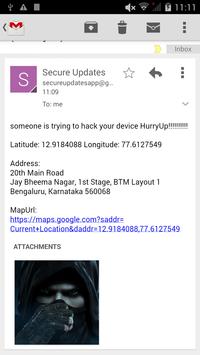
• The Valid User will be notified through the email.
• The User will get the alert message “someone is trying to hack your device Hurry Up!!!!!!!!!!”
With the details of Fake User, which give information like
Current image of the user
His current location and
Date and time.
• To avoid mails User can deactivate the account by entering the email and click on the Deactivate option.
Bug Fixing




9Apps 4.9














