


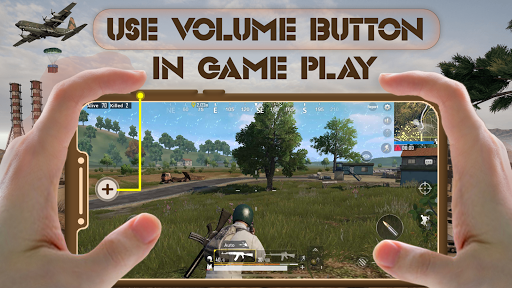
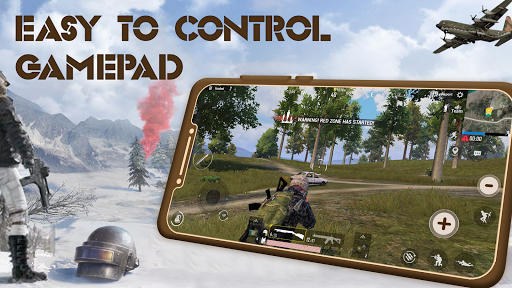
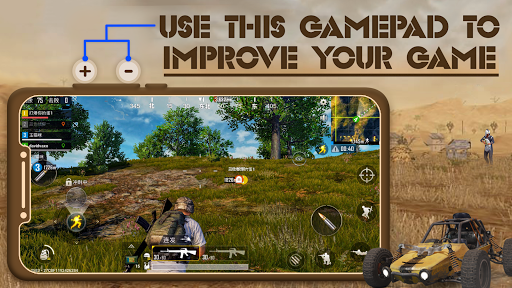
Play BGMI Games with Volume Up & Down buttons very easy
BGMI Weapons Control by Volume Button
>> How to Use GamePad For BGMI App
1) Open the app
2) Allow All Permission For App
3) Press Volume up button to add volume UP button
4) Now you will see two buttons on your screen
5) Set size & opacity of the button
6) Now open your bgmi game & place these two button on your desired game button.
7) Control click with these two buttons by pressing volume up & down key.
App Feature :-
Gaming controller for all game
BGMI Fire Control with Volume Button
Let's play BGMI with GamePad For BGMI Controller App




9Apps 4.9














