
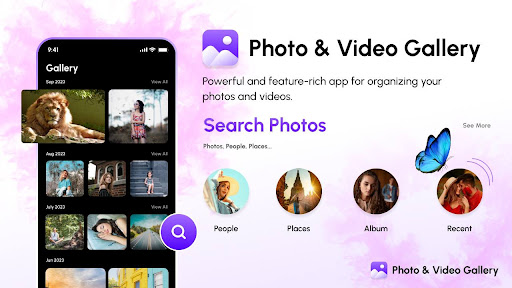
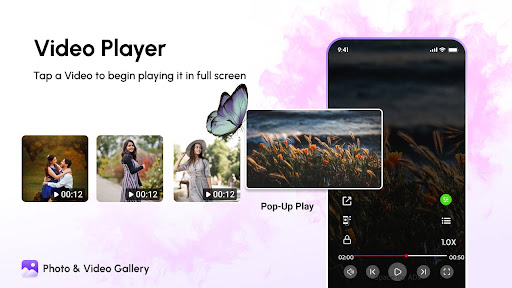
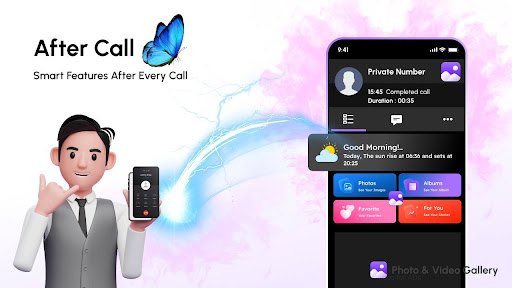
"Gallery" Photos & Videos Gallery is an excellent, feature-rich app for organising your photos. Organise them, display them slide-show style, transfer photos to and from your device and other devices, and share photos via email or social networks.
Main features:
🌟 Beautiful simple and fast photo gallery
🌟 Quickly search pictures, GIF, videos and albums
🌟 Use the photo viewer to sort and view files
🌟 Easy to share pictures and videos to social media, email or anywhere else
🌟 Show photo and video details
🌟 Photo manager allows you to rename, delete, copy, move pictures, videos and GIFs
🌟 Set any picture as wallpaper
🌟 Modern photo and video gallery
🌟 Zoom photos and GIFs easily with gestures
🌟 Photo slideshow
🌟 Dark mode
👉🏻 Create and organise albums, and choose your preferred design
With "Gallery", you can freely create albums, and add photos and videos. You can set your favourite photo as the album cover.
👉🏻 Original data won't be modified.
With "Gallery"(Photos & Videos), when you import photos or videos from the Camera Roll, it saves the original, unmodified data. Exif data like time stamps and geocoding will be stored as is and can be shared.
👉🏻 Secure data set up
The photos and movies taken from your camera roll are saved using original data. Time stamp and location information included in Exif data along with the original file name are available. In addition, data imported into the app will be automatically backed up online using Google Cloud! (You can also easily transfer original photos stored in the app using file sharing through Google Cloud)
👉🏻 Gallery Photo & Video smooth user experience is optimised for large screens and multiple finger gestures work like gallery for moto g4 plus.
👉🏻 Photo viewer & photo slideshow effects like Default, Alpha, Rotate, 3D, Cube, Flip, Accordion, ZoomFade, Fade, Zoomcentre, ZoomStack, Stack, Depth, Zoom, InRightDown, InRightUp, SlowBackground
👉🏻 Photo Slide Show : Turn your Android Phone into a slide show viewer that automatically rotates through all the pictures within a gallery. You can change the interval timing, sequencing, and how the image is displayed (fill screen or uniform) in Galleries settings. This feature turns your Android Phone into a digital picture frame of sorts.
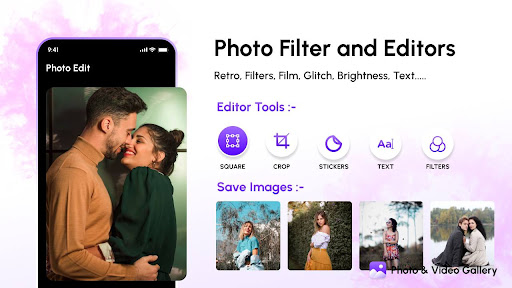
Photo Editor
👉🏻 Rotate, Crop, Effects, Brightness etc
Photos, Videos Gallery
👉🏻 Import from Camera Roll
👉🏻 Save to Camera Roll
👉🏻 Move to different Album
👉🏻 Copy to different Album
👉🏻 Notes, Tags
👉🏻 Search
👉🏻 Slideshow
👉🏻 Send by email
Albums Gallery (Photos & Videos)
👉🏻 Create, edit or delete
👉🏻 Customise listing order
👉🏻 Customise album cover photo
👉🏻 Grouping albums by album set
"Gallery(Photos & Videos)" is the well-designed gallery replacement for the built-in phone gallery.
This is the Fast, light and modern gallery with special animated gallery looks for your phone.
When all is said and done, Galleries isn't a bad photography app. It has room for improvement but if you have the need to build galleries that can be used for slide show viewing, collage building and a digital clock...Galleries is worth a try.


9Apps 4.9