

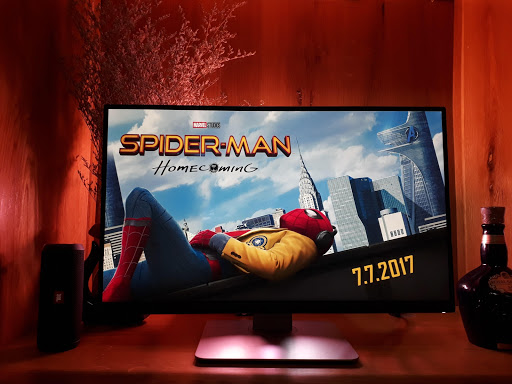
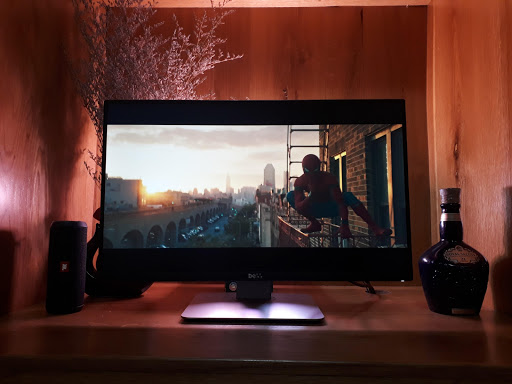
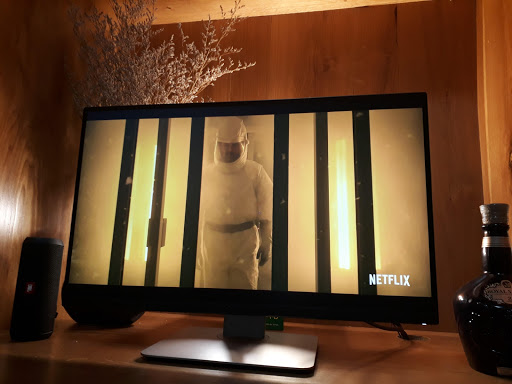
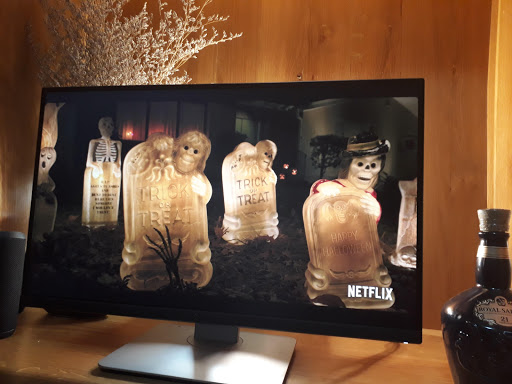
Watching movies or playing game is never as immersive as it is now with this philips hue app
KEY FEATURES:
• Seamlessly, wirelessly and easily sync what you see on your smartphone camera with your Philips Hue bulbs
• Smart algorithms to extract color from your smartphone camera quickly and precisely for syncing with philips hue
• This is the first philips hue app with different syncing speed to best suit for your visual experience
• Sync color extremely well if you have a decent camera on your phone
• Pinch-to-zoom makes it easier to adjust your vision through camera
APP CAN NOT:
• Can not control your dimmer to dim your light
• It works best with color ambience lights, lamps, light strip. Still, it can work with White ambience bulbs
• Video is not recording, camera is used to extract color for syncing only
HOW PEOPLE ARE USING THIS APP?
• Set up a music stage with automatically syncing color light system
• Automate color sync to your philips hue bulbs easily by utilizing your smartphone camera
• Capture the color theme of a wall hanging photo and change your room mood quickly
TROUBLESHOOTING & HELP:
Before give us low rating/review, or uninstall the app, please contact us. Our customer service is awesome. And it's always free!
• contact@appsforhue.com
• https://www.facebook.com/HUE-Camera-1212578298846703/
• https://twitter.com/HueCameraApp
FAQ:
1. Hue Notification can not connect to your bridge? What should you do?
There are possibly many reasons why your bridge is not available to our Hue apps. Once this problem occurs, make sure the following items are correct:
• Your smartphone is connecting to the SAME WIFI with Bridge.
• Your Bridge has all the lights on. Sometimes, your Bridge can't conenct to WiFi and you will find the WiFi light is off
• Your Bridge and Hue apps are updated to latest version
• You can connect to your Bridge with original Hue app from Philips or any other Hue relating apps.
If those items don't help you, we can help. Email us at contact@appsforhue.com
2. Why your light bulbs are out of sync for some effects?
Because of the hardware limitation on Hue Bridge (as described below), there are out-of-sync for some effects. Especially for color changing effects, Hue Bridge can't serve all the request at high speed without Hue Entertainment. We are working with Philips team to integrate new SDK (with Hue Entertainment). Hue Entertainment integration will be released in version 3.0
3. Why does the hue seem to slow down with more bulbs?
When you have up to 10 bulbs all should be fine. If you have more bulbs disable the ones that are not visible to you in the Bulbs list. Hue works at its best with around 5 bulbs selected. We will update soon with hue entertainment to improve your color sync and effect.
4. What is sync speed?
For some horror movie, most of the time, movie scenes are dark. You can utlize slow sync speed to avoid flooding your Philip Hue system.
For action movie, it's best to use fastest sync speed to keep the lights up with your fast chaning movie scenes.
For more information, check out here: http://huecameraapp.com
Make app stable
Localization for French & German









9Apps 4.9













