
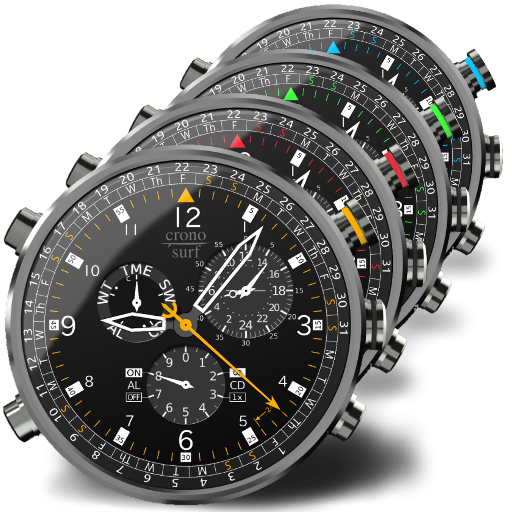

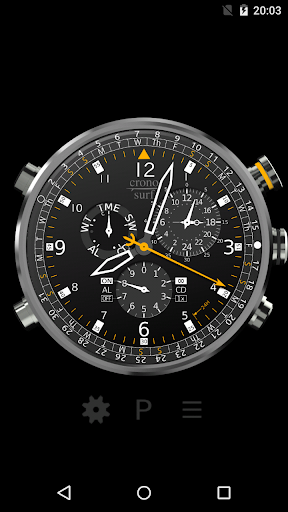
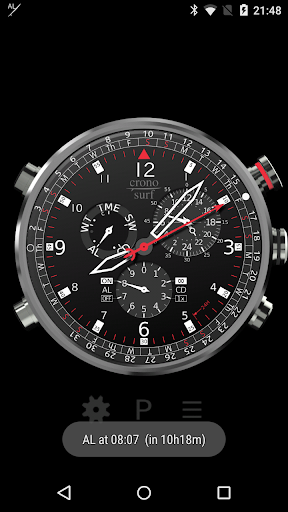
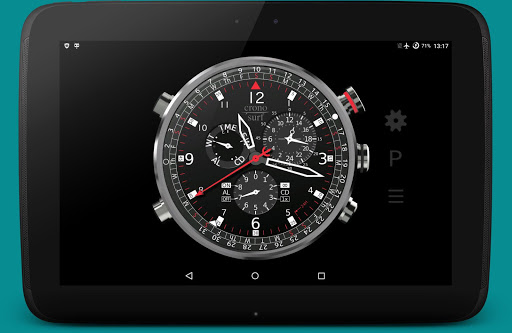
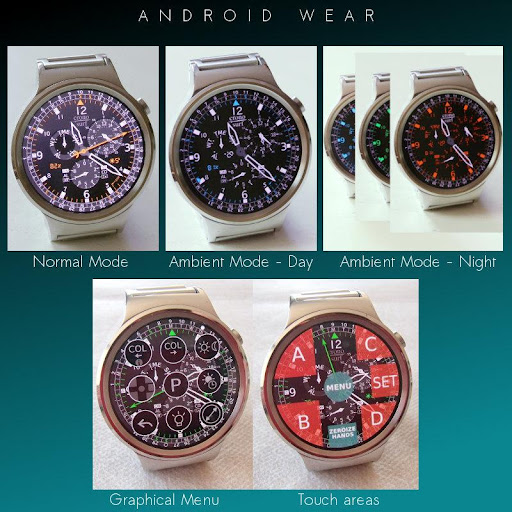
Cronosurf Wave is a chronograph watch app for Android devices and a watchface for Wear OS.
NOT FOR SAMSUNG GEAR/GALAXY WATCHES (running on Tizen OS).
This app is based on the original design started 2014 as a web-based technology demonstrator (cronosurf.com). Its main focus lays on design, functionality and usability. If you are a chronograph watch lover, you'll find yourself using Cronosurf as your day-to-day app for alarm, countdown timer and stopwatch. You will love it!
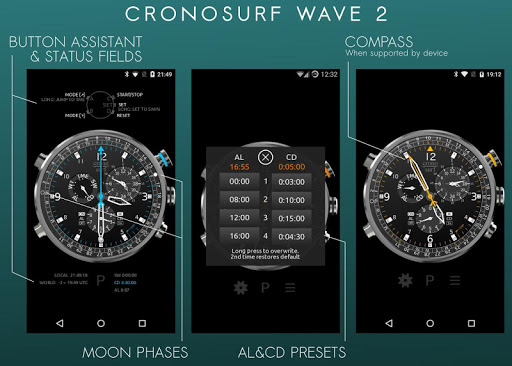
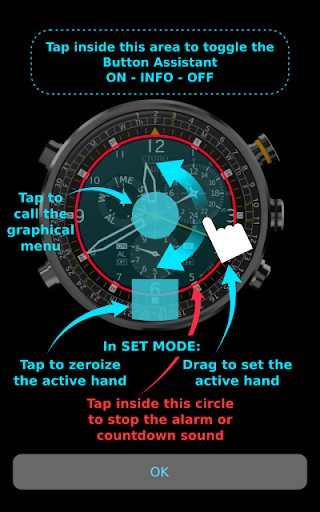
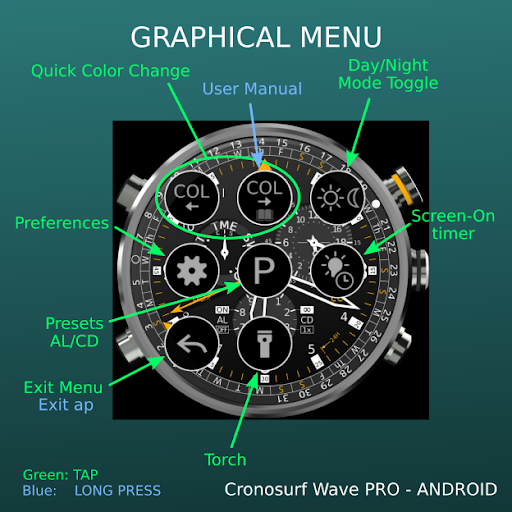
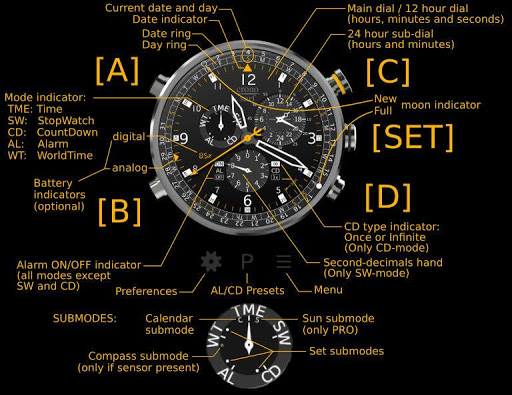
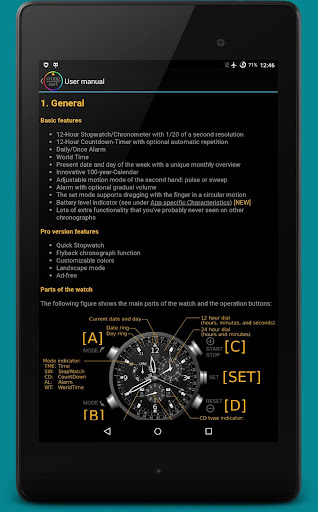
Since Cronosurf has many features, the app includes a comprehensive user manual. The Button Assistant is now integrated in the app (portrait mode). Use it for quickly getting familiarized with the basics. To activate it, tap on the area above the watch.
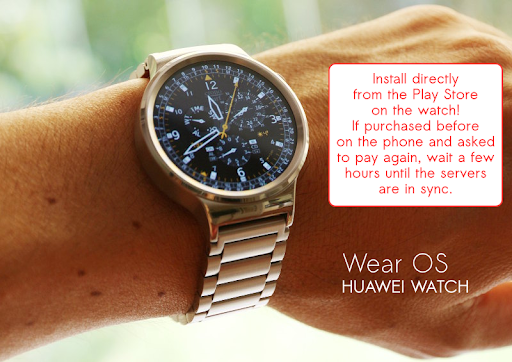
Cronosurf Wave runs on Wear OS watches with complete functionality and without the need of an Android device! Install it directly from the Play Store on the watch.
No need to pay more than once. If the Play Store wants to charge again when installing on Wear OS, please wait a few hours until the servers sync the first purchase.
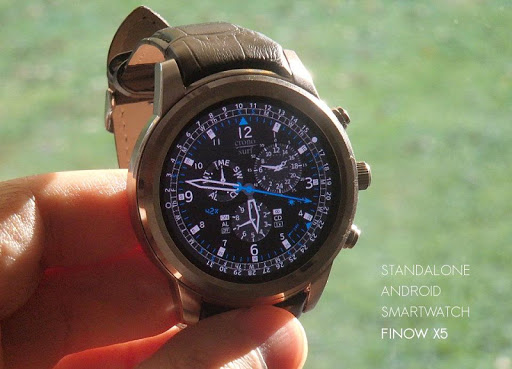
Use the dedicated "Android Smartwatch Mode" for standalone Android Smartwatches (like the Finow X5) that optimizes the app for the watch screen. Note that Cronosurf runs as a regular app on these devices (not as a watchface).
Key features
- 12-Hour Stopwatch with 1/20 seconds resolution
- 12-Hour Countdown-Timer (CD) with optional automatic repetition
- Daily/Once Alarm (AL) with optional gradual volume
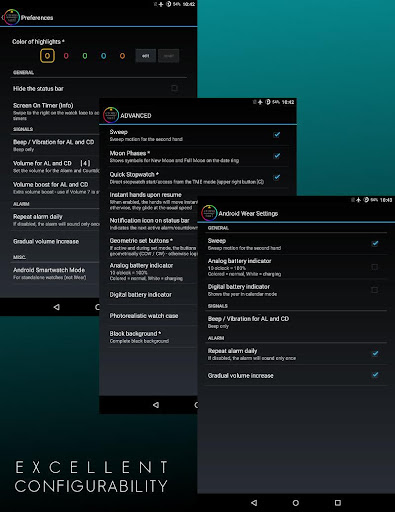
- Optional vibration for AL/CD signals
- Customizable presets for both AL and CD
- World Time with 15 minutes steps
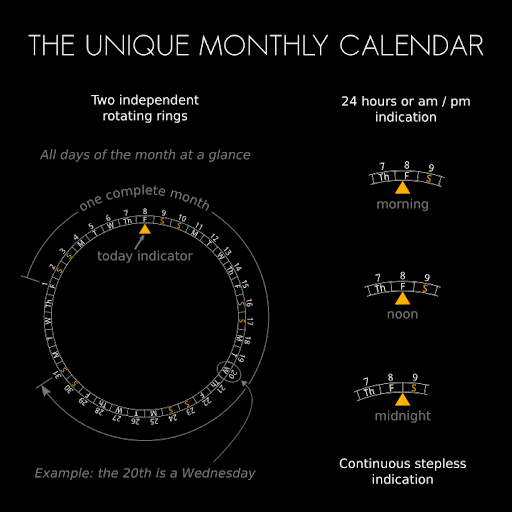
- Current date, day of the week and the unique Cronosurf's monthly calendar
- Innovative 100-year-Calendar
- Week number
- Indication of moon phases
- Compass (when supported by device)
- Screen-On timer
- Analog and digital battery level indicators
- Seconds hand: pulse or sweep motion
- Set mode supports set-by-drag (not on Wear OS watches)
- Torch function
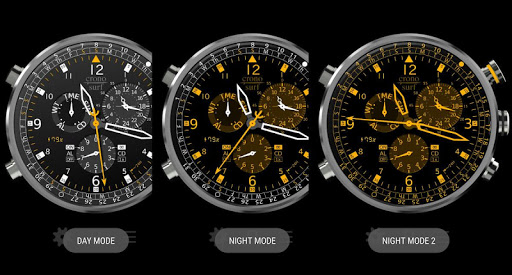
- Day/Night modes
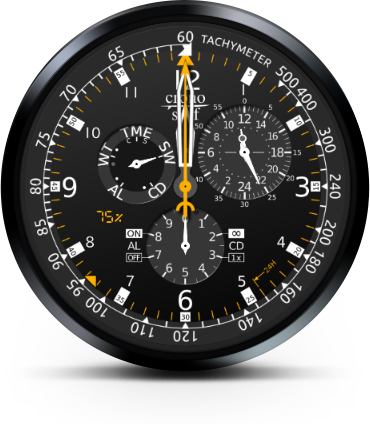
- *NEW* Tachymeter in stopwatch mode (experimental)
- Wear OS: Optional automatic Day/Night mode switching via light sensor (when available)
- Wear OS + Android standalone: Auto-Return to TME mode after 1.5 minutes; long press [B] disables for current mode till next mode change
- Wear OS: Optional minimalist ambient mode
- Wear OS: Support for Moto 360 and other 'flat tire' displays
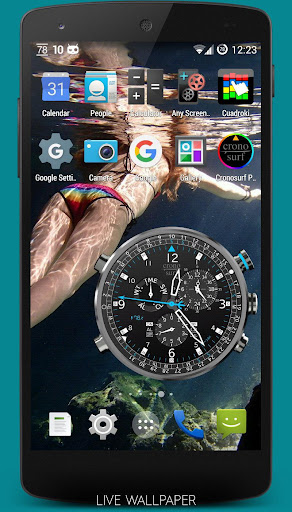
- Live Wallpaper (basic interactivity, customizable background, adjustable size/position; enable it like any other LWP)
- Lots of extra functionality you've probably never seen on other chronographs
PRO VERSION features
- Ad-free
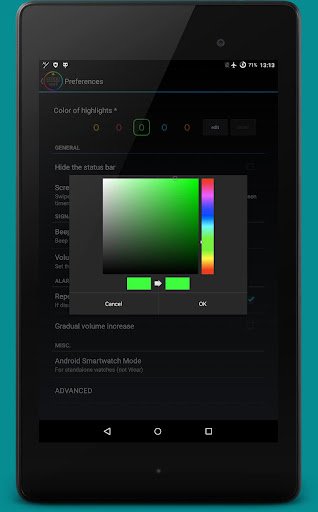
- 5 customizable colors presets
- 4 instead of 2 presets each for AL and CD
- Quick stopwatch (one button press from time mode)
- Split function for the stopwatch
- Flyback chronograph function
- Thousandths of a second for stopwatch
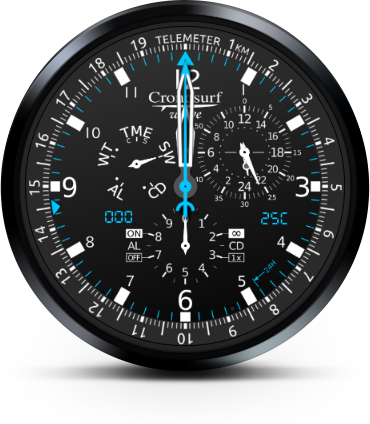
- Tachymeter + Telemeter in stopwatch mode (experimental)
- Reference pointer for the compass
- Weather information for a user defined location: Temperature and humidity, sunrise/sunset times
- Landscape mode support
- For the Live Wallpaper, any image from the gallery can be set as a background image
WEAR OS:
- Optional automatic Day/Night mode switching via sunrise/sunset times
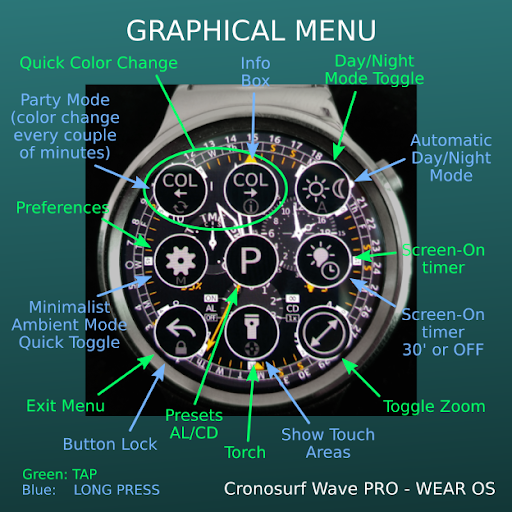
- Party Mode (automatic color change every couple of minutes)
- Optional hourly chime
- Step counter (experimental)
- Ambient mode brightness reduction options, 25% and 50%
- Button lock
- Info box with watch temperature
SEPARATE MANUALS AND FAQ: cronosurf.com/support
Permissions:
- Storage: Image loading for the Live Wallpaper
- Run at startup: Used for reactivating any pending AL/CD.
- Prevent device from sleeping: As long as an alarm is being played, such the user can see the watch and stop the alarm.
- Allow display over other apps: (Android 10+ only) In order to bring the app in the foreground when an AL/CD is triggered
v3.2.1
- Bug fix: On Android 11, any operation that showed an on-screen message crashed the app (i.e. activating AL or CD)
- Bug fix: Setting the Live Wallpaper could sometimes lead to a crash (v3.2.0)
v3.2.0
- Dynamic Bezel: Tachymeter in Stopwatch mode (Experimental)
- Improved handling of AL/CD icons when alarm active (was sometimes not shown on Android 10+)
- Improved handling of the AL/CD notifications
- Bug fixes and some minor graphical adjustments





9Apps 4.9














