


Function description:
1. Auto
change wallpaper
The automatic wallpaper replacement function allows you to modify the replacement frequency at will, add and modify the playlist, which can make your mobile phone wallpaper change a lot
2. Use the photos in the phone
You can add any photo in your phone to the playlist to make your phone wallpaper more unique. Note: When this function is used for the first time, it will request the permission to read the SD card, and it needs to be allowed to obtain it, otherwise it will not be able to read the image content
3. Set a fixed wallpaper
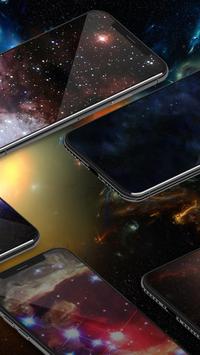
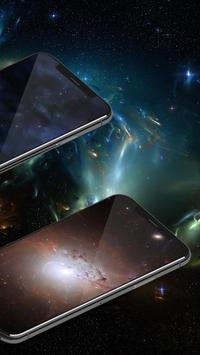
The app contains many sets of interesting wallpapers, you can choose to add them to the playlist, or you can choose to directly set them as wallpapers
Permissions:
1. Read SD card permission. When the user adds the selected SD card picture to the playlist for the first time, the app will dynamically apply for permission. Denying this permission will result in unable to read the content of the sd card picture, thus failing to set the wallpaper
Added display support for several languages such as Arabic/Spanish





9Apps 4.9














