You get a screenshot, you get a screenshot, everygets a screenshot!
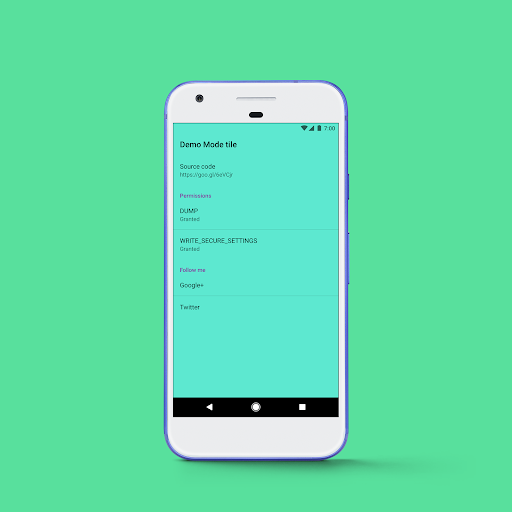
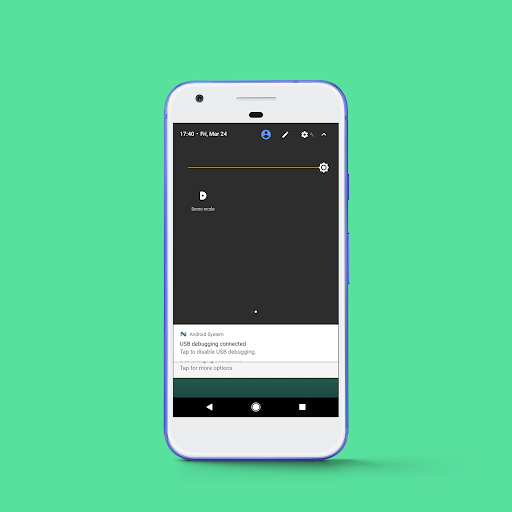
It's a very simple tool presented as a Quick Tile to simplify the process of setting up and activating Demo Mode. It's already pre-configured out of the box with perfect 7:00 clock, full WiFi, full signal and full battery icons for stunning clutter-free screenshots.
For it to work you need to grant it two permissions through adb shell from your computer:
adb -d shell pm grant com.franco.demomode android.permission.DUMP
adb -d shell pm grant com.franco.demomode android.permission.WRITE_SECURE_SETTINGS
The DUMP permission is required for the Demo Mode to actually work, and the WRITE_SECURE_SETTINGS is necessary for the Quick Tile to read the setting and present the correct icon depending on its state.
Since these permissions can be a little scary, for transparency sake I've open sourced it https://github.com/franciscofranco/Demo-Mode-tile
Update dependencies
Migrate to Kotlin
Change clock from 10:00 to 11:00 to reflect new Android 11


9Apps 4.9