
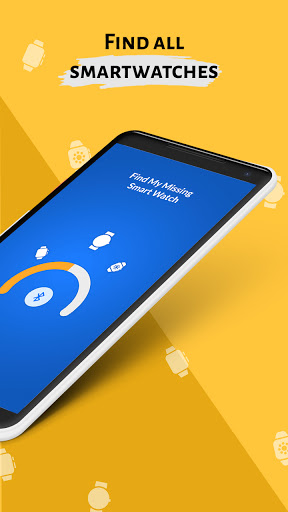
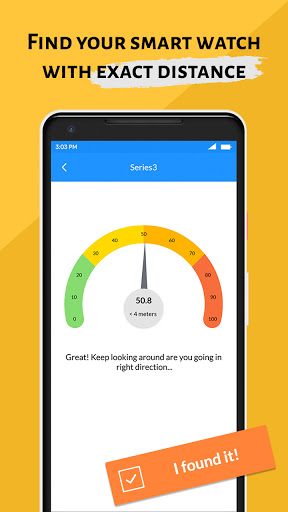
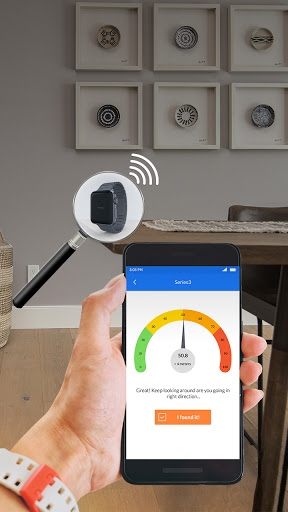
Misplaced your smartwatch? Not able to locate your smartwatch? Get your smartwatch by Find my Missing Smartwatch app.
Find my Missing Smartwatch application allows establishing a Bluetooth connection between android device and android smartwatch.
⌚️ Steps to
Find Lost Smartwatch
⌚️
1. Turn On Bluetooth device.
2. Scan the Bluetooth device.
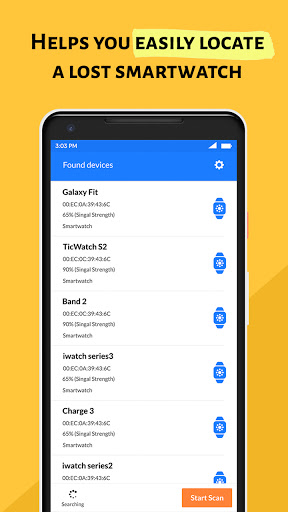
3. You will get the available Bluetooth device list and select the Bluetooth.
4. App will show the distance of the watch near you.
5. If you found the device then click on 'Got the device'.
Features of Find my Smartwatch:
- Easy and simple app.
- Scan available Bluetooth devices and find your lost devices.
- View history of find devices.
- Get your Bluetooth info from app.
- Shows list of paired
Bluetooth device.
- 100% offline app.
- small size app.
Download the Find my Missing Smartwatch app and get your lost smartwatch…!!!
Note:-
This app requires access to Bluetooth. The phone and smartwatch must be equipped with Bluetooth. Before using this app, make sure that your phone and Bluetooth device are connected. We have neither partnered nor affiliated with any of the above-mentioned companies. You can also drop us a mail if you have any feedback regarding this app.





9Apps 4.9















