

When phone display or screen size is very large like tab or tablet, the back button assistive touch is useful for those people.
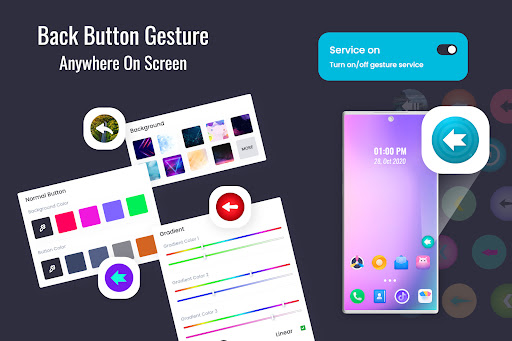
Floating Back Button - Assistive Touch app introduces the black button, where in the user can set the position of the back button easily just by dragging it on the screen.
Floating Back Button - Assistive Touch Feature list:-
- Simple and fast Assistive Back Button Touch.
- On long press open app settings for change touch background theme, size, opacity etc.
- Allow Floating Back Button app overlay permission in setting.
- Allow Floating Back Button app accessibility permission in setting.
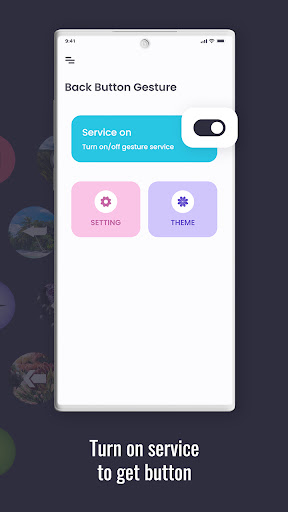
- Turn on the toggle to access Back Button on device screen.
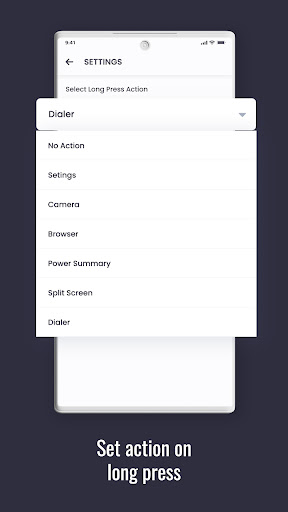
- User long press action.
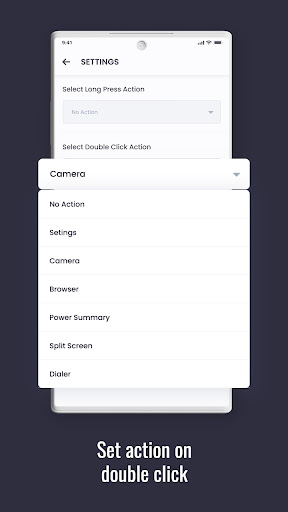
- User double click action.
- Modify and set Back Button size via sliders.
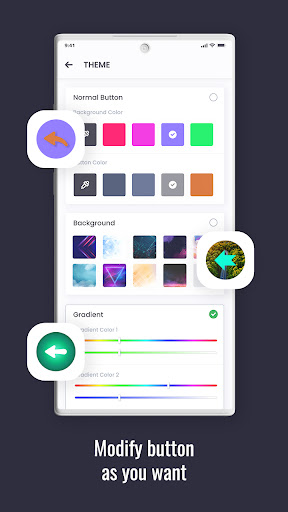
- Change floating back button Background color options.
- Change floating back button Button color options.
- Change floating back button Background gradient.
- Change floating back button Background image option.
- Vibrate on back button Touch.
- Auto adjust in Landscape.
- Auto adjust in portrait.
- Show app notification.
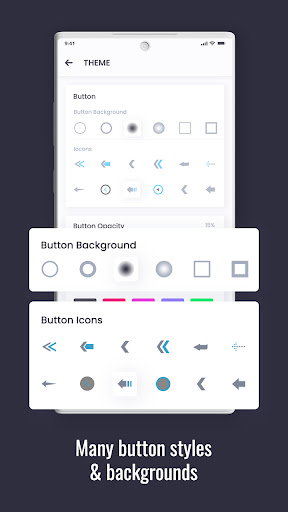
- Background and Icon theme options.
if you have any suggestions please feel free to mail us on dlinfosoft@gmail.com.
Solve bugs.




9Apps 4.9














