
**FLIR Tools is not compatible with the live streaming of Cat® S60 smartphone. Use MyFlir App for Cat® S60 live streaming**
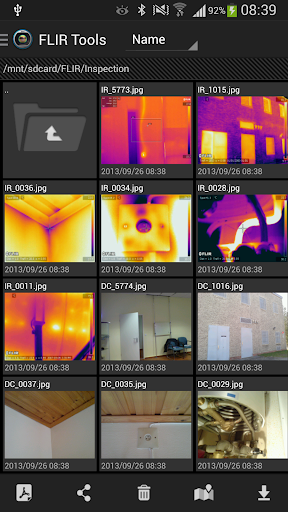
FLIR Tools Mobile is an intuitive Android app for analyzing, managing, and distributing infrared images.
FLIR Tools Mobile lets professional thermographers use an Android device to see and capture live, streaming infrared video and stills from select FLIR cameras.
With FLIR Tools Mobile the camera can be stationed in one area and operated wirelessly from another – highly useful for IR inspections of energized equipment or performing IR surveys in hard-to-reach locations and harsh working environments. Streaming video and remote access also gives decision makers and others on your team a valuable opportunity to observe and collaborate in the thermal imaging process.
For support visit http://support.flir.com
Summary of features and functions:
- Remote control
- MSX
- Images with sketch on DC and IR
- Images with field of view follow
- Editable text comments
- Emissivity table
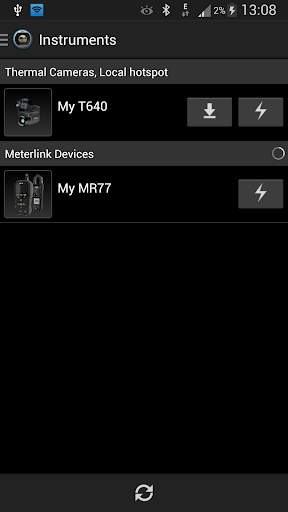
- Import images from your Wi-Fi-enabled camera.
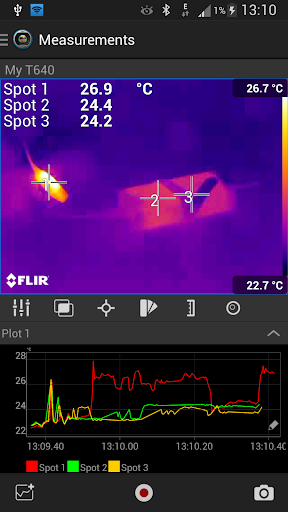
- Connect and stream infrared images from the camera.
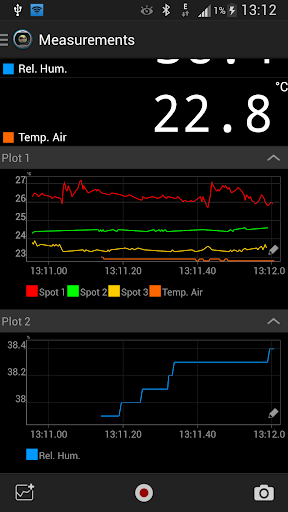
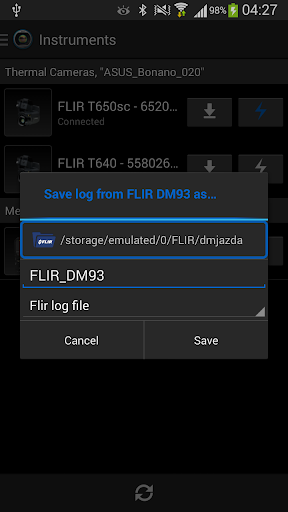
- Connect and stream measurement data from FLIR Test & Measurement meters
- Lay out and move measurement tools on the image.
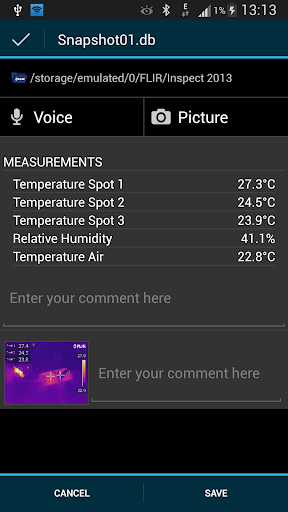
- Read out temperature measurements.
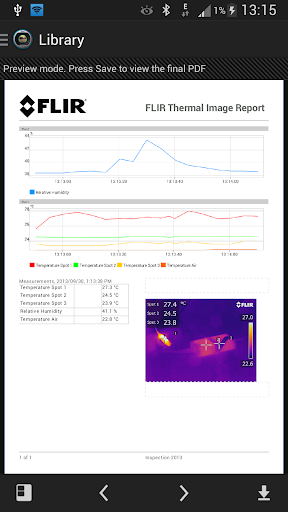
- Create and configure temporal plots based on results of measurement tools on the infrared image.
- Log measurement data and export it as a *.csv file.
- Save a measurement scenario as a data snapshot.
- Zoom in on images.
- On the Android device, remotely take snapshots when a camera is connected.
- On the camera, take snapshots that will automatically be saved on the Android device.
- Delete images on the Android device.
- Display an image’s GPS coordinates on Google Maps.
- Create and e-mail reports.
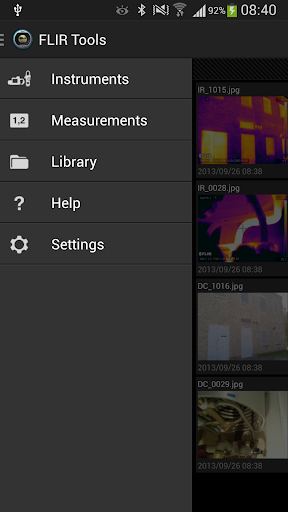
- Save images in the Android device photo library.
- Send images to FTP sites and other file-sharing services (Dropbox, Box.net, etc.).
- Display image information, e.g., object parameters, text comments, and file details.
- Play back voice comments.
- Change the level and span.
- Change general settings in the app.
- Change the palette..
- Remediation for JavaScript Interface Injection Vulnerability










9Apps 4.9














