Flick Clock - retro flip clock icon

Flick Clock - retro flip clock

1.0 for Android
4.8 | 5,000+ Installs | Reviews

Andrei Gryshchenko

$0.99

Description of Flick Clock - retro flip clock

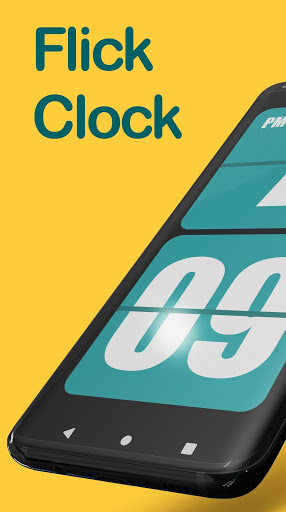
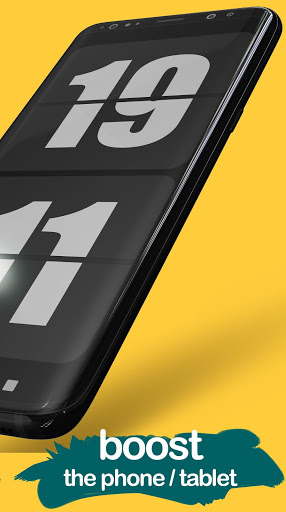
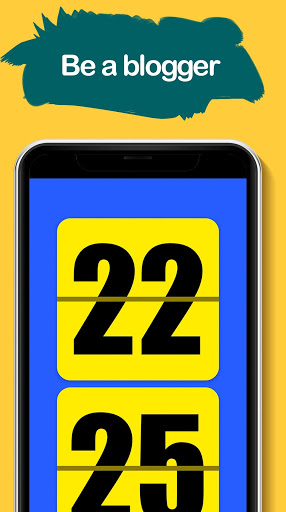
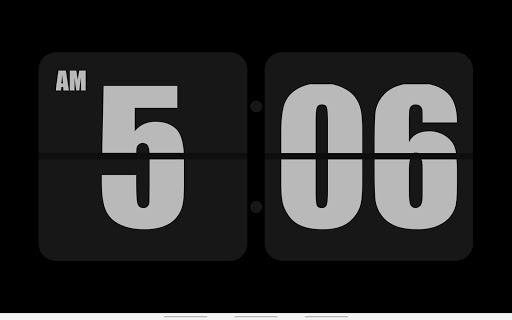
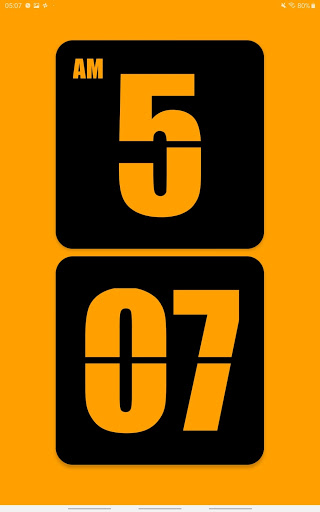
Flick Clock is the best application for viewing retro watches on the phone screen. It displays a clock with animated flipping.
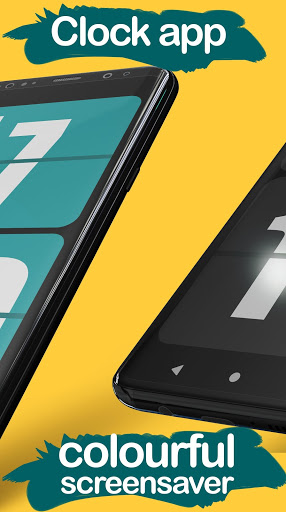
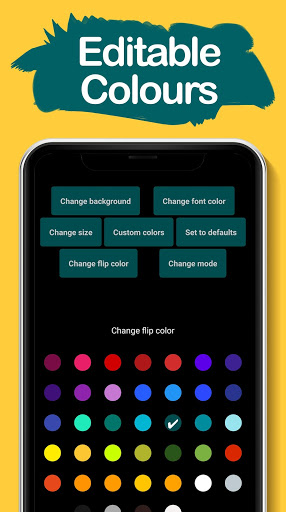
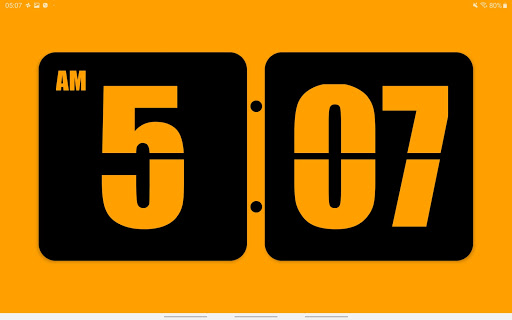
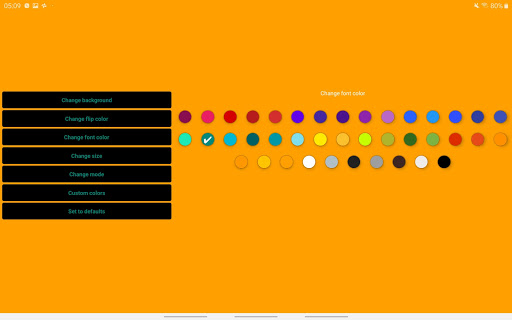
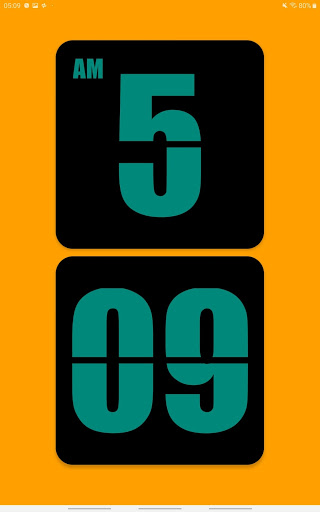
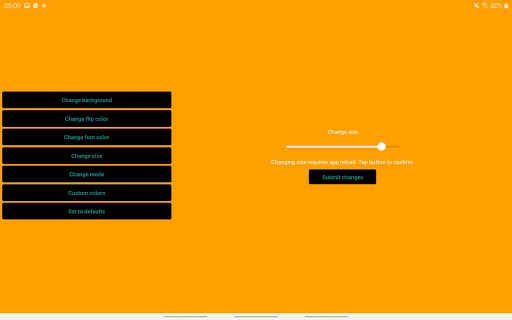
Change the font, background and background colours under the numbers and sizes to suit your mood,
Take stylish photos with your phone with a clock on the screen, use the flick clock as a retro desk clock. Use a retro watch at a business meeting or during classes
* NOTE * -
The application does not start automatically as a screensaver, you have to start it
FEATURES
• Works on phones and tablets
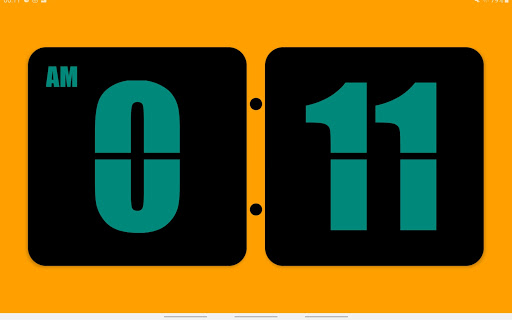
• You can change the colours of all parts flick
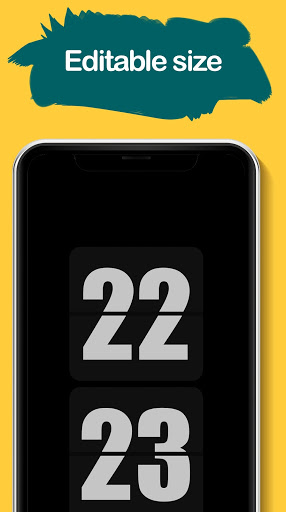
• You can change the size of the watch
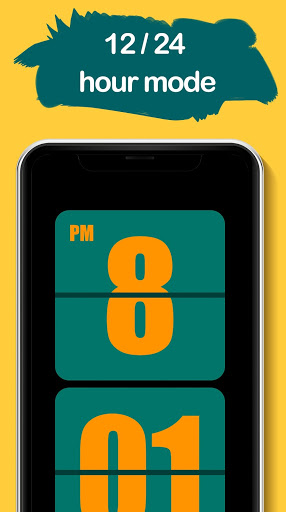
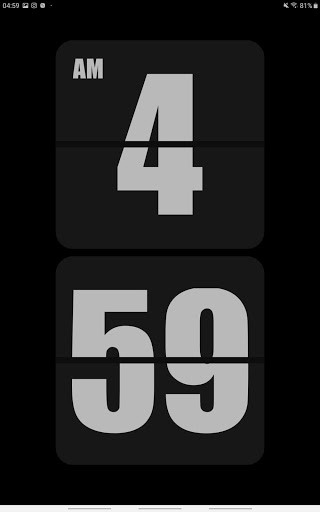
• Two modes of hours 12 and 24 hours
• Switch between portrait mode and horizontal mode
More fonts are coming!
Do you like the work we have done? Is something done badly? Please leave us your feedback.

What's New with Flick Clock - retro flip clock 1.0

Retro Flip Clock screensaver app

Information

  • Category:
    Personalization
  • Latest Version:
    1.0
  • Updated:
    2019-09-12
  • Requirements:
    Android 0 or later
  • Developer:
    Andrei Gryshchenko
  • ID:
    com.flicklockapp
  • Available on:
Reviews
  • avatar
    Poor app. You'll be better off with the free apps
    2020-05-18 03:29
  • avatar
    Good app, its exactly what I was looking for but the time runs slow, sometimes several minutes behind. Force closing and clearing the cache helps but still a few seconds behind. Using lg v30
    2020-05-05 03:14
  • avatar
    In search for front screen clock, not bedtime wall clock. Mister Andrei, when you make wallpaper, advertise and classified it as a such
    2020-04-21 07:55
  • avatar
    I was looking for a simple fliqlo clock app for my androids. This app works well on my new S10 phone, but it doesn't display correctly on my older LG G5 phone, which I was hoping to turn into a clock. The numbers frequently get stuck on top of each other. There is also no way to hide the navigation bar in the app, unless it is an option available on your phones interface. If this app worked properly, it would be exactly what I was looking for.
    2020-02-06 06:24