


Download and enjoy our service, 10,000+ users downloaded p*ssword latest version on 9Apps for free every week! The App has powerful functions. This hot app was released on 2016-08-16. You can find more interesting apps at 9Apps!
". You can create password-letter 8-15 consist of letters, numbers and special symbols, however, the following special symbols can not be used as security issues '; <() \ /' ..."
The requirements of the password generation becomes increasingly demanding not only a reality to create a new password. Also it is recorded somewhere a little different, my password newly created security problems will be hanging hesitate to mind.
But what if the app if you can solve all these problems at once?
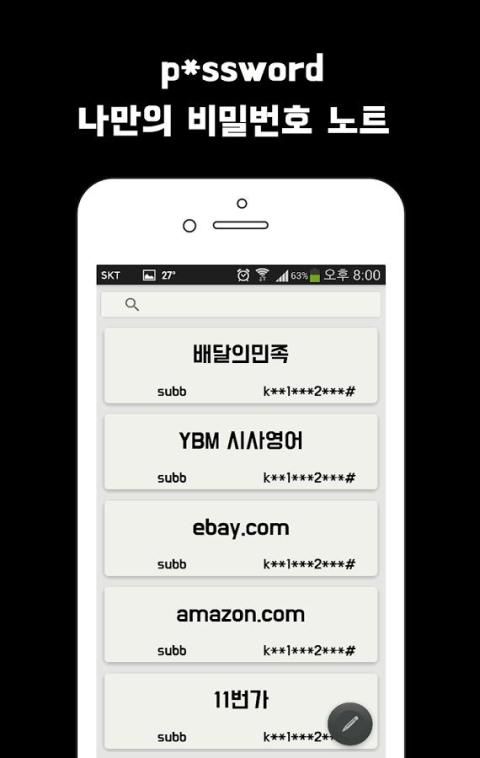
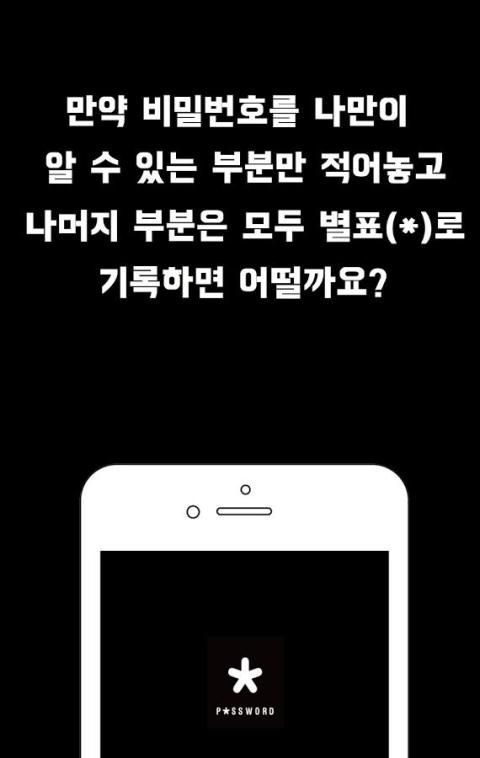
The only thing is the keyword that you find out you need to remember your password. If you know only the location of the password are not keywords in other words, when you record shall be easily inferred bimilbeonhoeul to record only the keyword is sufficient.
Now, put an asterisk (*) in the rest of the password except your own notes, and keywords of my p * ssword password from the password management please!
[ How to use ]
◆ The emergence window write you right-click the bottom button.
◆ The Options window where you can choose the lower-right corner, click and hold highlight color selection, data backtup / restore appearance. Please backup File is available on the download folder on your device, you can restore the data if the file.
◆ Click on the title data is written minutes of the characters change color helps to identify data.
◆ the data you swipe from right to left edit, delete tab appears, you can modify and delete data.
[Features]
◆ All data is not stored on online servers are stored only on your phone.
◆ When you access the app, you must disable the lock screen, use the p * ssword notes.
◆ After the data input, press the function button will convert a part of the password is treated with an asterisk (*). (Of course, it can also be recorded directly according to your convenience.)
◆ you enter the data are retrieved from the search window at the top of the screen.
[Addition]
◆ data highlight by color
◆ data highlight color option
◆ data backup




![Karen is a LIAR (feat. Taylor Swiftblox) 🎵 [Official Roblox Music Video] screenshot 5](https://i.ytimg.com/vi/WwQVL9ZhY-Y/mqdefault.jpg)

9Apps 4.9














