

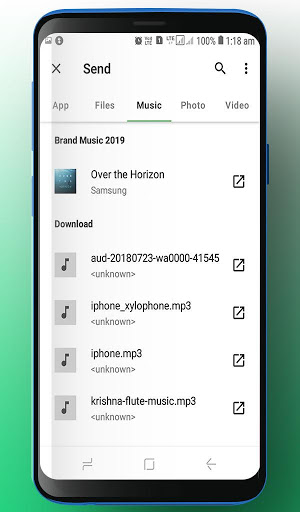
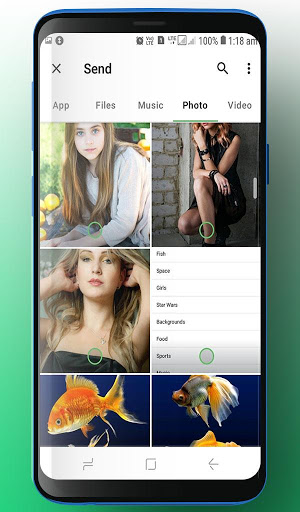
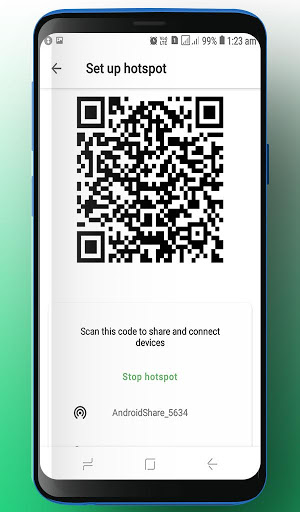
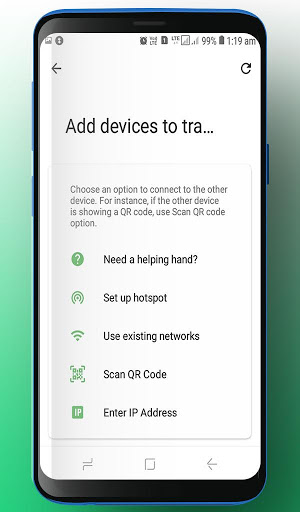
▶ Special Features
• All you need is a one-time 6-digit key for an easy file transfer
• Wi-Fi Direct: transfer without using data or the Internet
• Share files to multi-people at once via a link
• Transfer files to a specific device
▶ Use of Share Anywhere!
• When moving photos, videos, and music to your Smartphones!
• When you need to send large files but you do not have mobile data or you have difficulty connecting to the Wifi Anytime you want to send files in an instant!
* While using the application if an issue or error arises, please let us know.
Video Files & Media & Audio Files
• Depending on the video type received, the video may not be pushed into the phone’s gallery. In this case, using a file management application will play the video.
• If you can’t play the videos received, download a different video player that is compatible with the video format.
To best use Share Anywhere’s convenient file sharing service, we ask user’s permissions listed below
• Access to location: To share files by using Wi-Fi Direct that through Google Nearby API.( Bluetooth may be turned on to find and identify near devices, so it may request Bluetooth permissions.)
• Camera : For being able to receive files via a QR Code.
• Write Internal Storage(Required) : To store files that are in internal storage through 'Share Anywhere'
• Read Internal Storage(Required) : To send files stored in internal storage through Share Anywhere.
• Write External Storage : To store files that are received through Share Anywhere in external storage (SD Card).
• Read External Storage : To send files stored in external storage through Share Anywhere.
• Record Audio : To recognize a sound wave and receive files.
Share Anywhere: Easy, quick, and Fast file sharing!
Enjoy The App!




9Apps 4.9














