


Felix Solar Log
Bluetooth Inverter Connection and Data Logging application for your solar photovoltaic system.
Supports SMA* Sunny Boy Bluetooth wireless enabled solar PV Inverters.
Note: please check with your installer they have set the Bluetooth ID and date/time of your inverter.
Supports multiple inverter logging (can only connect/view one at a time).
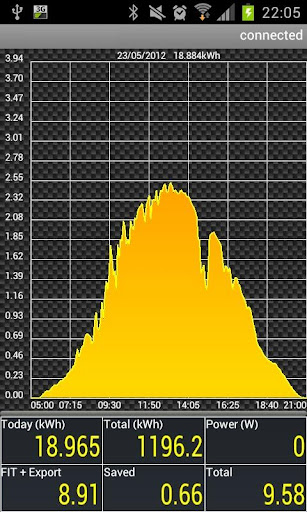
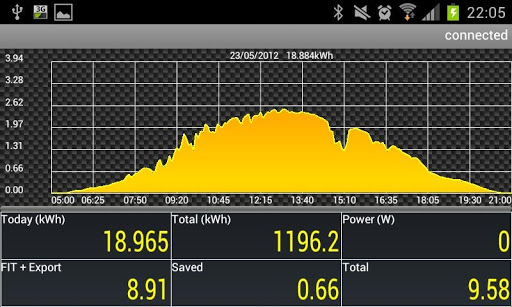
Daily graph updated whilst connected to the inverter.
Swipe gesture support on graph to move between days.
Download Historic data for date range (inverter holds last 90 days).
Provides real time spot values for performance monitoring.
Power (W)
Today (kWh)
Total (kWh)
Today Feed in Export Income
Today estimated cash savings on electicity
Total Income (Feed in savings)
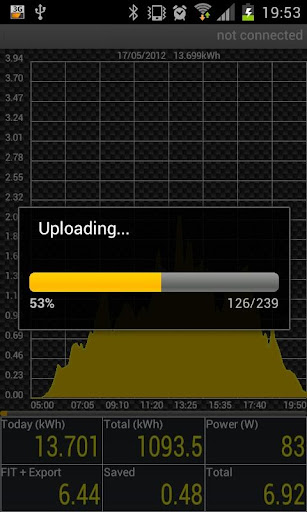
Upload Collected data to pvoutput.org** for further online analysis.
Option to real time auto upload to pvoutput.org whilst connected. NEW!
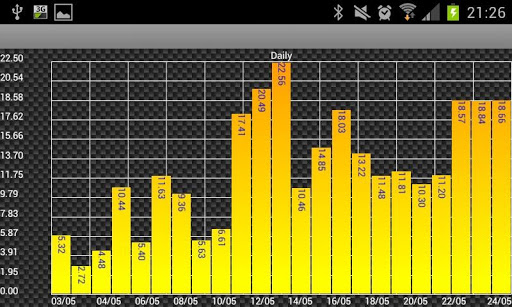
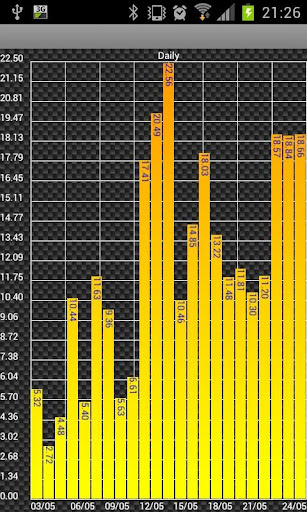
Historical daily totals (kWh) data viewing by scrollable bar chart.
Historical weekly totals (kWh) data viewing by scrollable bar chart.
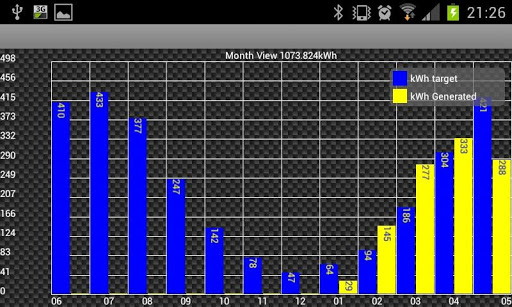
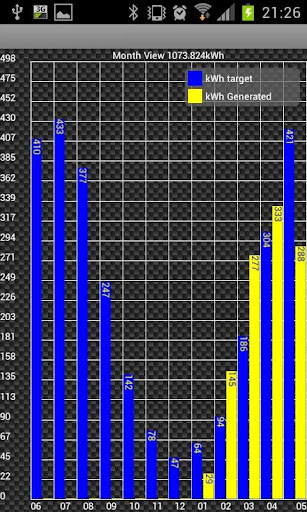
Historical monthly totals (kwh) bar graph with ability to show comparison to monthly targets.
Plant View aggregate Historic daily totals (kWh) data viewing by scrollable bar chart for all inverters registered.
Plant View aggregate Historic weekly totals (kWh) data viewing by scrollable bar chart for all inverters registered.
Plant View aggregate Historical monthly totals (kwh) bar graph with ability to show comparison to monthly targets. for all inverters registered.
Database tidy function.
Database backup/restore, transfer your data to your new android device
Optional auto backup to "/sdcard/Felix Solar Log/Backup" each time you start the app.
Copy your backup into "/sdcard/Felix Solar Log/Restore" to auto restore when you next start the app.
CSV Import function, Import your Sunny Explorer CSV Files.
Format1: dd-MM-yyyy HH:mm:ss;kWh;kW
Format2: dd/MM/yyyy HH:mm:ss;kWh;kW
Format3: dd.MM.yyyy HH:mm:ss;kWh;kW
Multi file bulk CSV Import functionality, place files in "/sdcard/Felix Solar Log/Import"
*Tested on SMA Sunnyboy SB4000TL, STP8000TL, SB2000HF, SB3000HF Models
**requires free pvoutput.org account and api key, pvoutput.org will only accept uploads within the last 14 days.
Thanks to Jakob, Roberto & Guenter for their translation
Update for Newer Android Versions












9Apps 4.9














