
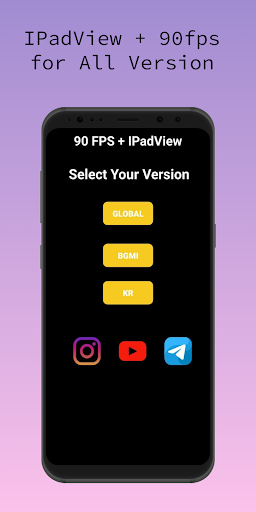
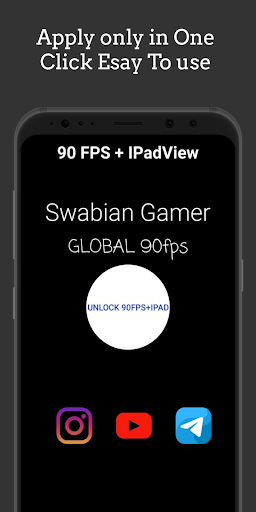
Unlock 90 FPS and IPADVIEW for any device. Supports Android 11 and 12 too.
HOW TO UNLOCK?
1) To unlock 90 FPS on devices that are running below android 11, allow the permission and click on unlock 90 fps button. That's it.
2) If your device is running on Android 11, you need to allow extra permission to unlock 90 fps.
. Click on Unlock 90 FPS button that will redirect to a folder.
. Click on the 'use this folder' button and click allow.
. After the permission grant, you can unlock 90 FPS by clicking Unlock 90 FPS button.
Contact me through Instagram if you have any queries.




9Apps 4.9













