
Who Touched My Phone & Anti-Theft Alarm
The best mobile security and safety app in the Google Play Store is Who Touched My Phone & Anti-Theft Alarm. There are many apps for phone safety and security available on Google play store under the same name uploaded in the Google Play Store have lots of bugs, but our app Who touched my phone and Don’t touch my phone is an error free app that works on all Android devices and supported all versions of Android and works on all android brand phones.
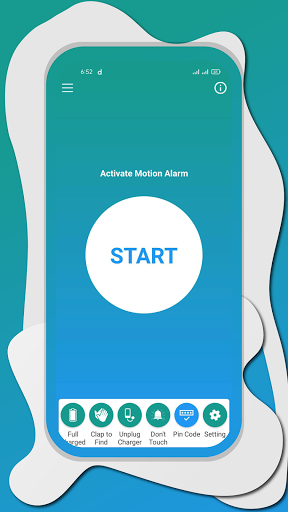
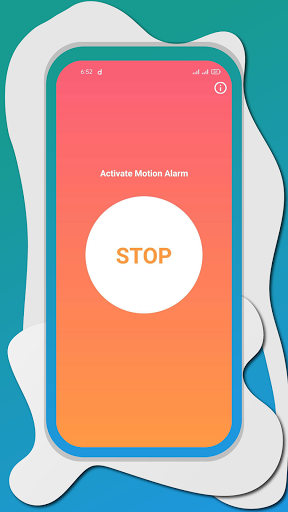
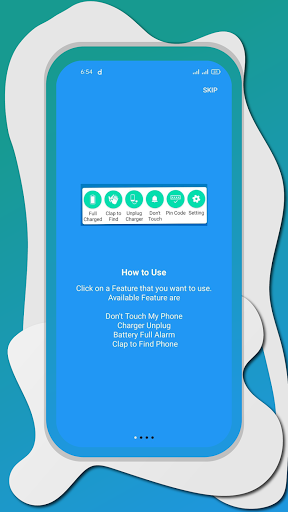
Who Touched My Phone and Anti-Theft Alarm uses a motion sensor multiple times during travel to protect your phone from theft. If you lose your phone or someone steals your phone, you will be in a lot of trouble and your whole data is on risk, but Who Touched My Phone and Don’t Touch My Phone will help to keep your phone safe. This app provides a warning to the theft if he tries to steal your mobile phone. All you have to do is click on the start icon to activate the feature alert, now If someone tries to touch your smart phone you can easily catch, you can place the phone on a flat surface or anywhere and activate the feature that you want to used and now if anyone try to misuse your mobile phone you can easily catch the theft and you can secure your smart phone using Anti-Theft app.
All you need to activate this Feature alert feature if you are afraid that someone will check your smart phone, and read your personal messages or access your pictures or files. multimedia. when someone tries to touch your phone, alarm automatically starts automatically can't stop until they enter a password, if right person picks the smart phone
Battery Full Charge Alarm
The Battery Full Charge function is also an important function available in Full Charge Alarm application when you place your phone on charger you don’t need to check it again and again for battery percentage and many times we forget to remove the phone from charging and overcharging is harmful for you smartphone and also waste of electricity that’s why we build this feature of Battery Full Charge Alarm just activate before put your phone on charge and when charging of your phone is completed and its start alarms and when you remove your phone from charge alarms automatically stop best way to save electricity and battery of your smart phone.
Charger Removal Alarm and Charger Unplug Alarm
The charger removal alarm is also one of the best features of the Charger Unplug Alarm app that uses this app. if you are in public places, you can often protect your phone from theft when if your cellphone battery is low, so you need to charge your smartphone in public places of airports and bus parks, then someone can easily steal your phone so this app Charger Removal Alarm will help you. If you need to charge, it gives you the option to activate alarm if someone tries to remove your charger
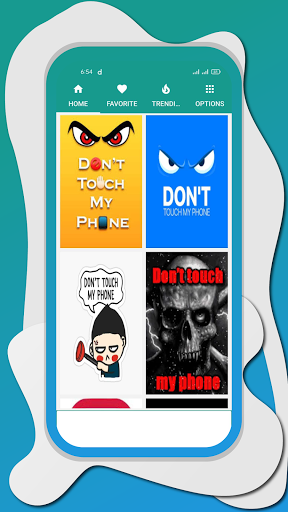
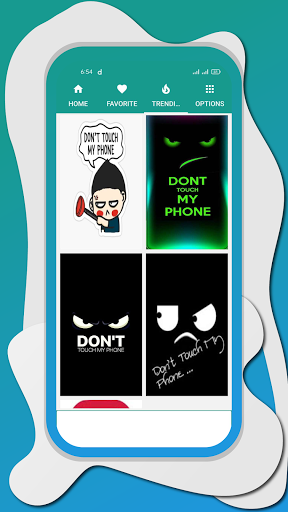
Don’t Touch My Phone Wallpapers
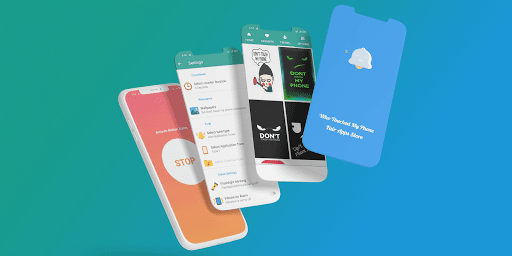
Who Touched My Phone you can add Don’t touch my phone wallpapers in your mobile phone very easily
Clap to Find Phone
Many times, we put our phone in our home and we lost it and we waste a lot of time in searching the phone our app can help you to find phone by clapping you need to activate the Clap to find phone feature if you lost the phone in any place all you need to clap and your phone automatically start alarming and you can easily trace the location of your phone by clapping.
Other features available in Who touched My Phone and Anti-Theft Alarm
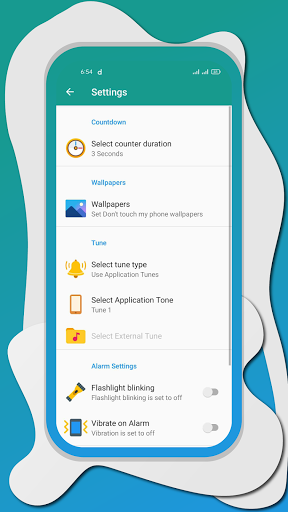
Select Ringtone you can select the ringtone that are available in Who Touched My Phone application and you can also add external select tone and use it at alarm
Flash light Enable
Secret PIN
Who Touched My Phone and Don’t Touch My Phone application is developed by Fair Apps Store if you have any kind of query regarding this app then please Email us at fairapps77@gmail.com




9Apps 4.9













