
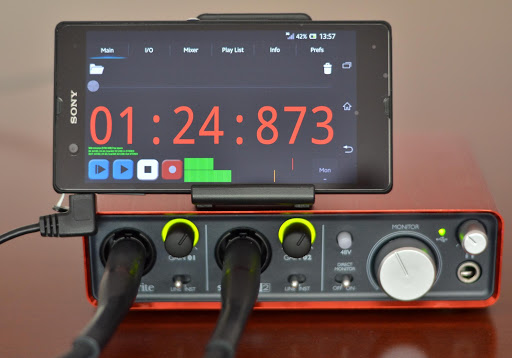
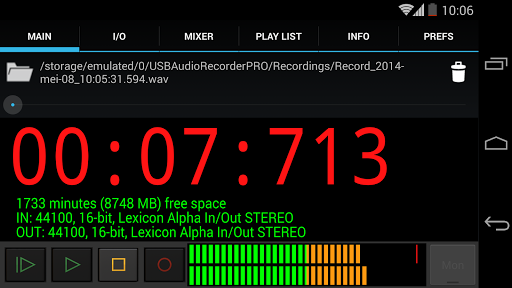
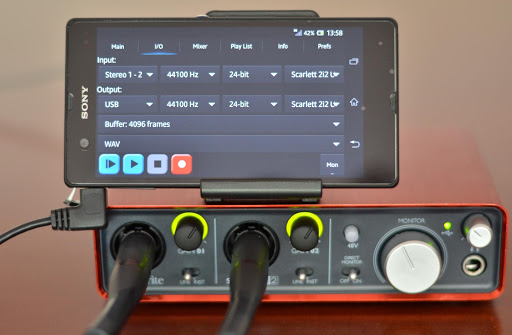
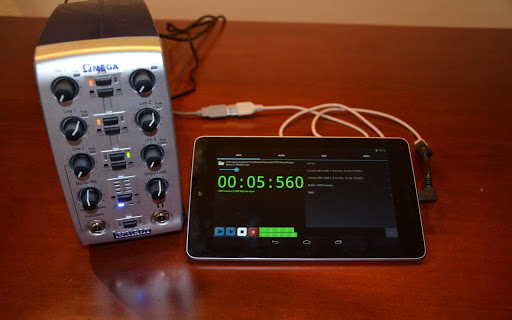
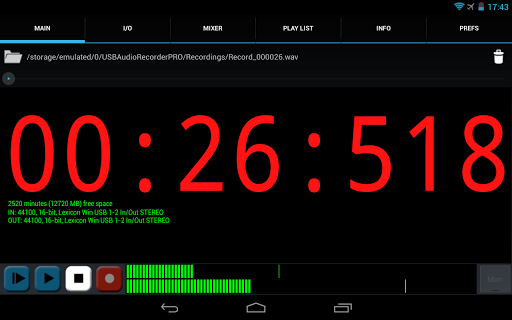
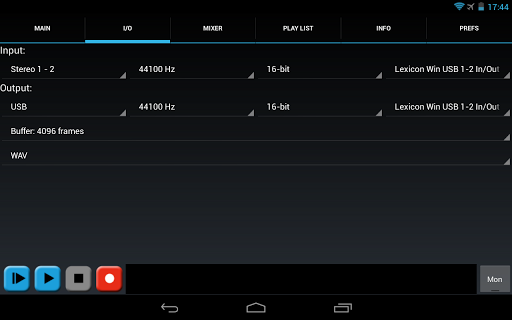
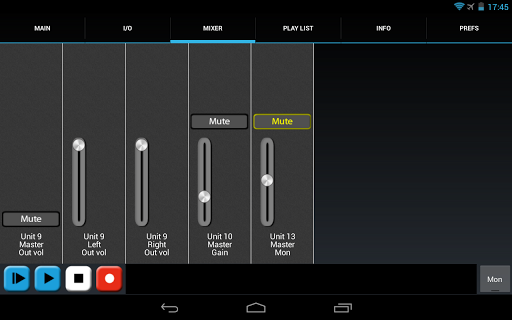
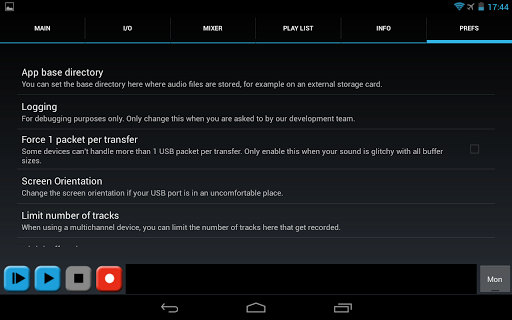
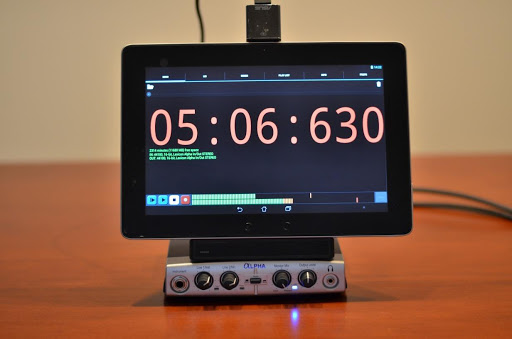
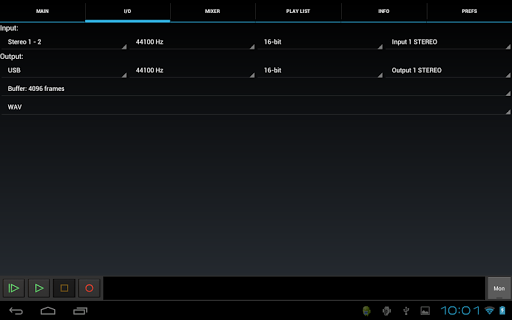
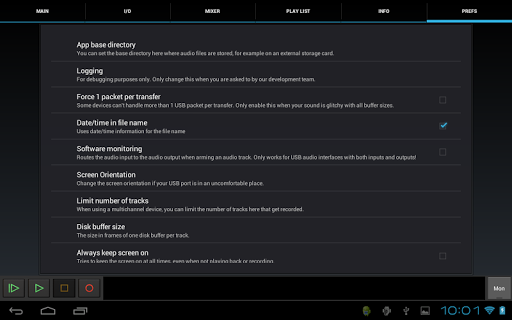
Record and playback audio in high quality from a USB audio interface! Warning: this is not a generic driver, you can only playback and record from within this app. It is not possible to use your USB audio device with other apps!
Please have a look here for a list of tested devices and more information:
http://www.extreamsd.com/USBAudioRecorderPRO
If you are more interested in a media player, please see our USB Audio Player PRO app:
http://play.google.com/store/apps/details?id=com.extreamsd.usbaudioplayerpro
eXtream Software Development has written a custom USB audio driver from scratch because many Android devices do not support USB audio or not in the full quality that our driver offers. No rooting is required.
Your USB audio device must be class-compliant in order to work: USB 1.1 and USB 2.0 class-compliant devices are supported with either USB audio spec 1.0 or 2.0. Devices that require you to install specific drivers under Windows or OSX will usually not work.
Make sure to connect your audio device BEFORE starting the app. If you get a message on start-up saying that the device failed to initialize, your device will not work (for now). Reasons can be that your Android device does not meet the requirements, it does not supply enough power (try a powered hub), the USB audio device is not class-compliant or you are not using an OTG cable (if needed).
Please let us know if your Android/audio device combination works.
Note that this app also functions as the license/key to use USB audio in Audio Evolution Mobile.
Features:
• USB audio recording
• USB audio playback
• Mono, stereo and multichannel recording
• Stereo playback (on multichannel device, the first two outputs are used)
• 16-, 24- and/or 32-bit depending on your device
• Up to 384 kHz sample rate (depending on your audio device)
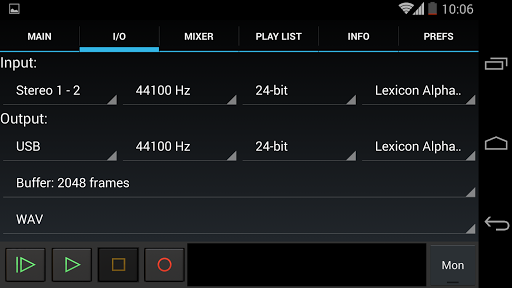
• Input/output selection
• Buffer size selection (1024 to 16384 frames)
• Recording format selection: wav/flac/ogg/aiff. (No mp3 since that is patented, use ogg for similar quality and compression)
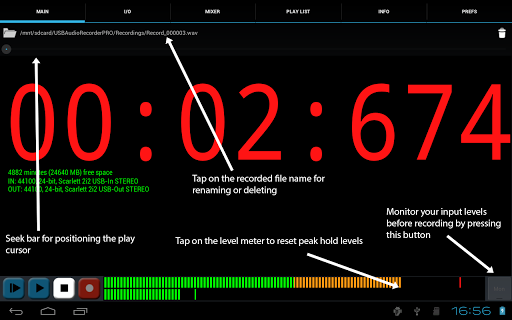
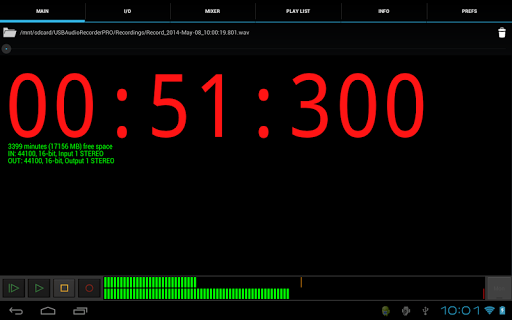
• Level meters for playback and recording with peak hold to see what your loudest peak was (tap on level meter to clear)
• Monitor button to set your levels before recording
• Load wav/aiff/flac/ogg files for playback
• Rename or delete recording
• Display of available disk space
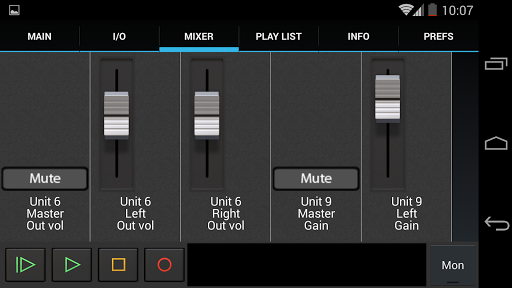
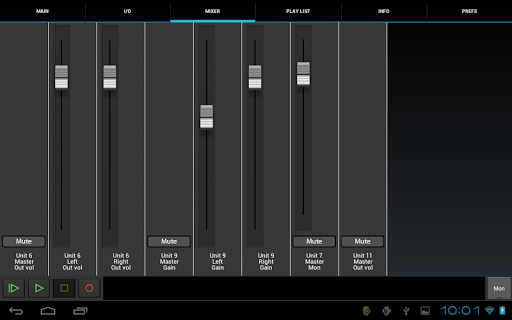
• Internal controls like gain, volume and mute are presented on the mixer screen if available
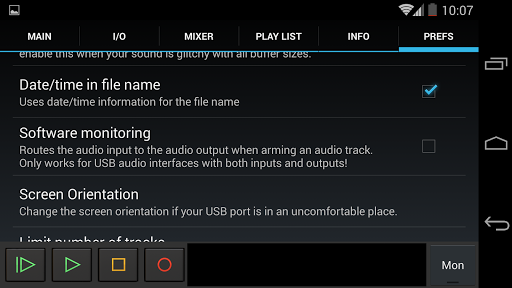
• Set the folder you wish to record to, for example, external sd cards
• Play through your Android device's internal speakers or headset in case you have an input-only device like an USB mic
• Very basic playlist (directory playback) functionality because of many user requests. No mp3 playback or fancy graphics, the app is meant for recording!
• Share your recordings through GMail, SoundCloud, etc.
Requirements:
• 800x480 screen minimum (in landscape)
• Android 3.1 or higher (no root required!!!)
• Android device with USB host capability
• USB OTG cable to go from micro-USB to full-sized USB if your Android device does not have a full-sized USB port
* Added dB indicator lines.
* The Mon button is now styled to show a red line when active.
* In some situations, multitrack recordings were stopped after the 2GB split point. Solved.







9Apps 4.9