

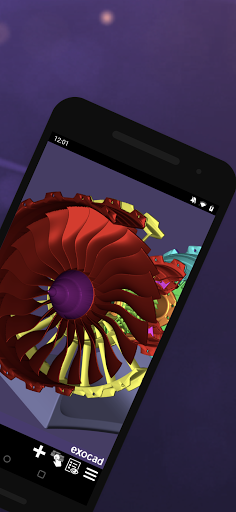
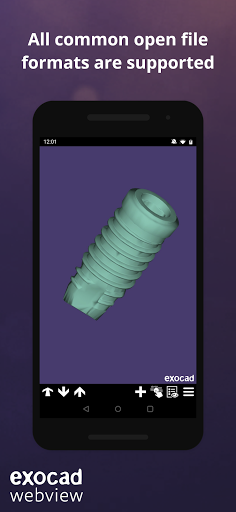
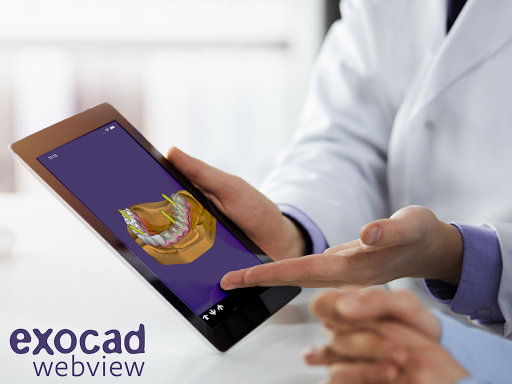
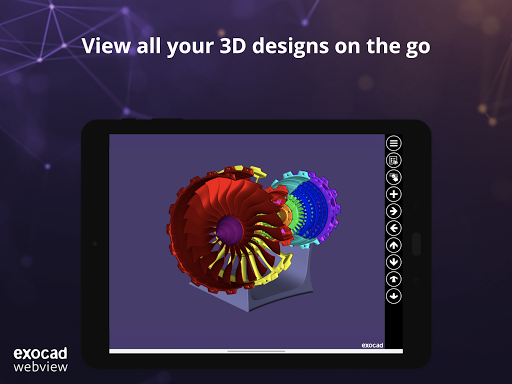
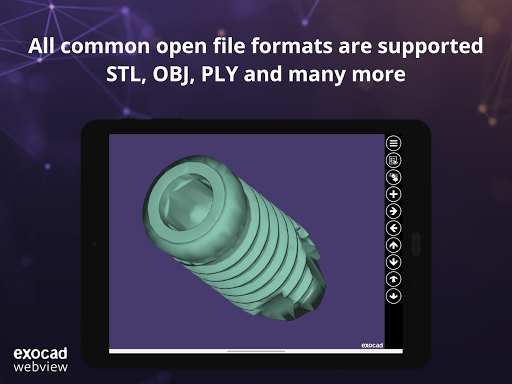
Load almost any type of 3D-model quickly and easily in our established 3D-viewer. All common open file formats are supported – STL, OBJ, PLY and many more. The intuitive and user-friendly user interface makes viewing your models a pleasure on any end device. Can be used on smartphone, tablet, laptop and PC/Mac – try it and see for yourself.
The benefits of exocad view at a glance:
- Free to use without registration
- Simple and intuitive design
- Available in more than 11 languages
- Compatible with all open 3D data types: .stl, .obj, .ply, .wrl, .off, .eoff, .xyz, .xyzn, .xyznb, .xyzc, .asc
- Simultaneously load multiple files
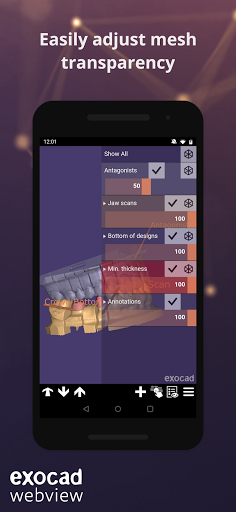
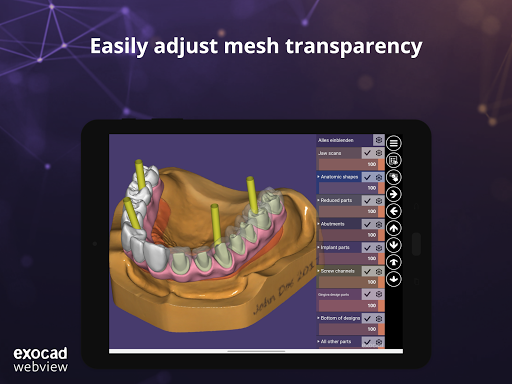
- Easily adjust mesh transparency
- Adjust rotation point view with Touch & Hold function
- Open ZIP files containing compatible 3D models
- Load files from iCloud, Dropbox, Google Drive and more
- Full texture mapping and vertex color support
Features for exocad DentalCAD users:
- Open and view exported HTML files from DentalCAD
- Open zipped DentalCAD project folders
- Recognizes annotations made in DentalCAD
- Open and view exocad scenes via dentalshare link
- Load facial scans
- Load password-protected 3D data from DentalCAD
Our Application is also available as a web app via any browser: https://webview.dental/
What do you think about exocad webview? Please send us your feedback to webview@exocad.com !
- Improved rendering for point cloud data
- Improved loading of .obj and .mtl files
- Bug fixes and performance improvements


9Apps 4.9















