Word Clock - Watchface icon

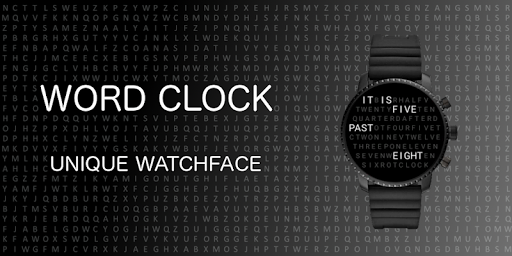
Word Clock - Watchface

1.9.4 for Android
3.9 | 5,000+ Installs | Reviews

Markus E.

$0.99

Description of Word Clock - Watchface

ONLY FOR WEAR OS - NOT FOR SAMSUNG (TIZEN) SMARTWATCHES
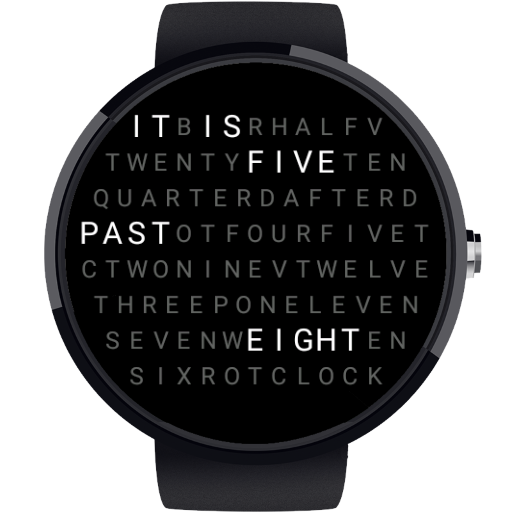
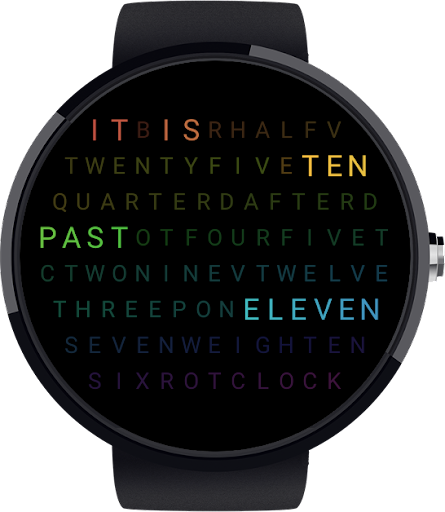
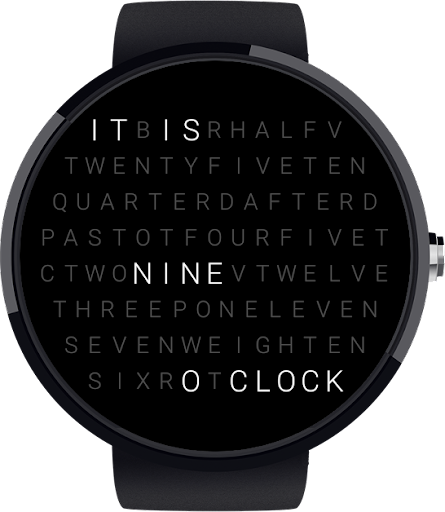
Known system for time in words. Now on your smartwatch with Wear OS.
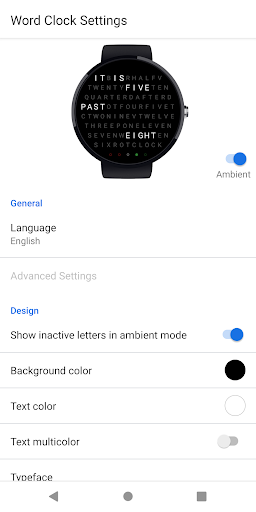
Many different design options:
- Color settings
- Font size
- Show date when tapping on the watch face
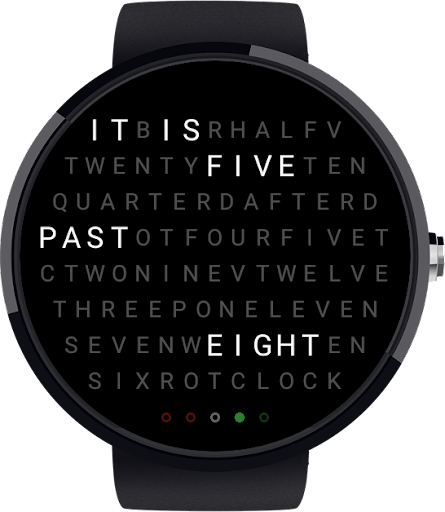
- Exact minutes as color points
- Battery level (white dots in 20% steps)
Settings available on both smartphone and watch.
Available languages:
English, German, French, Spanish, Dutch (more coming soon ..)
Supported Devices:
All Wear OS 2.0 Devices
Please help for more translations - wordclock@erli.at

What's New with Word Clock - Watchface 1.9.4

Version 1.9.3:
# New option: Show battery level (instead of minutes)
Version 1.9.4:
# Improvements and bug fixes on square watches
# Fixed bug in Spanish

Information

  • Category:
    Personalization
  • Latest Version:
    1.9.4
  • Updated:
    2020-10-04
  • Requirements:
    Android 0 or later
  • Developer:
    Markus E.
  • ID:
    com.erli.awordclock
  • Available on:
Reviews
  • avatar
    Cannot find this on my downloads or anywhere. There is no app to even go on to help.
    2022-11-12 06:28
  • avatar
    Worth the money! Basically Qlocktwo but in Wear OS. But somehow I wonder if there's a setting for animated RGB color mode?
    2022-01-24 12:41
  • avatar
    Apparently no one else understands this watchface. I used to use a different word clock watchface, but its not available anymore. This one is pretty much perfect. Just a few features I would add. An option to make all the text of the watchface the same size, and also to make the words "it is" move around more like the other words do.
    2021-06-14 04:52
  • avatar
    It is always a few minutes behind the correct time. Also, I'm unable to configure the multi color for the fonts and background color. The only font color option is white with the black background.
    2020-06-05 11:36
  • avatar
    Shows wrong time
    2020-03-02 06:10