
How to use this App (Always on Screen - AMOLED):
1. Open Always on Display- AMOLED, start service
2. To wake up your phone, double tap on screen
3. To turn off screen just press power button
4. The user can on or off service.
Permissions :
Phone permission:
The app needs phone permission to recognize incoming calls, dismiss the always on
screen and show the incoming call screen.
Modify system settings permission:
The app needs permission to modify system settings to change the brightness of the lock screen.
Main Feature Always On AMOLED Wallpapers :
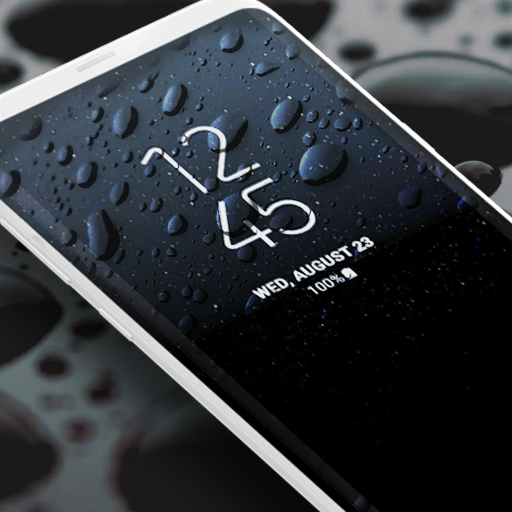
* Display battery level on lock screen
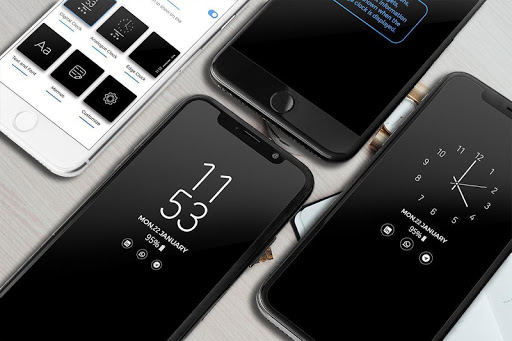
* Stylish and smart Watch - always on amoled
* Option to start display after screen lock activated
* Music Controller : song play , pause , forward , backward
* Notifications - view notifications without touching your device
* Customization - change the text color, text size,font, brightness
* Always On Memo - write a reminder and make it show up on your screen
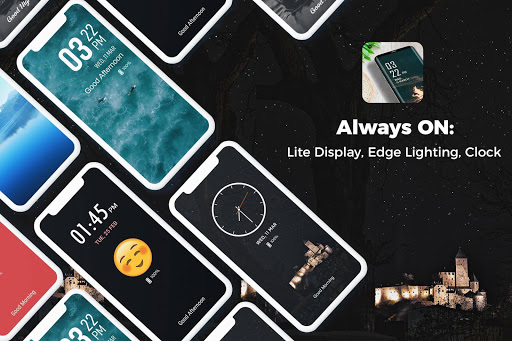
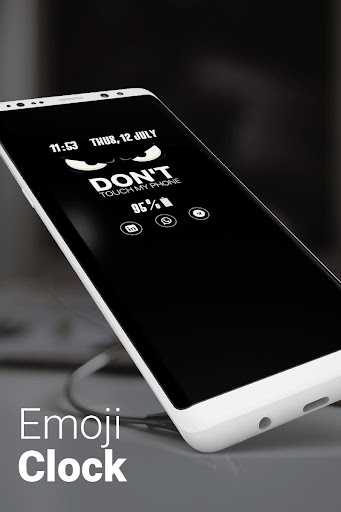
* Change clock style: there is a vast variety of styles (Digital, Analogue,Emoji Clock , Picture Clock and calendar clock etc).




9Apps 4.9














