
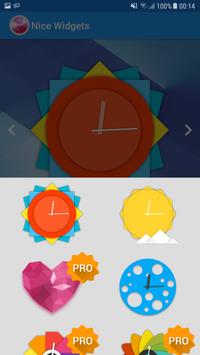
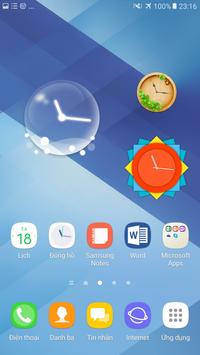
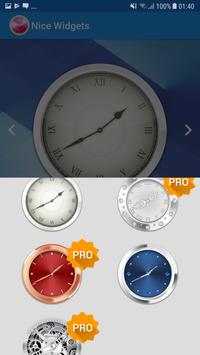
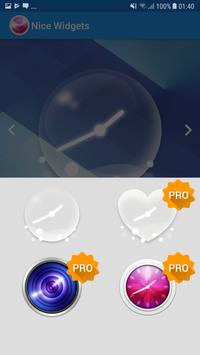
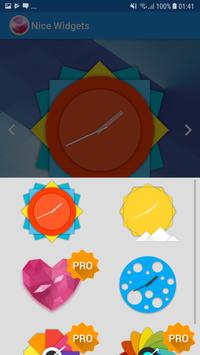
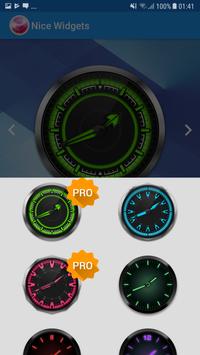
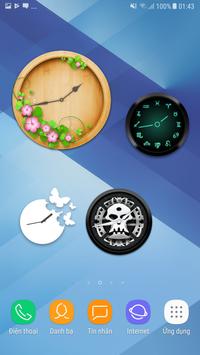
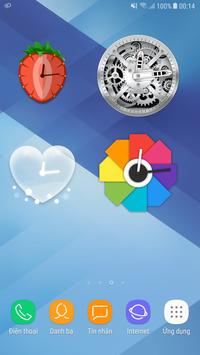
Many beautiful clock widget. More 40 design Cool Clock Widget
Many theme you can choice :
* Simple
* Nature
* Black and White
* Sporty
* Noctilucent
* Fruits
* Diamonds and metal
* Light
* Flat
* Animals
Create widget and custom for yourseft.
Enjoy a stylish analog app & widget
The best analog (clock) widget, very beautiful theme for clock widget
To add a clock widget:
Go to home screen -> tap and hold on an empty space -> select "Apps and widgets" -> (tap on "Widgets" at the top of the screen) -> find, then tap and hold "Nice Clock Widget"-> drag the widget to a preferred position on the home screen.
To customize a clock widget or live wallpaper clock:
Open the "Nice Clock Widget" app -> find the clock you want to customize -> Your changes will be automatically saved when You exit the app.
This app uses the Device Administrator permission.
Fixed bug request permission



9Apps 4.9













