SyncMyDroid: Transfer to PC icon

SyncMyDroid: Transfer to PC

1.11-full for Android
4.4 | 5,000+ Installs | Reviews

EastCat

$2.49

Description of SyncMyDroid: Transfer to PC

Copy any file from your Android device to your computer over WiFi.
* Backup your pictures, videos, documents and other files easily.
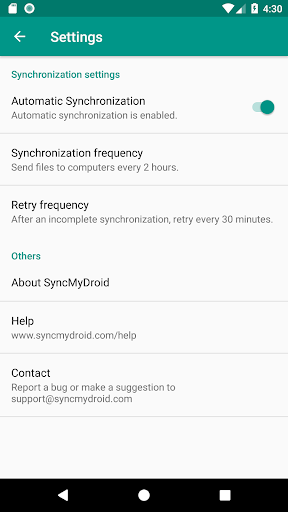
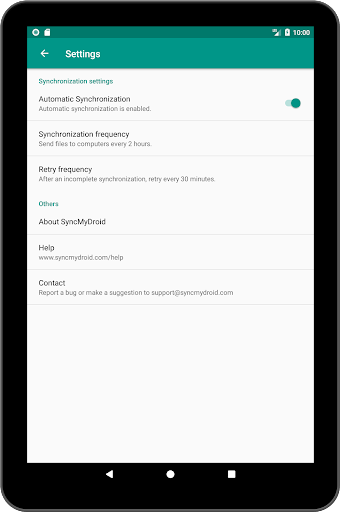
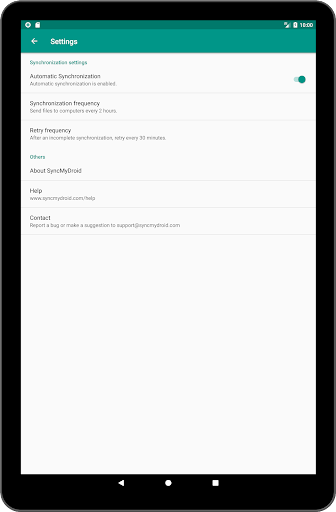
* Automatically transfer files from your phone or tablet to your computer when both are connected to the same network.
* Keep your sensitive data safe at home instead of sending it to the cloud, nothing is transferred over internet.
* Copy files to your laptop using secure encrypted connection on public WiFi (in places like hotels)
* Restore files to your Android device from your PC
Usage :
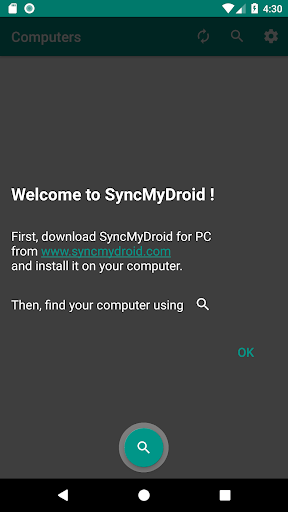
1. Download SyncMyDroid for PC from www.syncmydroid.com and install it on your computer
2. Connect your Android device over WiFi to the same local network as your computer
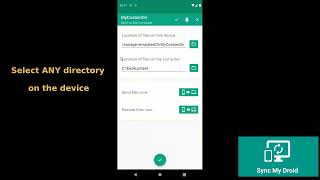
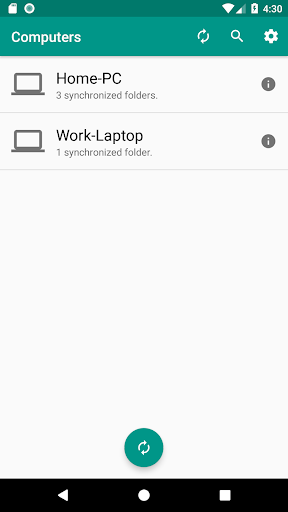
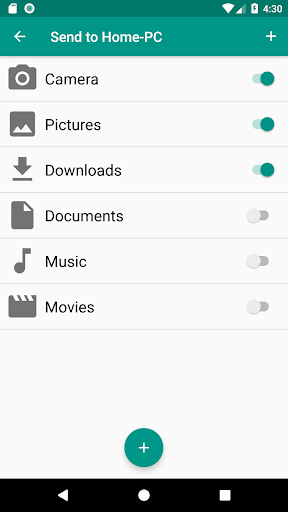
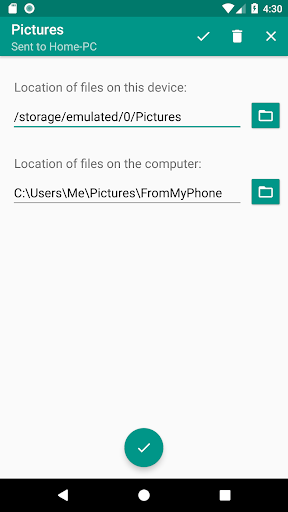
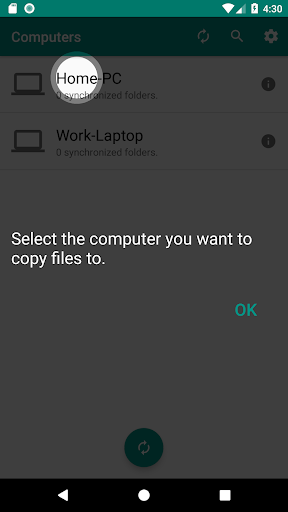
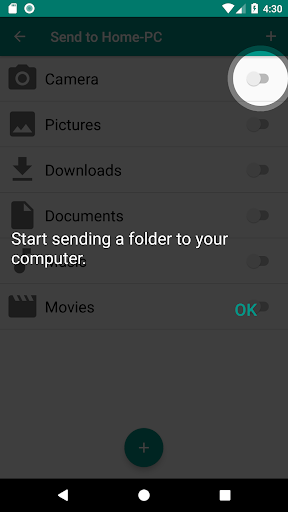
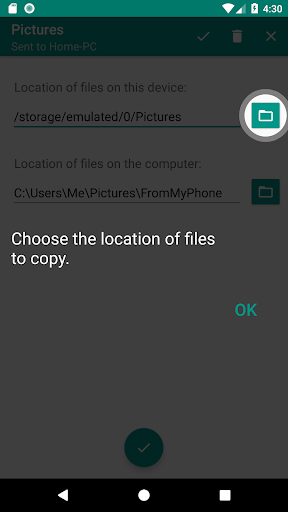
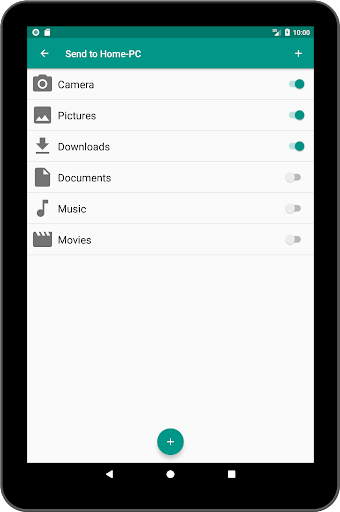
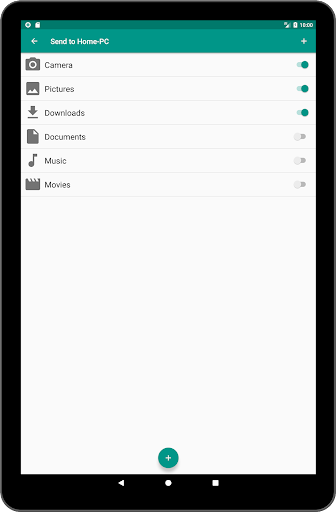
3. Choose the folders you want to synchronize
It's done! :)

What's New with SyncMyDroid: Transfer to PC 1.11-full

New feature: Restore files to your device from a computer !
Download latest version for your PC from www.syncmydroid.com


Information

  • Category:
    Tools
  • Latest Version:
    1.11-full
  • Updated:
    2021-03-14
  • Requirements:
    Android 0 or later
  • Developer:
    EastCat
  • ID:
    com.eastcat.autosync.full
  • Available on:
Reviews
  • avatar
    Perfect backup of phone to PC via wifi, easy setup, folder selection, robust & stable with scheduling for automatic background syncing. Can also sync folders back to PC, handy if you have media you want to mirror.
    2024-02-21 07:35
  • avatar
    Simple and straight forward to operate.
    2024-02-14 01:50
  • avatar
    Configuration wasn't difficult. Send sync (Android to PC) worked with external storage. Restore (PC to Android) however works only with internal storage. Good wireless file transfer alternative to Bluetooth and FTP and for those without always-on NAS. The PC and SyncMyDroid for PC must both be running for this to work so not convenient for me but still useful so no regrets. Lacks a widget. Password display Confusing.
    2024-02-10 11:43
  • avatar
    Configuration was a breeze and Send sync (Android to PC) worked fine after developer assistance. Not getting the same assistance though getting Restore (PC to Android) to work. Good wireless file transfer alternative to Bluetooth and FTP and for those without always-on NAS. Appears the PC and SyncMyDroid for PC must both be running for this to work so not convenient for me but still useful so no regrets. Lacks a widget. Password display Confusing.
    2024-02-02 12:23
  • avatar
    Very practical and easy to use app!!! A cheap but effective solution that made my life easier, to be backing up my android cell phone every now and then! Well done!!! 👍👍👍👋🙂
    2024-01-24 09:22
  • avatar
    Configuration was a breeze and Send sync (Android to PC) worked fine after developer assistance. Can't get Restore (PC to Android) to work though. Good wireless file transfer alternative to Bluetooth and FTP and for those without always-on NAS. Appears the PC and SyncMyDroid for PC must both be running for this to work so not convenient for me but still useful so no regrets. Lacks a widget. Password display Confusing.
    2024-01-24 12:16