

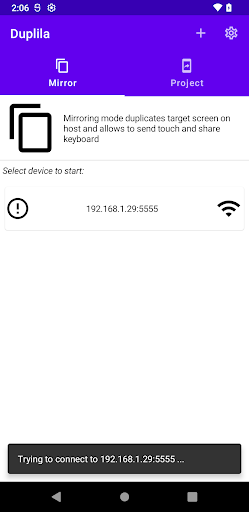
Duplila allows you to duplicate or share screen between Android devices through the ADB protocol. ADB protocol allows mirroring through USB cable or WiFi.
You can use 2 modes:
1) Projection - host (with Duplila) devices projects screen to target device
2) Mirroring - target devices shares screen with host device (allows to send touch gestures to target)
Main features
- mirroring screen of target device onto your host device (host = device with Duplila app)
- transfer touch gestures in mirroring mode, so that you can control target device
- synchronize target clipboard with host
- redirect audio from target to host in mirroring mode (works only for targets with Android 11 and higher)
- cast host screen onto target in projection mode
- "multi-cast" screen - from one host you can cast the screen to multiple targets simultaneously
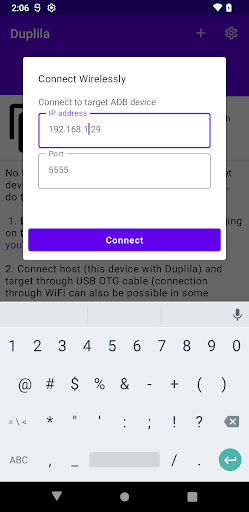
- supports connection through WiFi, or USB OTG
- very high resolution/quality, if target and host device support it
- stream audio from host to target in projection mode, which can be used to stream music or youtube video sound from your phone to you Android TV (host and target device need to support opus format and target should be with Android Marshmallow or higher)
For this app to work, you need to enable developer options and establish ADB connection.
You can find more detailed information about Duplila including instructions with images here - https://sisik.eu/blog/android/duplila/share-screen
How to use
1.) Enable developer options and USB debugging on your target device (https://developer.android.com/studio/debug/dev-options)
Note: On Huawei devices you might first need to turn on USB tethering before you enable USB debugging
2.) Connect the device where you've installed this app to the target device via USB OTG cable
3.) Allow the app to access USB device and make sure target device authorizes USB debugging
- ADB functionality improvements
- added permission for billing, which should allow users in future app version to remove ads or enable advanced features


9Apps 4.9














