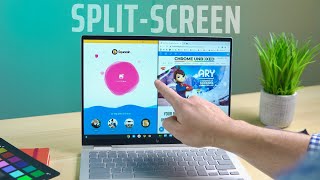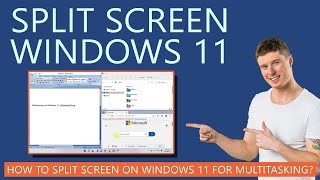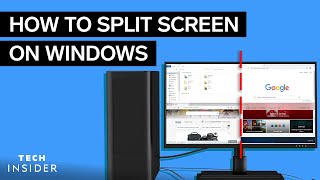
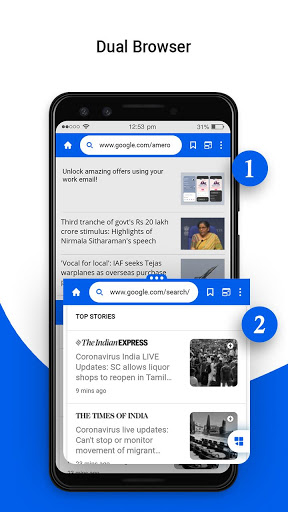

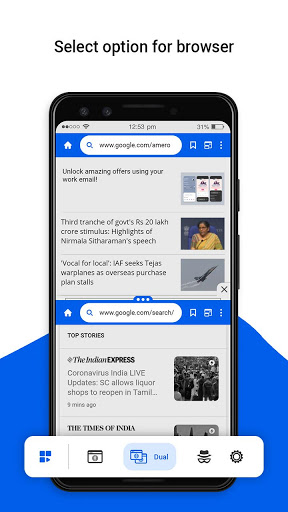
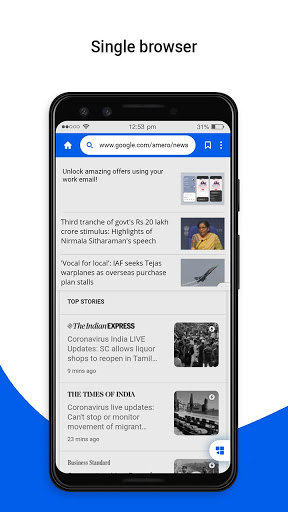
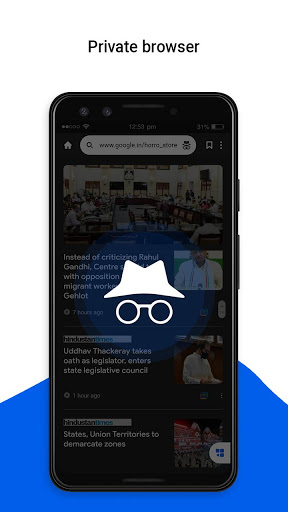
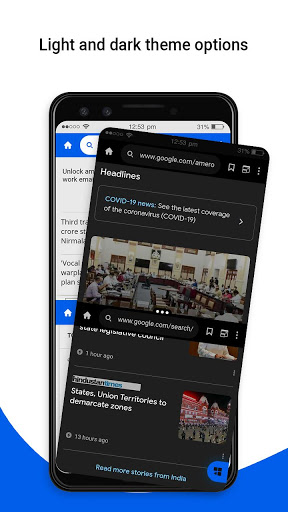
The Private Dual Browser with Split Screen app has a dual split-screen feature where you can browse different things and see their results at the same time.
Basically, in dual split-screen, the browsing window is divided into two parts with two split screens, and each split-screen has a separate search box and separate space to show the search result. The size of the split-screen is also adjustable.
This browser is fast, secured, and here you can also browse things privately.
Features of Private Dual Browser with Split Screen:
🌐 It has a dark mode theme.
🌐 You can turn off the Save History option.
🌐 You can also clear history if the Save History option is on.
🌐 You can check your internet speed.
🌐 It has a single browsing window.
🌐 It has a dual split-screen browsing window.
🌐 The split-screen size is adjustable.
🌐 It has a private browsing window.
🌐 You can bookmark web pages.
🌐 You can view web pages as per the desktop site.
Download the app and experience parallel browsing with multiple screens.


9Apps 4.9