
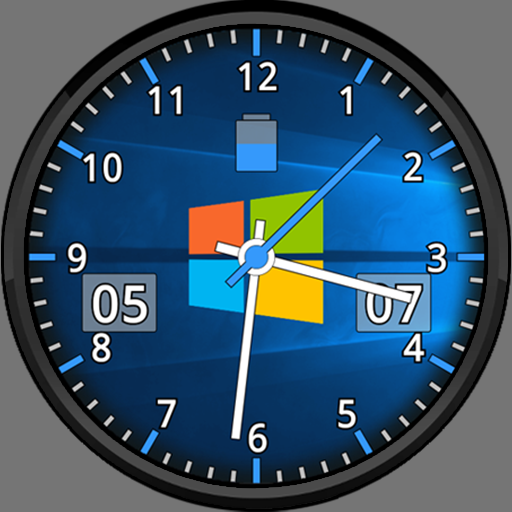

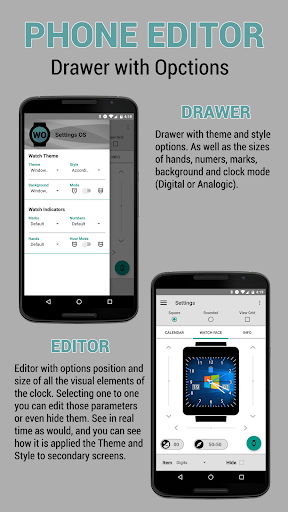
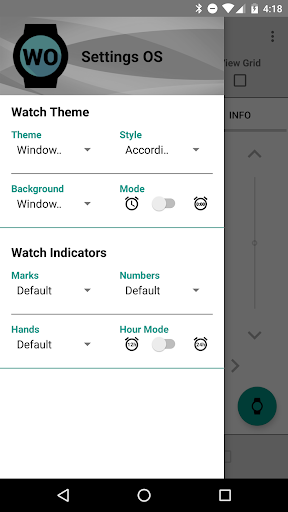
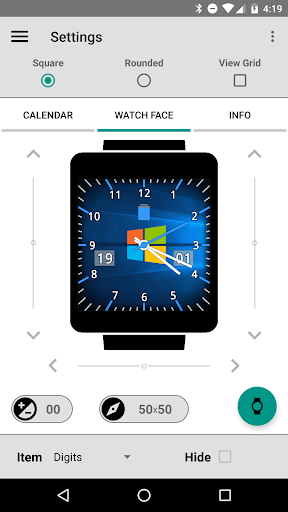
Very customizable and with which you can customize to Clock with the different appearances of the most used Operating Systems. Also it has support of visualization of the Calendar as well as relevant info on the clock.
Support :
· 2 Differents Faces (OS, Consoles)
· A Lot Of Styles (MS-DOS, Windows, Linux, Apple...)
· Differents backgrounds
· Watch Battery
· Date with Day and Month
· Time with 3 Hands
· Digital time
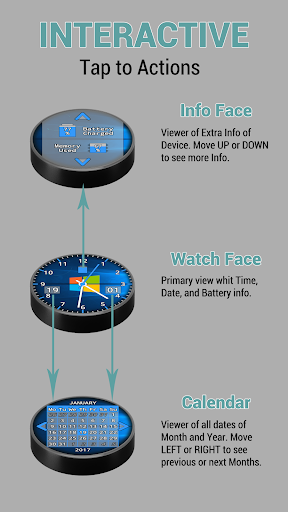
· Secondary face with more info
· Visor of Calendar
· Visor of Watch Info
· Much more to come....
The watch face is optimized to preserve battery life watch. It has a ambient mode way with which you can see minute hour day and month in the simplest way and without spending resources unnecessarily.
--------------------------------------------------
1º - Install the app on your Phone.
2º - Install the app on your Watch.
* WEAR 1.5- : For devices with Android Wear 1.5 and lower you need to wait for the APP to be installed from the "Wear OS" app on the phone.
* WEAR 2.0 : For devices with Android Wear 2.0 and above you need to install the APP from the "Google Play" on your Watch from "Apps on your Phone".
--------------------------------------------------
NOTE : You have the standalone application for configuration of WatchFace. For this you can also use the official application "Wear OS" from Google, "Galaxy Wearable" from Samsung, or others when these apps allow it.
!! MAKE SURE YOU HAVE THE CORRECT WatchFace SELECTED ON YOUR Watch, OTHERWISE settings WILL NEVER apply !!
PROBLEMS : If you have problems with the application, please contact the email from this page, and try to solve them!!
v1.07.0
· New Standalone Config Application.
· See description for more info.
v1.06.0
· Calendar View Bug fix (Non-Latin Alphabets)
v1.05.0
· Add Support Android 9.
· Fix Theme in Phone Editor.
· Add marks of Tap Areas.
· Bugs fix.
v1.04.0
· Clean Code.
· Reduce APK Size.


9Apps 4.9













