
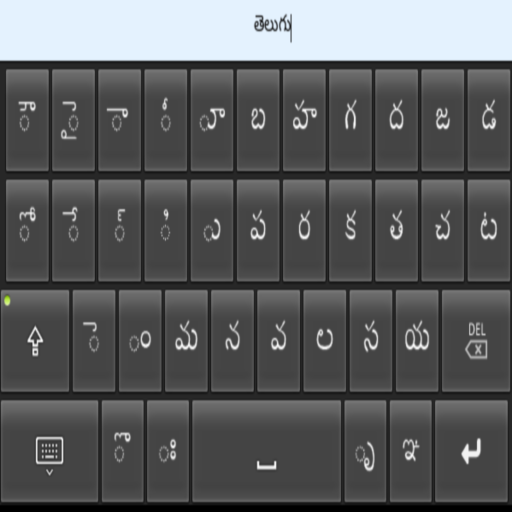
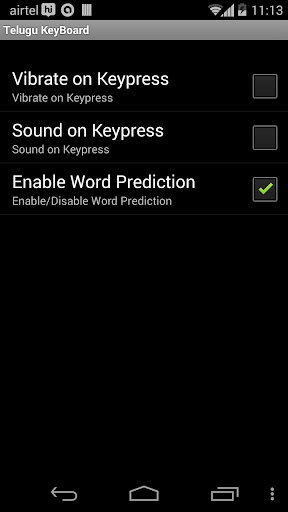

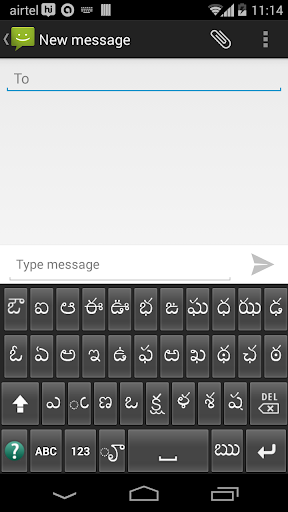
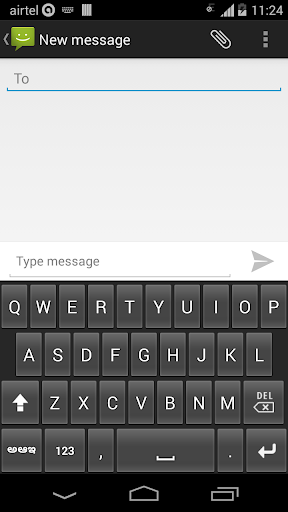
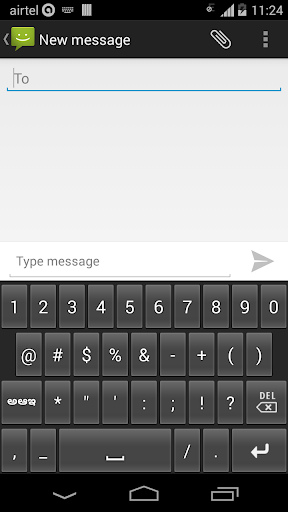
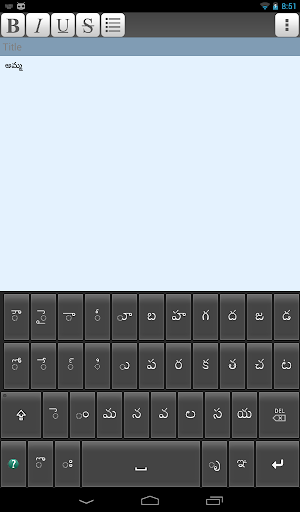
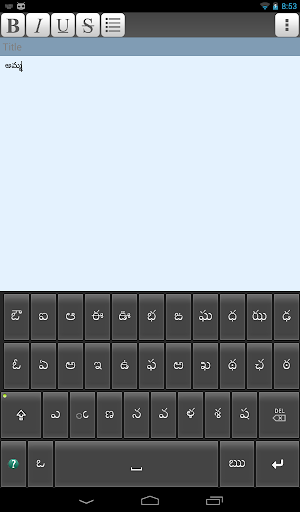
Telugu Keyboard is an intelligent dynamic keypad that offers you to type easy and fast in Telugu (తెలుగు) on your phone.
You can use the Telugu Keyboard to type Telugu sms, messages, chat, facebook, Address Book, email, blogs, reminders, twitter, whatsapp etc.
Telugu Keyboard is an IME(input method editor) for android phones & tablets. This can be your default keypad.
Installation.
1. Download and install this application on phone.
2. Go to "Settings"->"Language & input/Locale & text" -> select Telugu Keyboard(check box on).
3. Back to text compose area, Default keyboard will appear on screen.
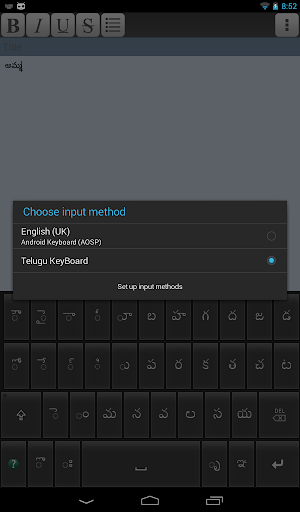
4. Change to Telugu Keyboard by going to "Choose Input Method" -> Select Telugu Keyboard option available on the Notification bar(Drag down/Swipe down Notification bar).
5. Experience Telugu Typing on Android devices.
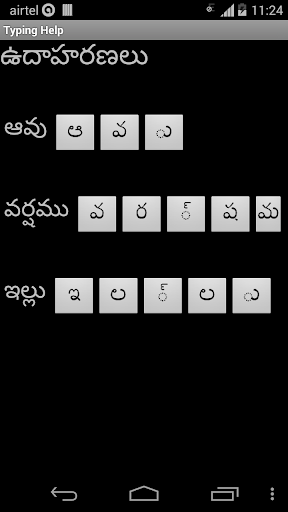
Examples of correct character entry sequence:
అమ్మ = అ మ ్ మ
విద్య = వ ి ద ్ య
For more details click the Help(?) icon on the keyboard.
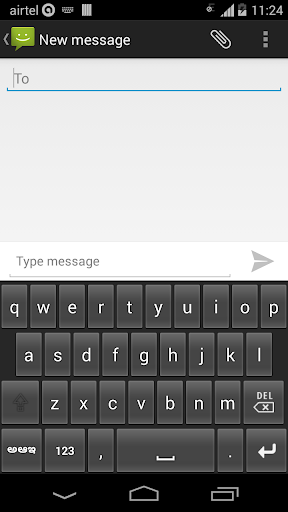
You can switch back and forth between telugu keyboard and normal keyboard by choosing input method in the notification bar.
"YOUR PHONE MUST HAVE TELUGU FONT, OTHERWISE SHOWS SQUARE/BLANK BOXES."
Bug fix and minor enhancements








9Apps 4.9














