

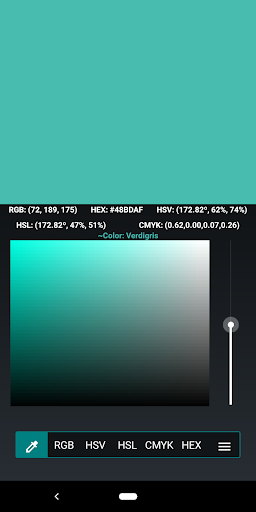
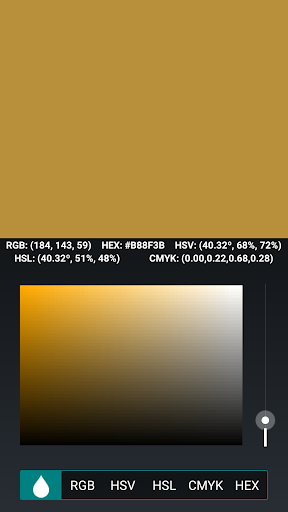
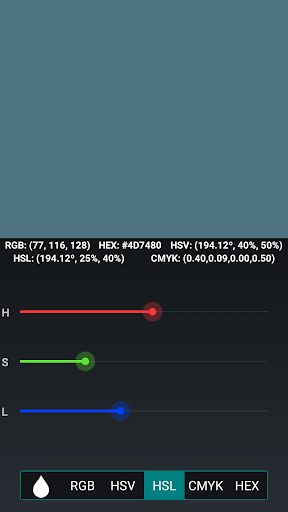
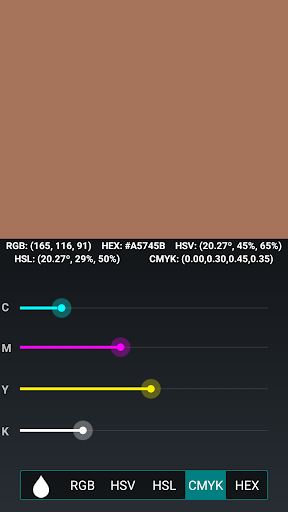
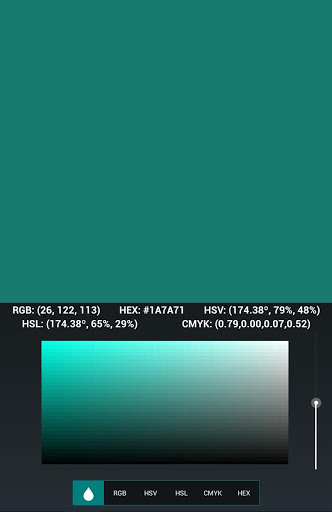
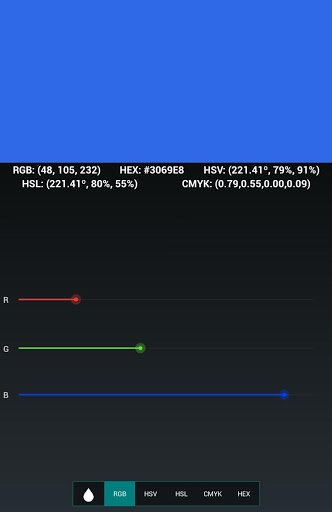
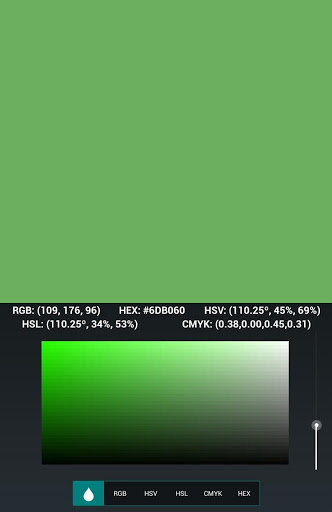
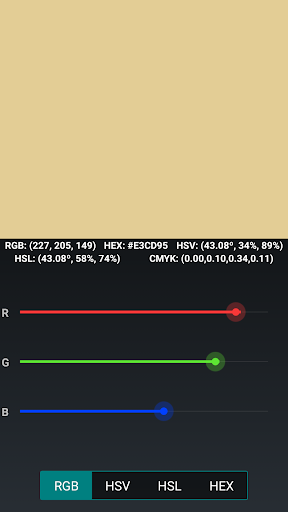
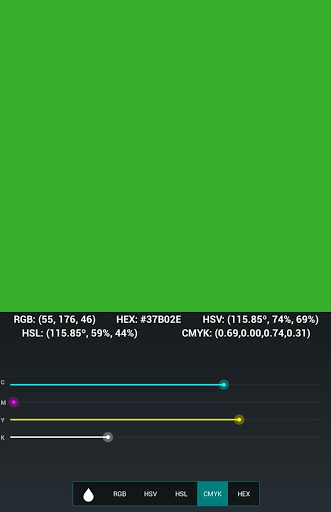
Create colors through different options such as CMYK, RGB, HSV, HSL, and HEX code.
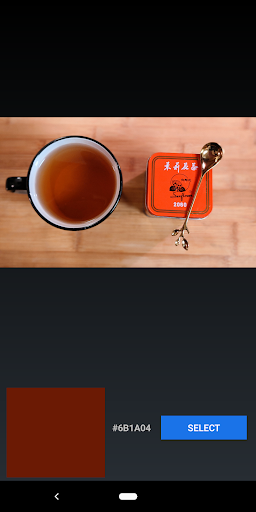
By adjusting the CMYK, RGB, HSV, and HSL scales, you can create colors through their respective methods. Simply slide the scales and the color will appear automatically on your screen with the information. You can also click on the numeric value next to the slider to input the value for the respective method. The HEX mode allows you to input hexadecimal RGB codes for creating colors. If the button turns green, then it is an acceptable code and it can be pressed to generate the color. If the button turns red, then the code will not be accepted and the text field will be reset when pressed. The vectorscope allows you to adjust the color by tapping or sliding your finger to the desired value which will then populate the CMYK, RGB, HSV, HSL, and HEX codes. As you switch between the different color creating options such as CMYK, RGB, HSV, HSL, and HEX, the color will persist and the scales will adjust accordingly. Pick colors by selecting it through an image. Send the color and details through text and email. Save your favorite colors and browse them. View information about a color such as different shades, tints, monochromatic, analogous, triadic, and complementary colors.
A network connection is not required for this application and it will remain ad free.
ABILITIES
• Create colors through red, green, and blue (RGB) sliders
• Create colors through hue, saturation, and value (HSV) sliders
• Create colors through hue, saturation, and light (HSL) sliders
•
Create colors through entering the numeric values for RGB, HSV, HSL, and CMYK
• Create colors through CMYK sliders
• Create colors through HEX input (3 or 6-character amount accepted)
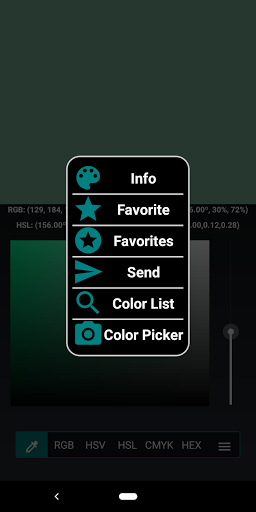
• Create colors through the vectorscope and Color Picker
• Select color from Image
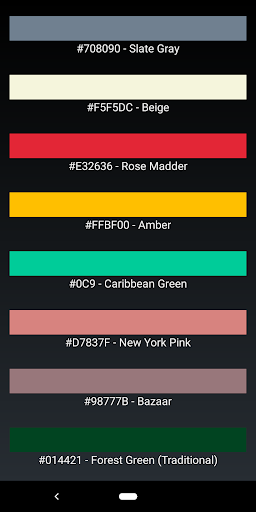
• View large list of different colors
• See closest matching color to the one being created
• Save Favorite Colors
• Send Color through Email and Text
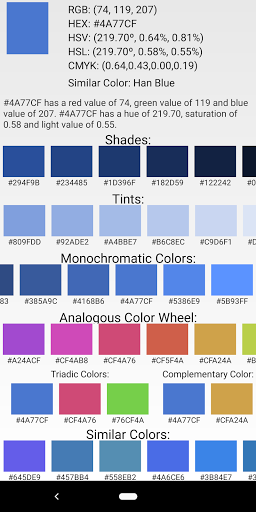
• View different color information such as shades, tints, monochromatic, analogous, triadic, and complementary colors
• Ad free
FUTURE UPDATES
• Update HSL and HSV slider colors
• Double tap color to fill whole screen
SUPPORT
If you encounter any issues with text or anything appearing off screen, please let me know and I'll try and fix it. Feel free to send me any ideas, feedback, or things you would like added. Hope you enjoy the app and find it useful!
Added information for shades, tints, monochromatic, analogous, triadic, and complementary colors.

![[4K] 10 HOURS of LED/RGB COLOR LIGHTS | No Music or Ads | Mood Light (SLOW & SMOOTH) screenshot 1](https://i.ytimg.com/vi/RtC3EvTxwsg/mqdefault.jpg)

![[4K] 1 HOUR of LED/RGB COLOR LIGHTS | No Ads | Mood Light (SLOW & SMOOTH) screenshot 3](https://i.ytimg.com/vi/2GCXUZyzf_Y/mqdefault.jpg)







9Apps 4.9














