


JB4 Mobile is a mobile data logger and display for use with the JB4 piggyback tuner from Burger Motorsports.
To connect, simply attach the JB4 data cable to your device using an OTG cable.
***Use a good quality OTG cable to avoid connection issues.
***If you keep getting "Serial port not available" errors, 1 of these issues is probably the cause:
1) Your OTG cable is faulty
2) Your device either doesn't support OTG properly or requires a powered USB hub
3) You're using a Galaxy S6/S6 Edge (see below)
Galaxy S6/S6 Edge Owners using an OTG cable: It has come to my attention that to get these devices to work correctly, you must first connect the OTG cable to your device, THEN connect the JB4 cable, THEN open the app and connect. Not sure why these devices are so picky, but at least someone found a workaround.
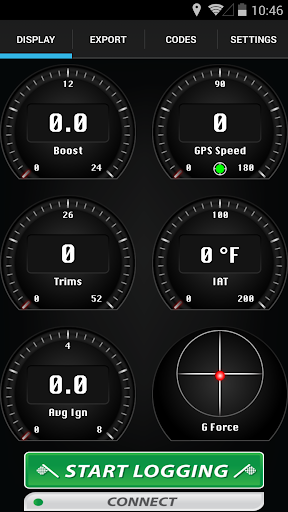
JB4 Mobile allows you to monitor multiple parameters of your JB4 equipped car at once. Parameters such as boost psi, rpm, fuel trims, air/fuel ratios, ignition advance, fuel pressure and much more are all available.
Current Features:
Data Monitoring
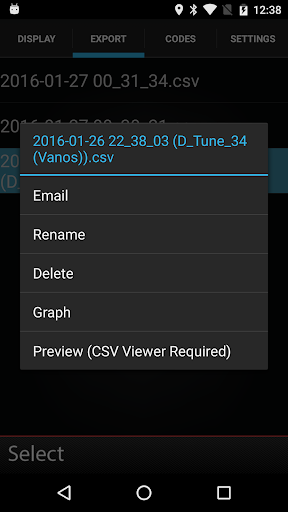
Data logging (log files are fully compatible with JB4 Windows/OS X software)
Data Graphing
Email and rename saved logs
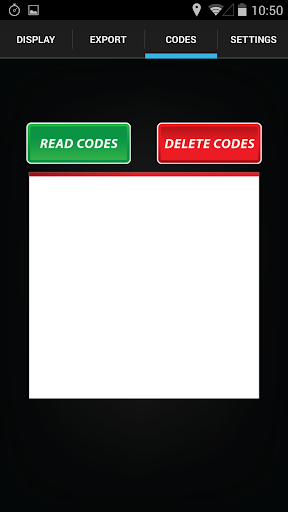
Read/Delete codes
View previously read codes
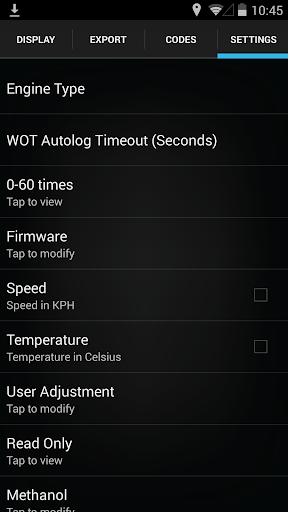
Modify boost/fuel mapping
Modify methanol settings
Switch maps on the fly
Auto WOT logging
GPS Speedometer
G Force Meter
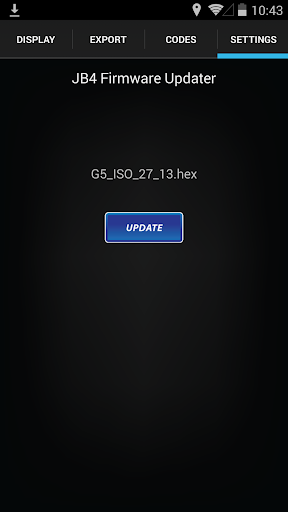
JB4 Firmware Updating
Landscape Support
How to calibrate the G Force meter:
1) Make sure your device is mounted in your vehicle in a (mostly) upright position (portrait only support for now).
2) Select a G Force gauge on the display screen.
3) When the vehicle is at a complete stop on a flat surface, simply double tap on the G Force gauge.
4) When the dot is centered in the circle with the car at a flat rest you know it is calibrated.
To switch what a gauge displays, just tap and hold on that gauge and a menu will appear.
To view your max boost, simply double tap on the boost gauge (double tap again to view live boost, max boost is reset after viewing).
JB4 Mobile is not affiliated with Burger Motorsports.
Updated file handling to fix email attachment errors on newer Android OS versions.







9Apps 4.9















