

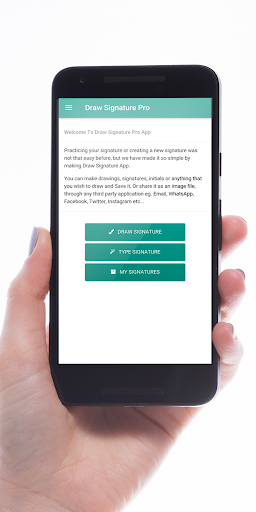
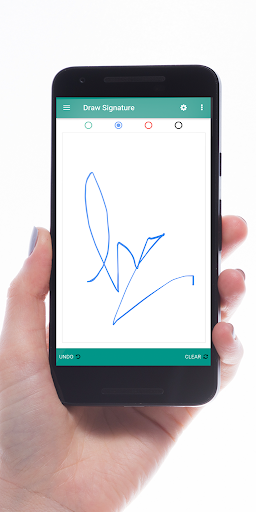
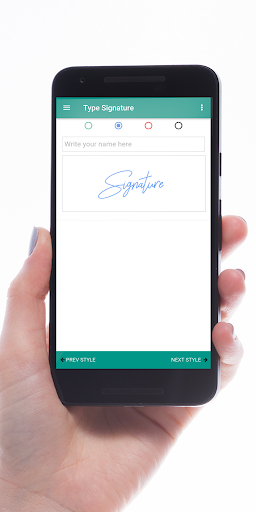
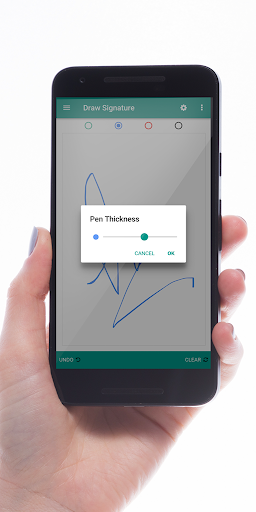
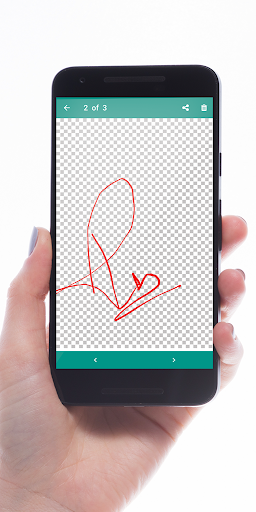
Practice your signature or create a new signature with Draw Signature App. Now you can make drawings, signatures, initials or anything that you wish to draw and send it directly. This will help you to improve your sign. So far you will find this The Best Signature Maker App.
Don't want to buy?
Get Free version: https://play.google.com/store/apps/details?id=com.diytech.drawsignature
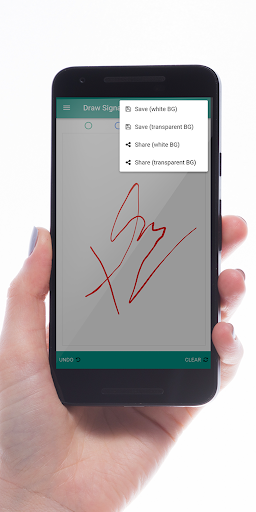
You can draw your signature and share it as an image file, through all application eg. Email, WhatsApp, Facebook, Instagram etc...
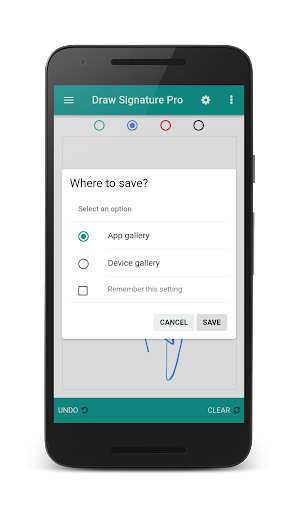
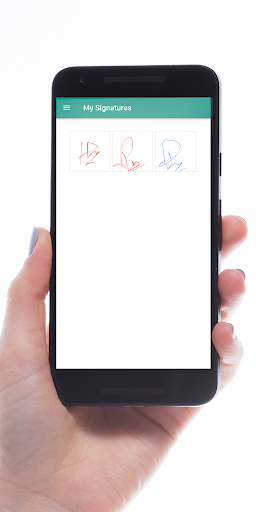
Store your Drawings / Signatures in your safe and secure my signatures gallery within Draw Signature application. Use it and you will find it the best app for a digital signature practice. We have the technology that top e-signing apps are using today.
You can also use it as a canvas for making your paintings, sketches, and other arts. choose any pen color you like.
* Features:
- Easy to use and Simple
- High-Quality Drawing Pad
- Pen Colors can be changed
- Pen Thickness can be adjusted
- The signature image can be saved or shared with transparent background
- Draw Signature / Initial or You can Even make drawings
- Save your signature for later use in your very personal my signatures gallery
- Safe and secure
- Store your signature image directly to your Google Drive
- Store your signature image directly to your Microsoft OneDrive
- Share your signature image on Facebook or Messenger
- Share your signature image on WhatsApp, Instagram, Twitter, MMS, and almost any third party application.
- Share or Save with Transparent Background
- Share or Save with White Background
- The app will run in Full Screen
- You can change the Pen size
- It will Remember your last selected pen color
- It will remember your last selected pen size
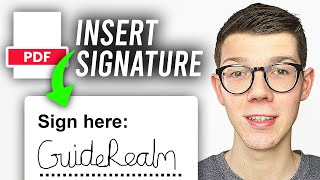
- Type Signature Feature ( Auto Signature Generator )
- Auto Generated Signature can be saved or shared as a regular signature
- More features will be added on demand of users in our upcoming versions.
- We listen to your feedback
- Fixed Transparent Background for Type Signature
- Improved Quality of Type Signature Image
- Added tweaks for better experience







9Apps 4.9














