


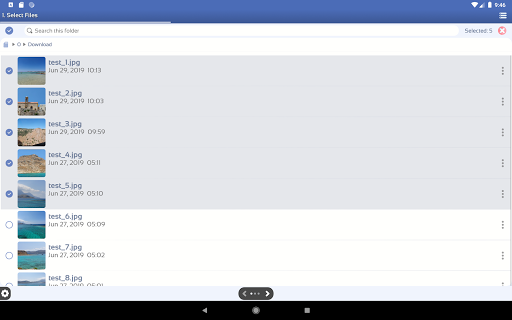
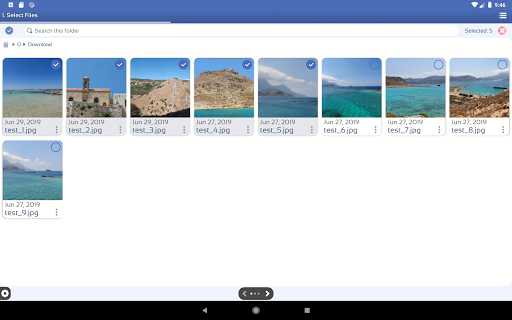
Renamer Pro is a tool which allows you to batch rename all your files from internal or external storage in a single operation.
This is an advanced version of the Bulk Rename application.
Please try the FREE version before purchasing the PRO version:
https://play.google.com/store/apps/details?id=com.direstudio.utils.renamer
If you are happy with it and you would like the support the developer, you can purchase the ad-free pro version.
Batch rename your files in three simple steps:
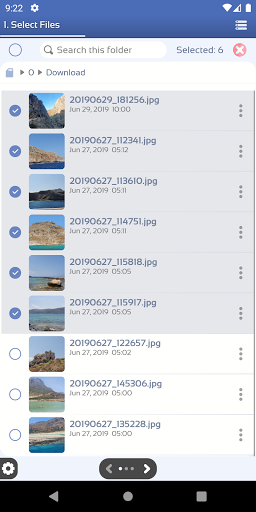
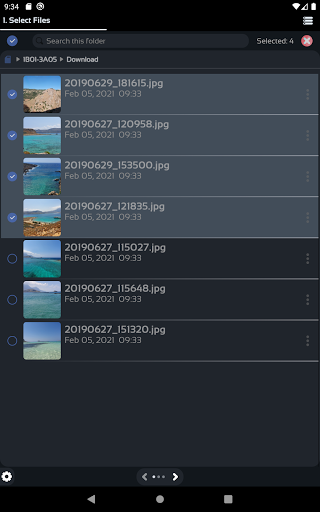
1. Select Input Files
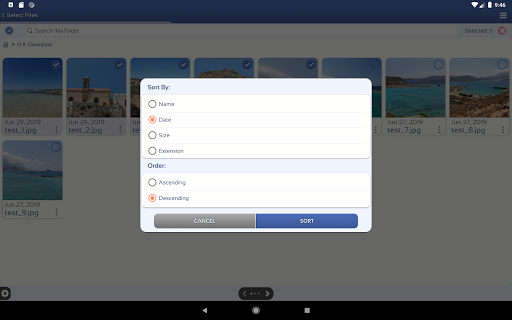
Use the in-app file browser to select the files you want to rename.
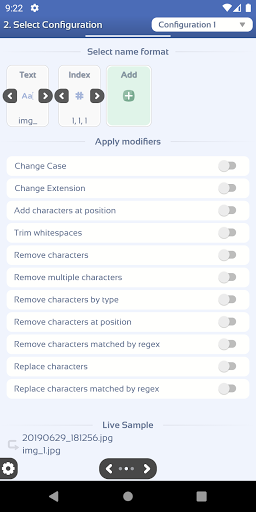
2. Select the rename configuration.
Create your own configurations using the provided features.
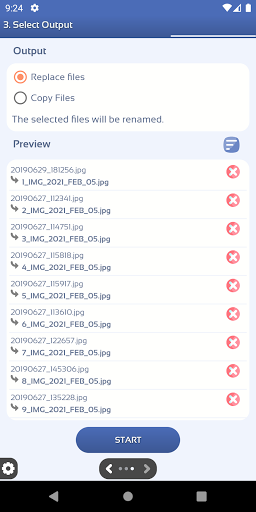
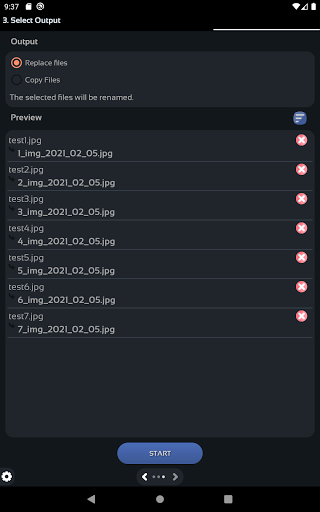
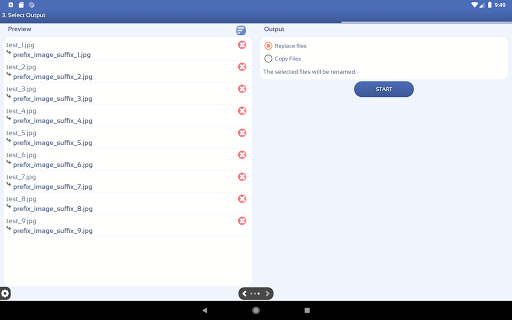
3. See a preview of the files and start.
See a preview of the new files before renaming
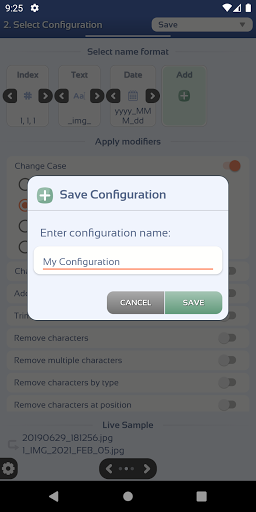
Rename Configuration
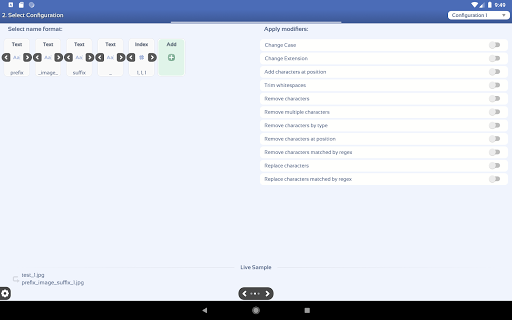
There are two steps in creating your own rename configuration.
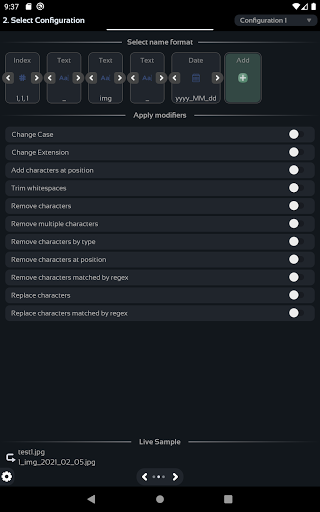
1. Select name format.
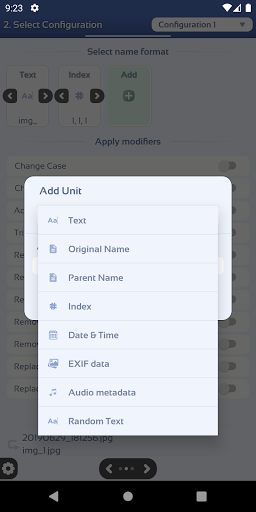
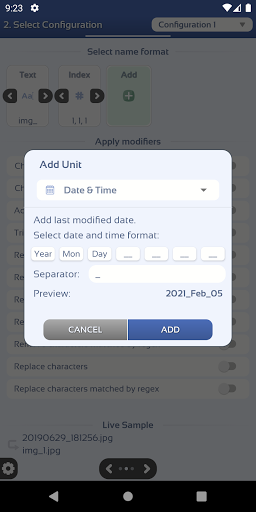
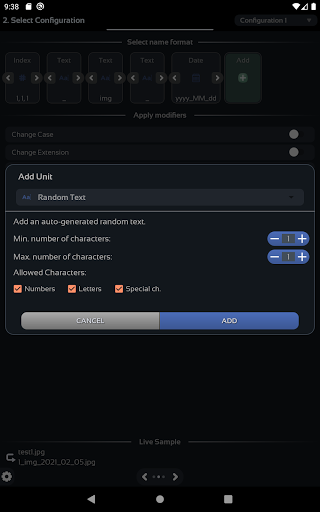
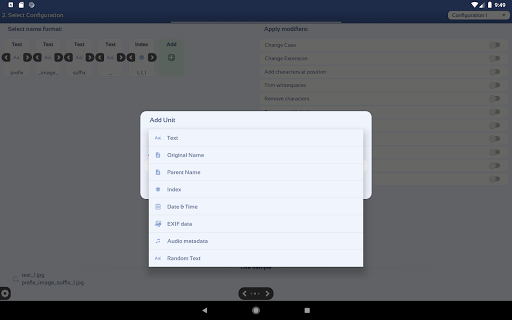
You have a variety of units you can use the build the new name format. These units can be customized and placed in the order you desire.
✓ Original Name - Adds the file's initial name. This is the starting point for every configuration.
✓ Parent Name - Adds the parent file's name
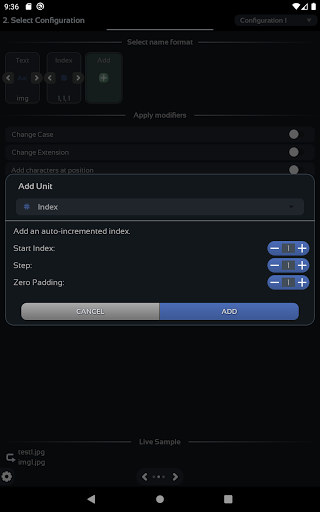
✓ Indexing - Adds an auto-incremented index. Options: start, step, zero padding.
✓ Text - Adds custom text
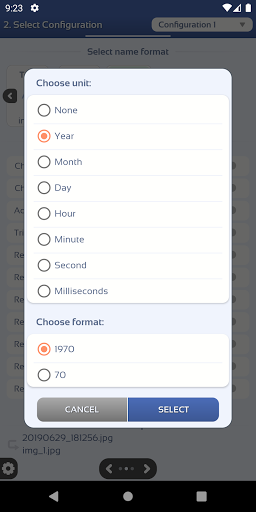
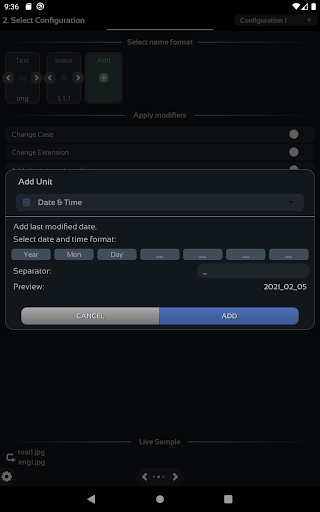
✓ Date & Time - Adds the file's last modified date and time. The format is fully configurable.
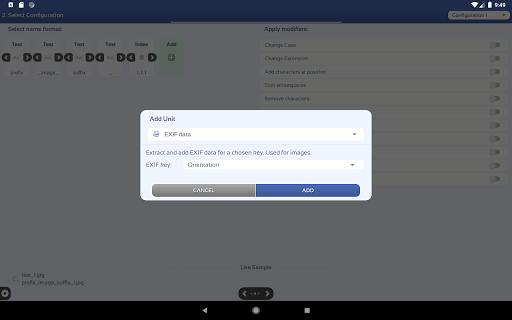
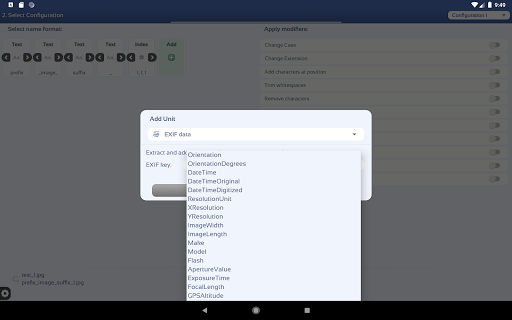
✓ EXIF Data - Extracts EXIF data from images and adds it to the file name.
✓ Audio Metadata - Extracts audio metadata from audio files and adds it to the file name.
✓ Random Text - Adds randomly generated text Options: length and character type.
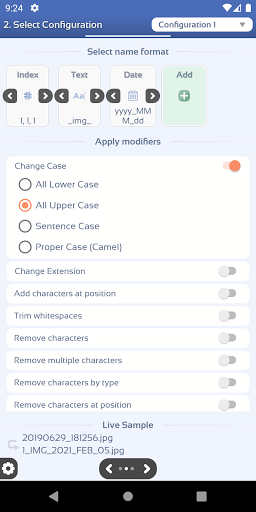
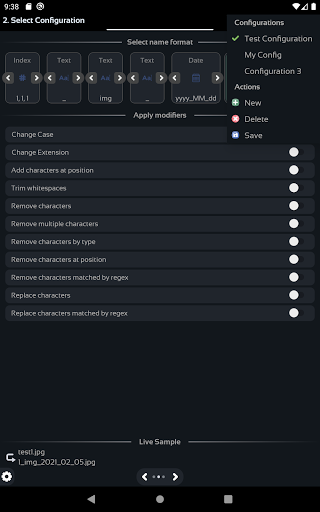
2. Apply modifiers (optional).
After building the name format, you can apply a set of modifiers to it.
✓ Change Case - Changes the name to lower, upper, sentence or camel case.
✓ Change Extension - Changes the extension of the file or removes it.
✓ Add character at position - Adds characters/words at the specified position
✓ Trim whitespaces - Removes whitespaces from start, end or all occurrences.
✓ Remove character(s) - Removes the chosen characters/words from the name.
✓ Remove multiple characters - Removes multiple characters/words from the name, separated by comma.
✓ Remove characters by type - Removes all numbers, letters, non-numbers or non-letters.
✓ Remove characters at position - Removes a chosen number of characters from the chosen position.
✓ Remove characters by regex - Removes characters matched by a regular expression.
✓ Replace characters - Replaces all occurrences of the target with the desired text.
✓ Replace characters by regex - Replaces all occurrences of the target with the desired text.
3. See the live sample.
You can see at any time a live sample which is updated every time you make a change in the configuration.
New Format Unit - Add Size Unit












9Apps 4.9














