
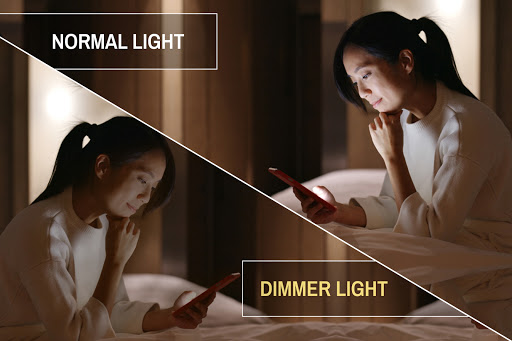
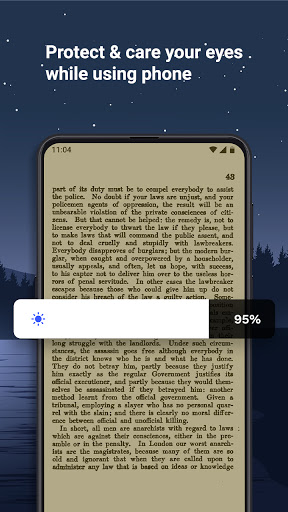
Night reading on phone makes eyes tired?
Facing sleep problem after long time use of phone in night?
Dim Screen Light - Adjust brightness to any Level app will give you the best solution.
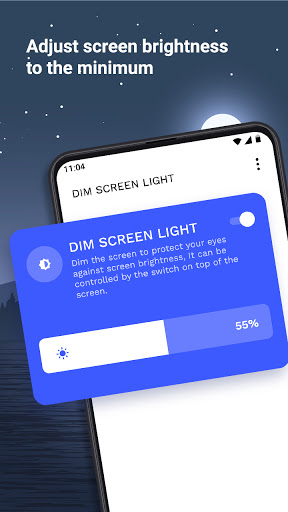
Adjust brightness from 0% to 100% while using at night which is lower than the system brightness.
The Goal of the app is to adjust phone's brightness to as dark as you want to use.
FEATURES:
- Simple and easy to use 💡
- You can adjust phone's brightness as dark as you want to use at night.📱
- You can adjust screen brightness to the minimum.
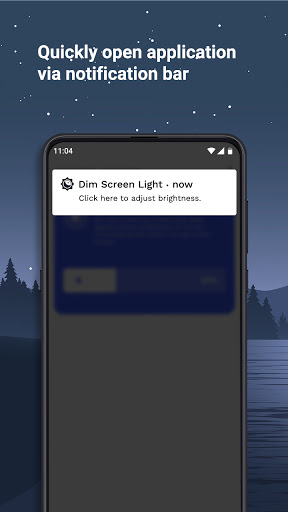
- You can open application by notification bar.
- Screen Dimmer app is stable, uses low memory, & uses low battery.
- Reduce the brightness by choosing the percent of brightness you want to set from seek bar.
- Small size of Screen Dimmer app.
Download Dim Screen Light - Adjust brightness to any Level app and prevent burning the battery, and can use the phone at night.






9Apps 4.9












