

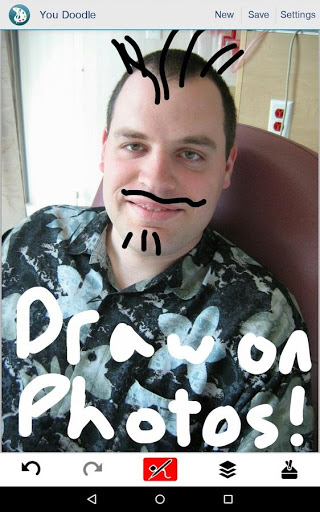
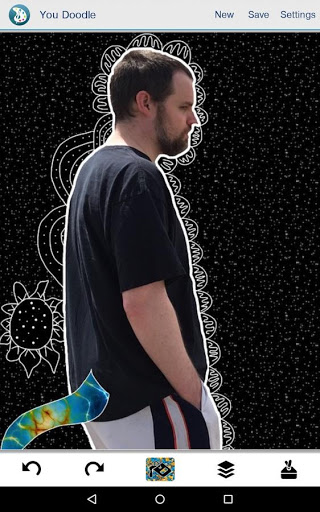
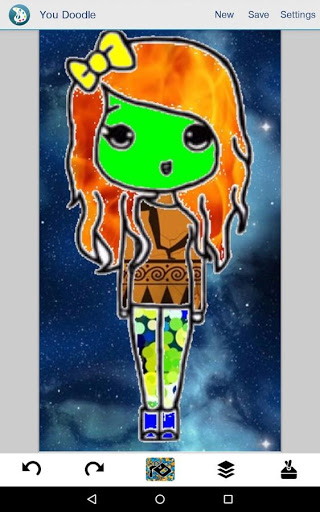
*IMPORTANT!* Please delete the free version before installing the paid version, the two apps do not play nicely and you will likely have trouble installing, etc. if you don't delete the free version first.
You Doodle Pro has no ads, no watermarks, no in-app purchases and never will.
Permissions are needed to import and export your drawings and photos, record your screen (with your permission) as well as access You Doodle clip-art over the Internet.
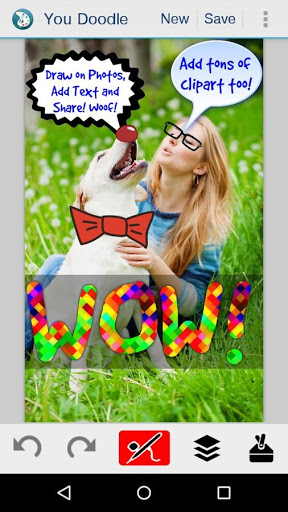
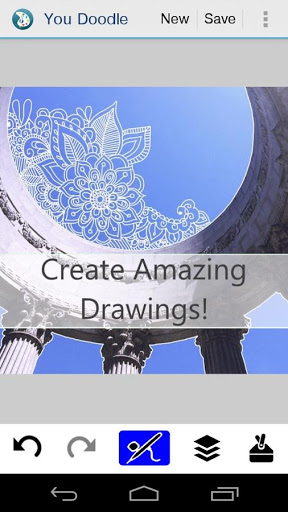
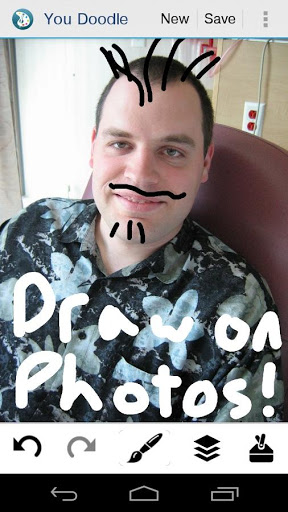
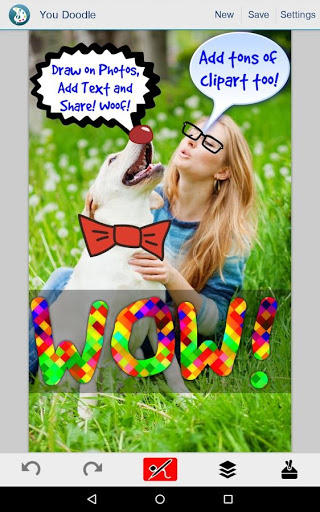
You Doodle is the best app on Android to create art and draw on photos and draw on pictures. Doodling on a friend, or marking up a picture or adding text has never been easier. With it's powerful text tool and simple brush tool, you can draw on photos and add text quickly and easily.
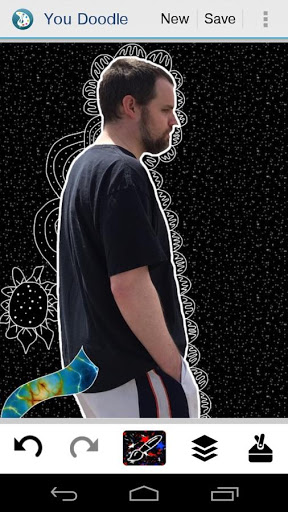
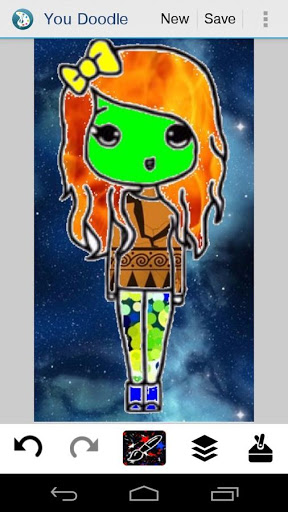
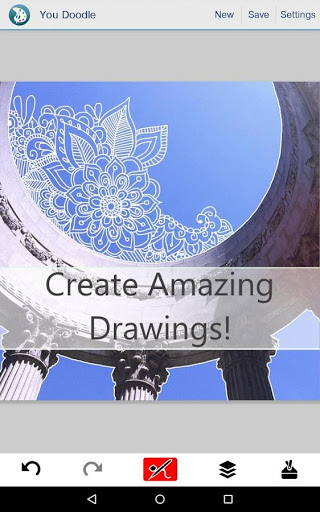
You Doodle contains the features of dozens of photo editors combined. Throw away all your other photo editors. You Doodle is all you need to draw on photos and pictures, create art, frames, use stamps and clip art, record your drawing and so much more.
Here is the full list of what You Doodle on Android can do for you:
- Draw on top of photos and pictures
- Edit photos and pictures
- Draw on blank canvas
- Many draw tools including brush, eraser, eye dropper, paint bucket, scissors, calligraphy, clone stamp, air brush, shape brush, blur, smudge, recolor, spray paint and chalk
- Record your drawing on Android Lollipop or newer (Android 5.0 )
- Add text to photos with fill, outline, glow / shadow, opacity, background and border
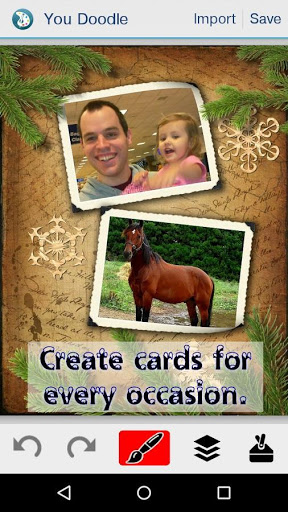
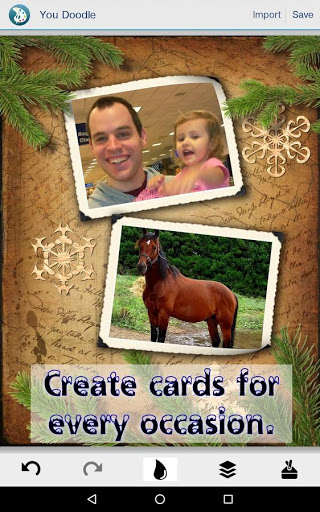
- Insert photos into your drawing
- Insert stamps and clip art into your drawing
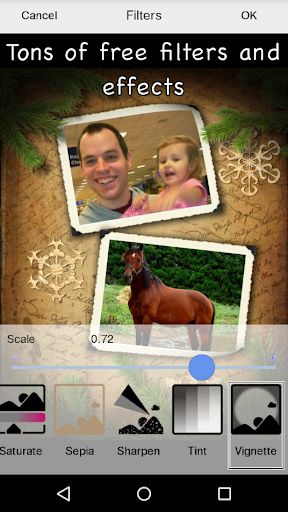
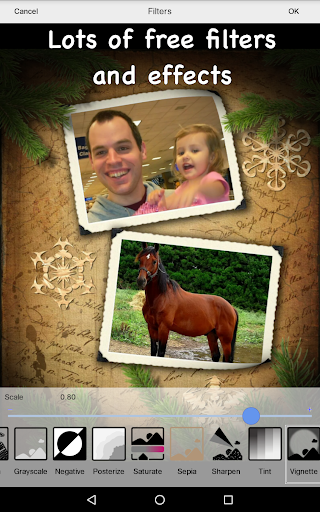
- Filters and effects
- Frame / collage maker with hundreds of templates
- Import and save with ease
This is just the beginning. I plan on adding tons more stuff over time, so please watch for updates. Thank you for your support.
I'm Jeff Johnson, sole creator and coder of You Doodle and I hope you enjoy using this app. Please send me feedback through reviews or email support@youdoodle.net and I'll do my best to help.
FIX: Save / share failing
FIX: Scissors crashes
FIX: Two finger pan works better
FIX: Crop view
FIX: Text view
FIX: Entering text
FIX: Bugs
Thanks for using You Doodle! - Jeff









9Apps 4.9














