

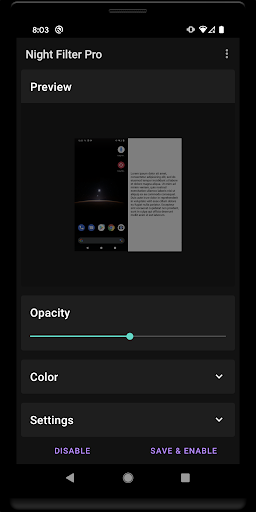
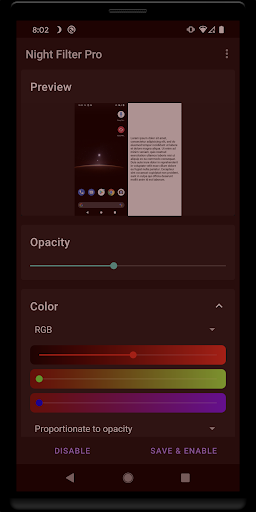
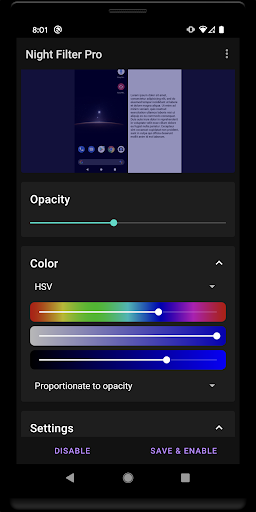
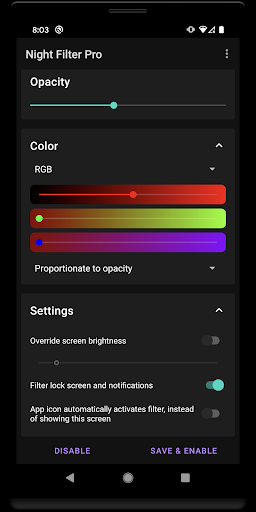
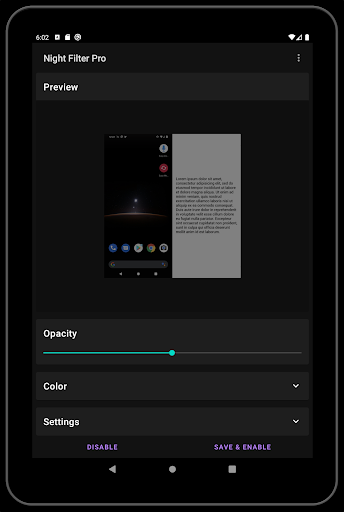
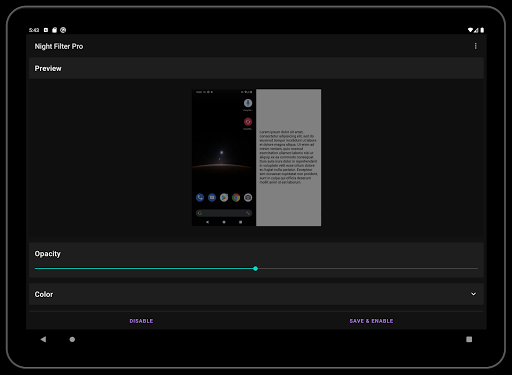
Night Filter is an easy to use screen filter app for your Android phone or tablet. Night Filter makes it easy for you to dim your screen, adjust your color tint and filter blue light, and more! Use it to read at night with less eye strain and correct for an excessive screen tint.
This is the ad-free version; get this if you like the free version and would like to remove ads and support the developer. :)
Features
★ Adjust your screen's brightness and color.
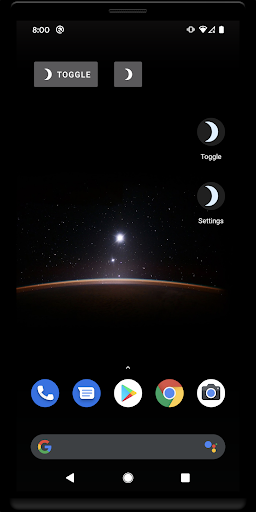
★ Add quick shortcuts to your home screen.
★ Schedule the filter to start & stop at a specific time.
And more! Download the app and try it out to see all of the features.
Troubleshooting
* If you accidentally turn your screen black, press volume up or volume down inside the app to turn off the filter, or power off your phone by holding the power button.
* If "Override screen brightness" doesn't work, try turning off "auto brightness" from your settings. This feature may also cause your screen to turn off and/or the lockscreen to activate if the setting is too low.
* To install an app from any app store, please turn off the filter first.
If you have any questions or concerns, please don't hesitate to contact us by email.
Permissions
Draw over other apps: Required for the screen filter to work.
Google Play license check: Check license.
Accessibility service: Can be optionally used to also dim the lock screen and notifications tray.
- All new version, updated to modern Material design for modern Android.
- Can now filter the lock screen and notifications via an accessibility service.
- Can now toggle the filter via a quick settings toggle.







9Apps 4.9














