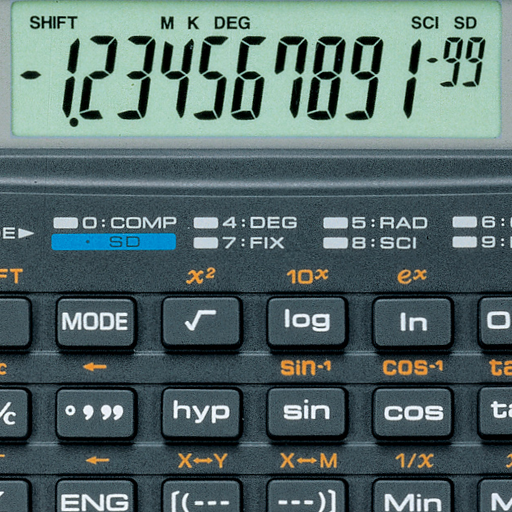
Classic Calculator FULL icon

Classic Calculator FULL

1.51 for Android
3.6 | 10,000+ Installs | Reviews

Recados Franvi S.L

$1.99

Description of Classic Calculator FULL

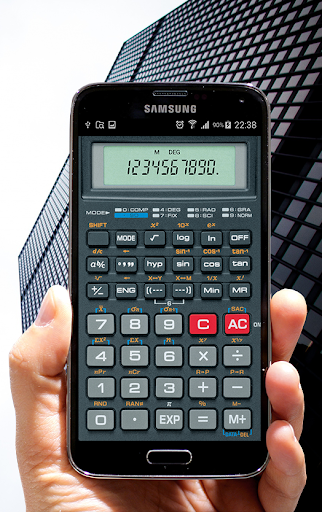
This application has been designed and engineered for easy operation at any level. The Natural Display and enhanced features makes it versatile and the perfect choice for high school and college students alike.
THIS VERSION HAS THE SAME FEATURES BUT NO ADVERTISING
* Multi-skin
* Copy clipboard
* Percentages
* Memories
* Trig functions in degrees, radians or grads
* Fixed-point display modes
* Configurable digit grouping and decimal point
* Degrees, minutes and seconds.
* Adjustable size digit

What's New with Classic Calculator FULL 1.51

This fix stores your last selected calculator and restores in each run.
Classic Calculator v1.5:
- Adds build number in configuration screen
- Added mathematical priority of operations
- Added parenthesis function
- Corrections in percentages of operations
- Many corrections and improvements in exponent and rounding.
- Added operations with Constants
- Improvement in stacked memory calculation
- Some changes in the appearance of the menu
- Add new model: Dragon

Information

  • Category:
    Tools
  • Latest Version:
    1.51
  • Updated:
    2018-02-28
  • Requirements:
    Android 0 or later
  • Developer:
    Recados Franvi S.L
  • ID:
    com.developstudios.casiom1full
  • Available on:
Reviews
  • avatar
    Great fx4000
    2023-07-27 01:34
  • avatar
    Overall, I like the app. One quirk I noticed is that it will not accept a decimal unless I put a zero first. For instance 1 + .5 won't I put properly, but 1 + 0.5 will.
    2023-01-22 05:04
  • avatar
    Why hasn't this app been updated to be compatible with the most recent version of Android?
    2022-11-08 04:55
  • avatar
    Have paid for the full version (without ads) but it doesn't open, so now have to resort to the version with ads.
    2022-11-02 07:45
  • avatar
    Some have reported a bug that multiplying anything by a fraction ignores the X key, and you end up with something like: 10 x .5 = 10.5 A workaround for this bug is to prepend a zero before your fraction: 10 x 0.5 = 5
    2022-08-06 06:04
  • avatar
    This one's a classic. Nothing else needs to be added. First bought the full version on my Galaxy Note 3 in 2015. Looks just as great & works fine on my Note 9. I use this as a simple calculator mainly for the looks & nostalgia.
    2022-01-16 04:04