

Moice is a recording app with a clean and simple user interface that supports audio editing, audio transcription, text marking, file encryption and classification, as well as multiple sound quality and playback modes to choose from. The features are rich and practical!
It is a high quality, multi-functional recorder that helps to easily capture meetings, study notes, interviews, music and even sleep sounds with a click, unlimited recording duration, stable and clear recording quality, support voice recording in background, Google cloud backup, audio sharing, etc. Come and download it now!
Personalization features:
- Minimalistic design interface
Clear user interface, simple operation, fast recording with one click.
- Audio transcription
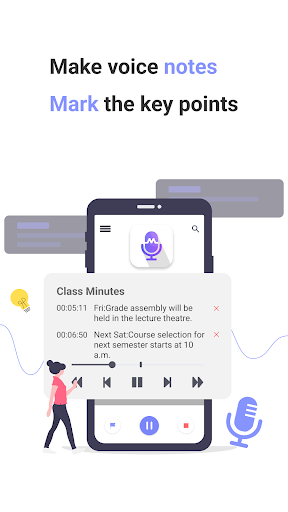
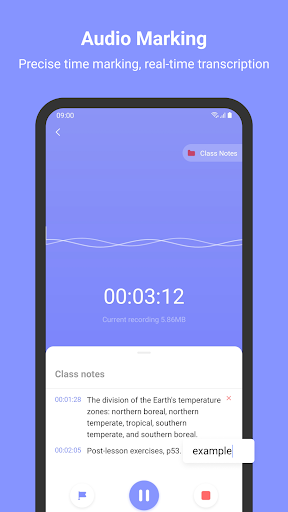
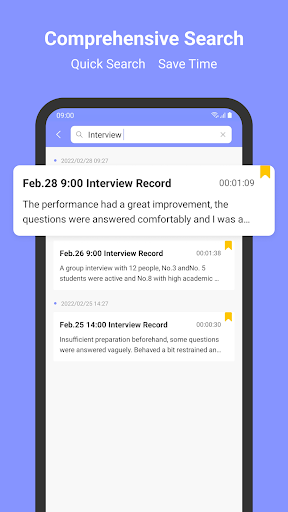
Real-time transcription, text markers or notes can be added to recordings and play back quickly and accurately.
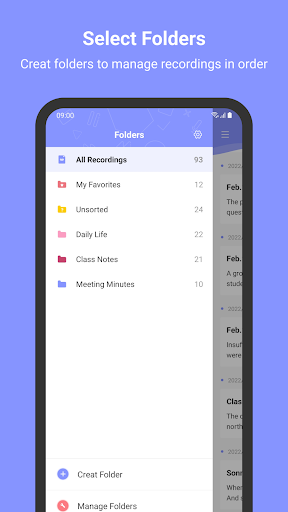
- Create file categories
Creating multiple folders helps you categorize and manage recordings and easily find audio notes.
- Audio editing
Support for trimming redundant and unwanted sections.
- Multiple recording quality options
Custom audio quality and bit rate. Four types of sound quality that can be selected according to different scenes.
- Multiple play modes
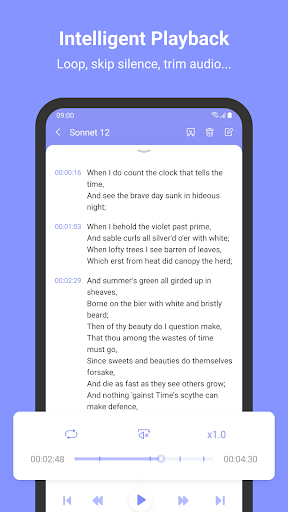
There are several speeds that can be selected (0.5x to 2x), supporting single loop, file loop and order playback.
- Auto-skip silence
Silence is automatically skipped without dragging the progress bar.
- Pin and favorite
Pinning recordings on top or saving in favorites can help you find them quickly.
- Background recording
Sound can be recorded without interruption even when the screen is off.
- No time limit
Recording time has no limit, record whenever and wherever you want. (check if there is enough memory)
- Audio files sharing
Send or share recordings via email, sms, facebook, whatsApp, dropbox, etc.
- Cloud backup
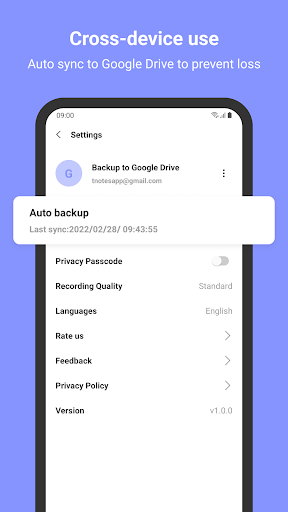
Support auto uploading of audio files to Google Drive to prevent file loss.
- Audio files encryption
Passcode and fingerprint lock are double reinforced to protect your privacy.
- Volume control
The volume can be freely adjusted to make the sound clearer.
- Select sound channels
Support mono, stereo recording.
- Multiple file formats
MP3, WAV, AAC and other recording file formats are available.
- Import external audio
Support playing imported audio files and adding text markers to make voice notes.
If you have any questions or suggestions, welcome to send us feedback by emailing moiceapp@gmail.com.We’ll deal with it as soon as possible!
If you think Moice is good, please give us a 5 star rating~ Thanks for your support!
Import external audio
Support playing imported audio files and adding text markers.




9Apps 4.9













