

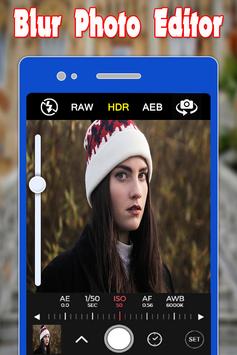
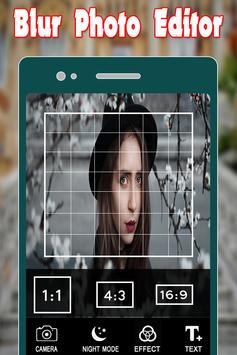
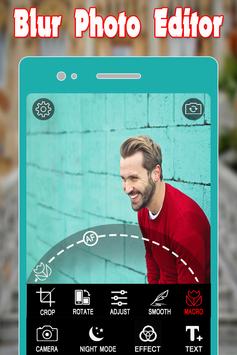
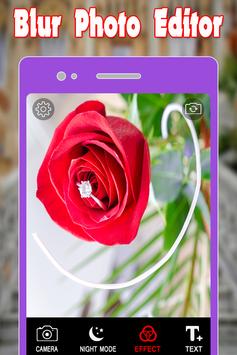
Image blur is a picture blur app used to blur the unwanted part of your picture very fast. You can also unblur the image, using this blur picture editor. Select the picture to be blurred from the gallery and also take the picture using the camera, and give it a blurry effect, using this blur image editor.
With Blur Image Background you can quickly transform your favorite images into fashionable eye-catchers.You can trace with your finger.It is very simple app.
Blur image background is an effective blur photo editor, which can be used, to give your picture background, a blurry effect. Blur unwanted portions of a pic effectively, and give it a blur effect, using the blur photo filters, of this blur picture editor or blur pic editor.
Blur Photo Square is a amazing blur background maker. In blur photo effect you can add multi layered blur frames to background to give a very creative look. It allows you to adjust blur radius as per your requirement.
It automatically give a square shape to your image. Multi layer blur frame with out any restriction about number of frames is a unique feature this editor provides.
Blur square Image blur is a picture blur app used to blur the unwanted part of your picture.
Blur square image background is an easy blur photo edito. Blur unwanted portions of a pic effectively, and give it a blur effect, of this blur picture editor or blur pic editor.
Blur Photo Background is really useful application who want to apply blur effect on photo or you can do blur of your selective portion.
So, you can focus on important part of your photo.
Image blur is an app used to blur the unwanted part of your picture very fast. You can also unblur the image. You can select the picture to be blurred from the gallery and also take the picture using camera and blur unwanted part of your picture.
Key features blur image background
1. Image picking from Gallery and Camera
Select the image to be blurred from the gallery and give it a blur. The photo clicked using the camera option can also be given, a blur effect, using this blur photo editor or blurry camera app.
2. Zoom in and Zoom out for image blur
Zoom in and give the picture, a blurry effect, with a blurry background, using this blur photo editor.
3. Picture Blur intensity adjustment
Adjust the image blur intensity, in order, to give a bigger blur effect, to the picture to be blurred, using this blur pic editor or speed blur app.
4. Brush Size adjustment
Adjust the brush size for pic blurring and give it a blur background, using this blur pic editor or blurry editor.
5. Undo and reset option
The blurry effect can also be reverted, using this blur image editor or blur photography app. The blurred pic can also be reset using this blur photo image app or blur on photo app.
6. Save and share to all social networks
The blurred pic can be saved to the gallery using this blur picture editor. The blurred picture can be shared to social media platforms like the Facebook, Instagram and so much more, using this blurry app or blur editing app.
Blur image background is the best blur photo editor or blur image apps for pic blurring. Download this top photo blur app or blur image app.


9Apps 4.9













