
Dark Mode All Apps Guide
Dark Mode All Apps Guidea pplication created is designed for users who want to reduce eye strain at night by inverting the colors on your screen. Save your battery on your Android OLED devices and enjoy great features such as the dark mode for Instagram, which was launched some time ago. You don't need to get your hands on an Android 10 device to enjoy the benefits of dark mode.
You're in a room with the lights off and a white screen blinds you. The bright blue lights put a lot of pressure on your eyes and are also responsible for reducing sleep. Now you're addicted to Instagram scrolling, we can't help you with that, but we can make the experience enjoyable with the dark mode application.
The night is dark. The screen is bright. The eyes hurt.
Night is dark. The screen is dark. The eyes don't hurt.
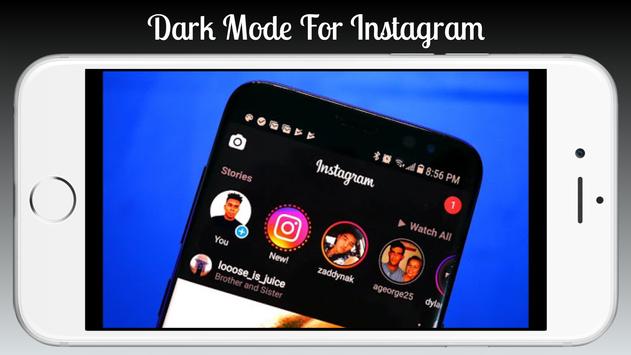
Dark mode for Instagram 📸
Now use your favorite social media platform in a brand new dark mode. A refreshing change when the colors come out in a dark environment. Enjoy Instagram dark.
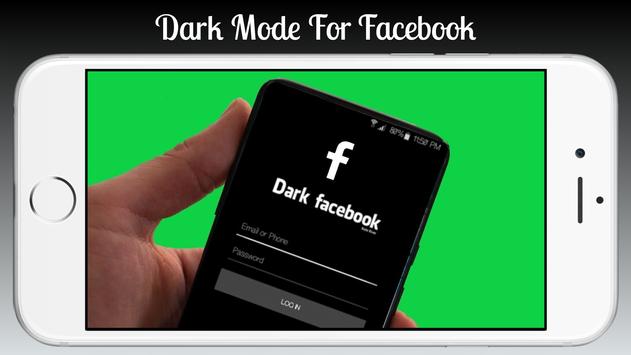
Dark mode for Facebook and social applications
Use all your social media in the browser in dark mode. No need for Facebook dark mode, Twitter dark mode, messenger dark mode. Log in and enjoy it all in All in One Dark Browser mode.
Reduced eye strain
Application in dark mode reduces the amount of bright blue light from the devices, which reduces eye strain in low light conditions. No more stinging and runny eyes.
Improved text legibility
Reading white text on a dark background is much easier in dark conditions. If you are someone who reads before going to sleep, treat yourself and become all black.
Register the battery at téléphone
Using dark mode on your Android AMOLED devices saves the phone battery by 15% to 60% depending on the brightness level.
Better for designers
Creative people like the night mode experience because colours seem to stand out better against a dark background than against white. Dark mode is mysterious and offers something new.
Supports multiple applications.
Instagram and most Google applications like Google Chrome, Google Fit, Google Play are converted to dark mode theme.
Our suggestion
The dark mode is preferable when working in low-light conditions, but when working in a bright environment and during the day, using the day mode is easier on the eyes. That's why we offer an automatic mode . By switching to Auto mode in the application, the application will automatically switch from Day mode to Night mode depending on the time of day.
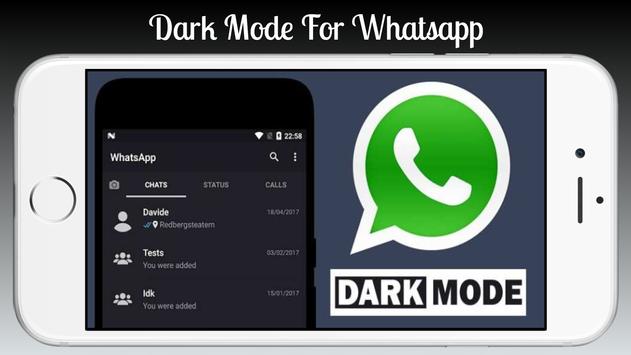
Whatsapp's dark mode is in beta mode. We are working on it and you can use the feature as soon as it is deployed.
Disclaimer
The dark mode application will not work on all Android devices, as some publishers have disabled this feature from their devices. Please look for a built-in dark theme on your device if it doesn't work.
Not all of Instagram's features are available in web-based dark mode. You can only scroll through your feed.
Dark Mode All Apps Guide
Dark Mode whatsapp
Dark Mode facebook
Dark Mode instagram
![Make Dark Mode Work with All Apps on Android 10 [How-to] screenshot 1](https://i.ytimg.com/vi/XkRF6VahgaE/mqdefault.jpg)



9Apps 4.9













