
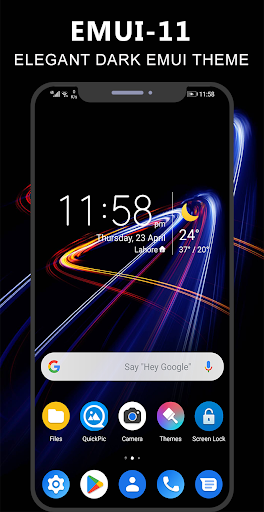
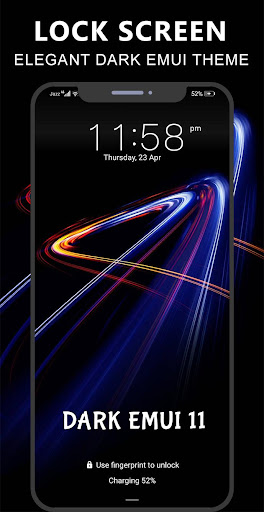
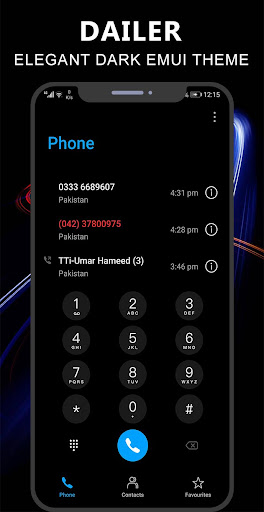
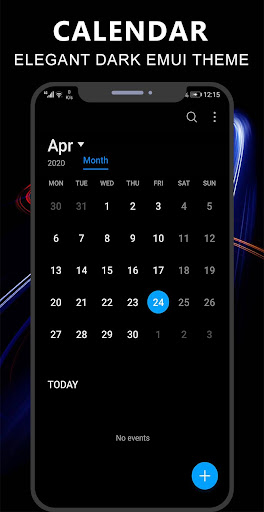
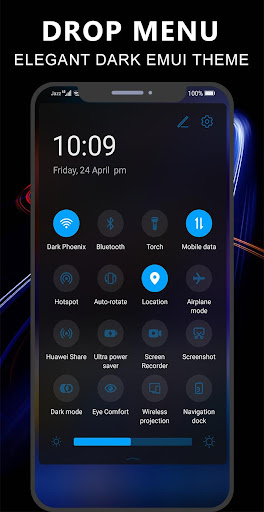
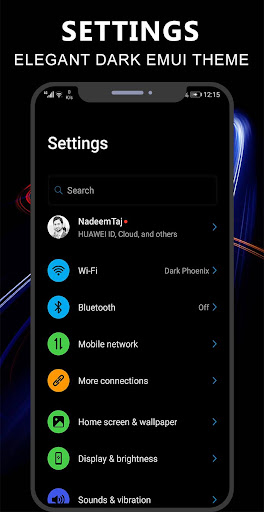
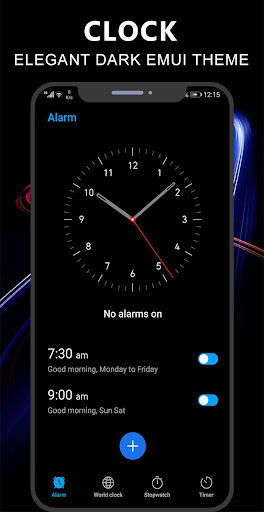
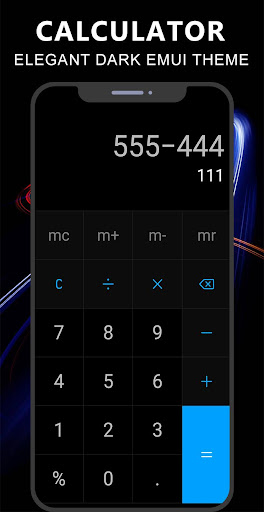
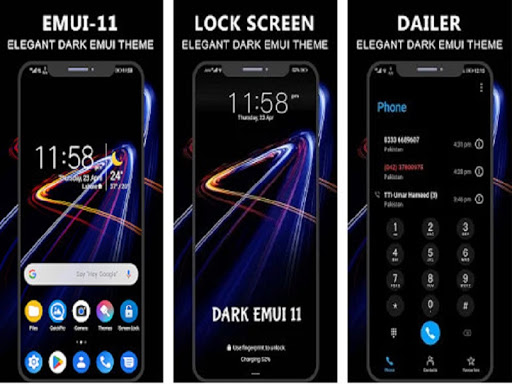
We made this theme for those who wants to decorate their phone with awesome dark look which is based on new and upcoming user interface emui 11. this theme is specially made with attractive icons pack and wallpapers. Also, battery saving is the major benefit of this theme.
Note: if you are using emui 10, then kindly enable dark mode before/after applying this theme for better experience
Compatible with Emui :
- emui 5
- emui 8
- emui 9
- emui 9.1
- emui 10
How it works:
1- Install Application
2- Open App and Click on Apply Theme Button
3- Click on your required emui based button
4- Go to Theme manager app
5- In Me Tab, select My Themes and select this Theme and Apply it.


9Apps 4.9


![MIUI 11 Dark UI Theme for EMUI 9.1/9.0 [MUST TRY] || EMUI Themes screenshot 3](https://i.ytimg.com/vi/mMDcJ5u1ebk/mqdefault.jpg)

![MIUI 12 Dark UI Theme for EMUI 10/9/8/5 [Live Wallpaper][Must Try] screenshot 5](https://i.ytimg.com/vi/ZMLejvrBnNw/mqdefault.jpg)













