Track the location of another smartphone on Google Maps with your own smartphone via automated SMS!
Instructions:
Install SMS Tracker : Side A on your own phone and enter the phone number of the second phone.
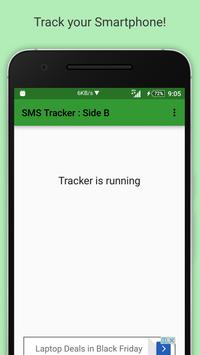
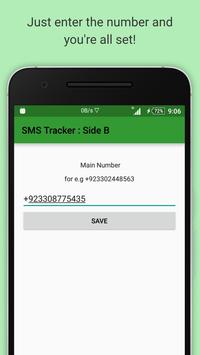
Install SMS Tracker : Side B on your second phone and enter the phone number of the first phone. (IMPORTANT: Turn on Location on second phone)
Press the button on the maps screen on the first phone to start tracking.
Wait up to 30 seconds.
Location will be shown using a pointer on Google Maps
And you’re done!
Note: This application uses your SMS data plan.
If you have any problems then please email at : cubetech70@gmail.com
Icon made by http://www.flaticon.com/authors/madebyoliver at www.flaticon.com
Fixed bug in Android 6.0 Marshmallow

9Apps 4.9