

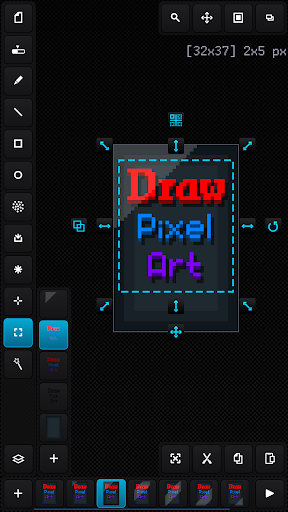
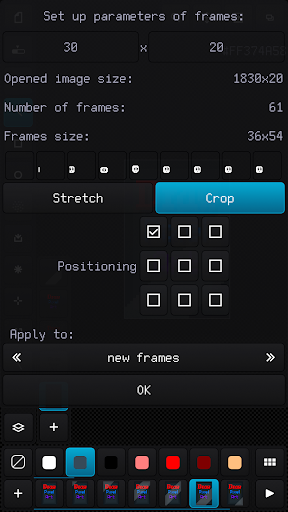
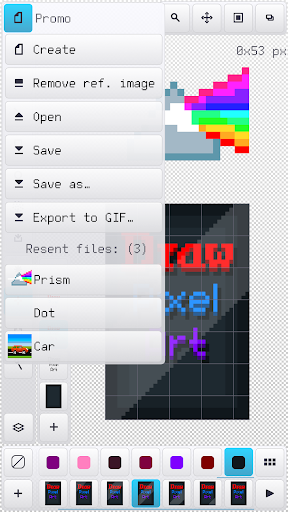
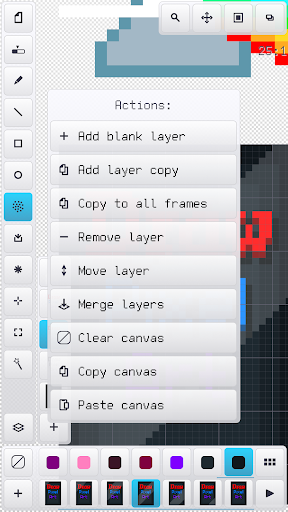
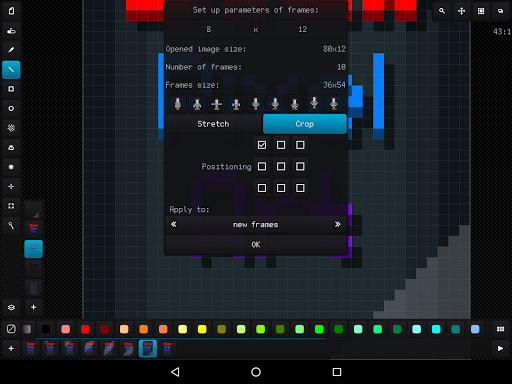
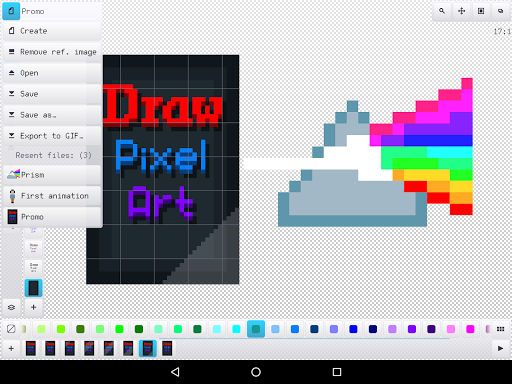
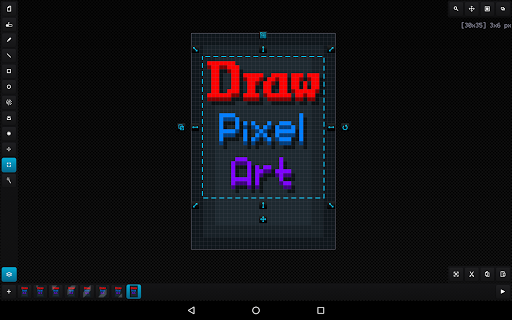
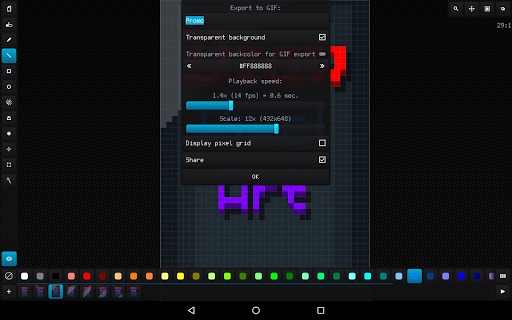
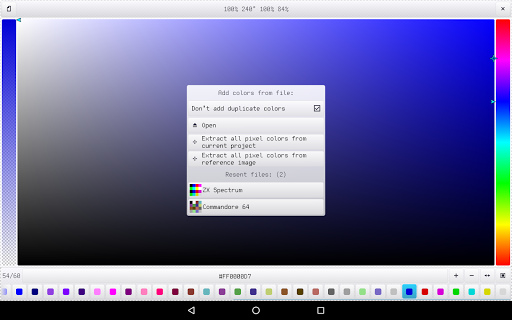
Easy raster graphics editor optimized for work with pixel precision images (pixel art design) with the ability to create animations and work with sprite-sheets.
The best solution to make graphics for games, create art and draw animation just for fun.
The app benefits:
- Nice and easy interface in portrait and landscape on different screen resolution and dpi
- Tiny app size and optimized work with all available RAM
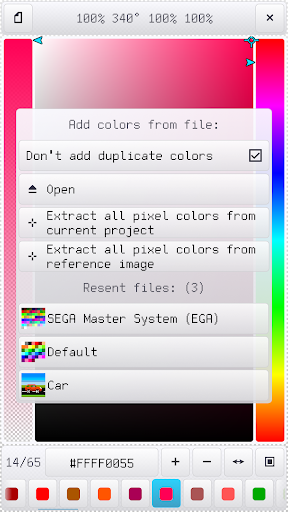
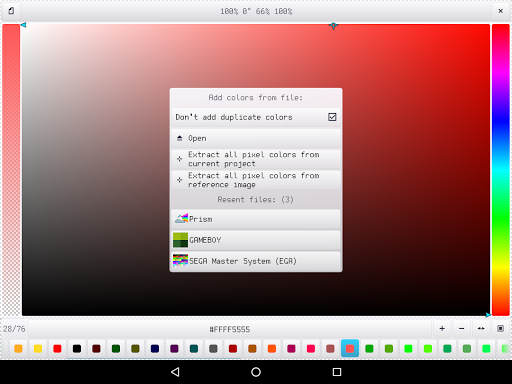
- Recognizing PNG, JPG, BMP, GIF and WEBP image file formats and JASC PAL, HEX, Paint.net TXT and Gimp GPL palette file formats
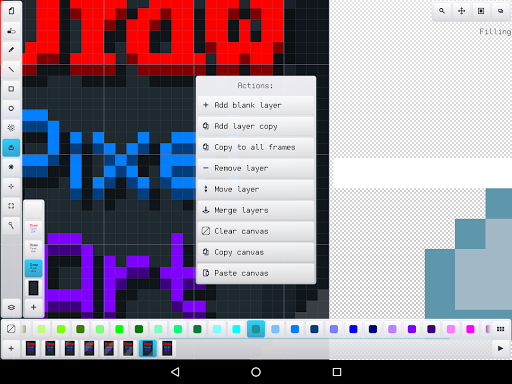
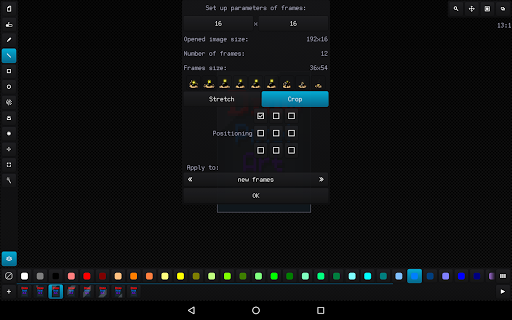
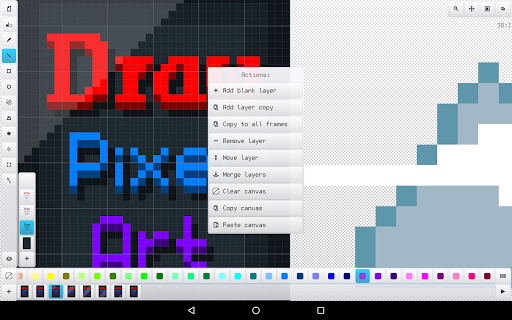
- Advanced work with animation and layers, ability create up to 10 000 frames with 10 000 layers if you have enough RAM
- Canvas size up to 8 Megapixels with any width, height and aspect (for example 4096 x 2048 pixels)
- Customizing interface, background, grids and previous phantom frame
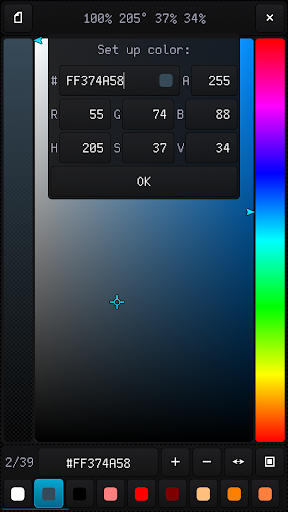
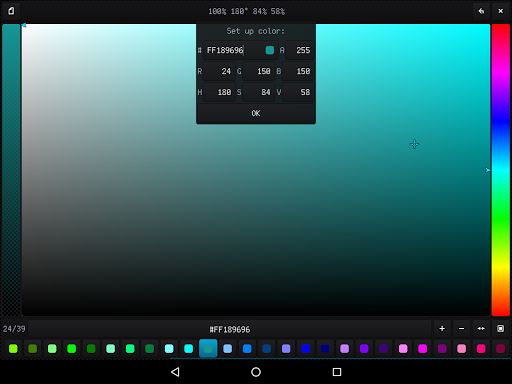
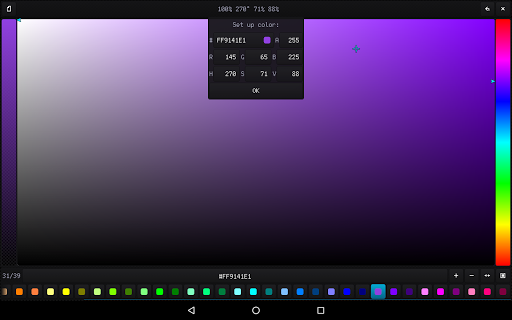
- High-grade 32-bit ARGB palette (with alpha channel) up to 10 000 color samples
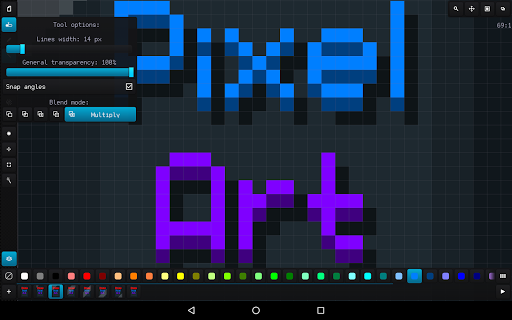
- Configurable tools for quick and easy drawing
- Auto saving and resuming current project with all configuration
- Undoing changes in the canvas up to 50 times
- Ability to load a reference image and build a palette based on it
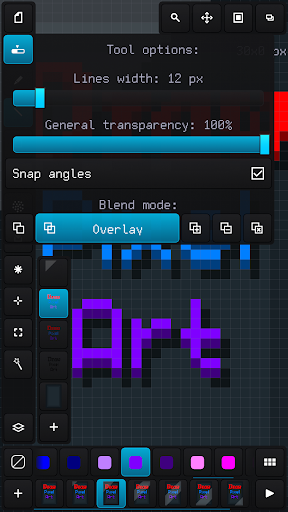
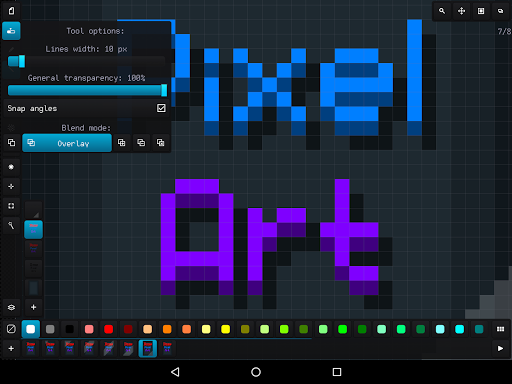
- Applying up to 6 color blend modes: normal, overlay, lighten, darken, multiply and add
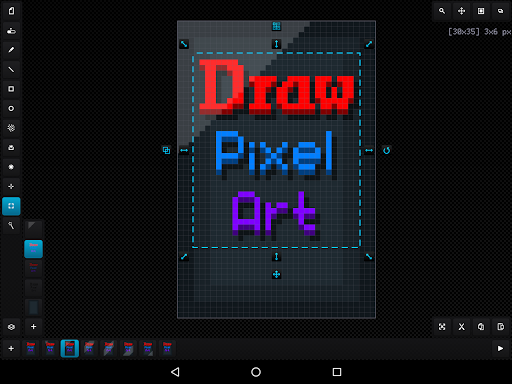
- Convenient tool for selecting and transforming an area, add area from the external file and save area to the file
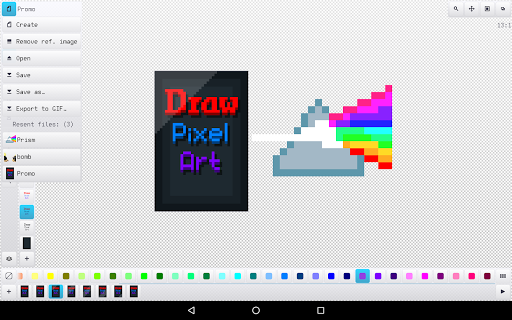
- Built-in file browser with specs and thumbnails of images and palettes
- Quick access up to 20 recent image files and palettes
- Ability to undo group actions (changing frames and layers, effects, resizing)
- Undo and redo with the volume buttons
- Ability to underlay a reference image under the canvas
- Fixed bugs and crashes






9Apps 4.9













