
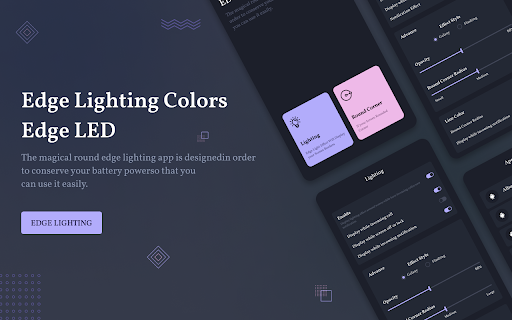
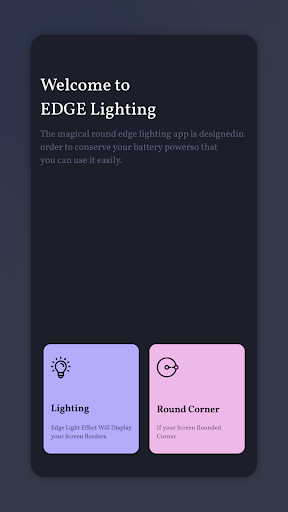
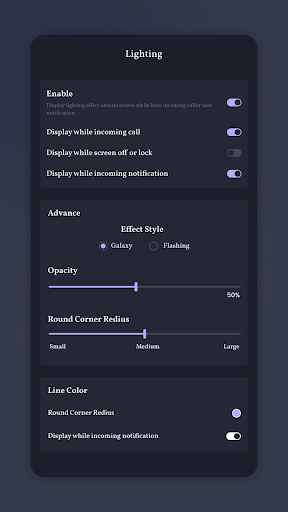
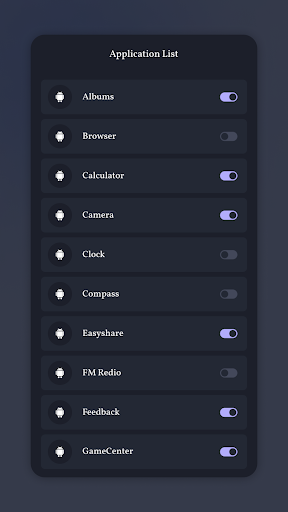
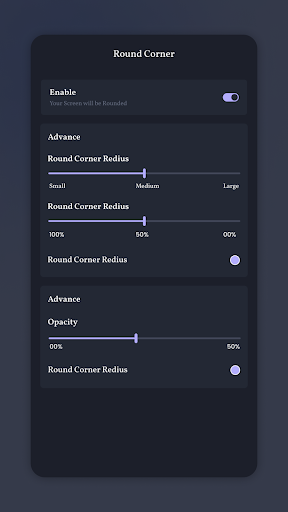
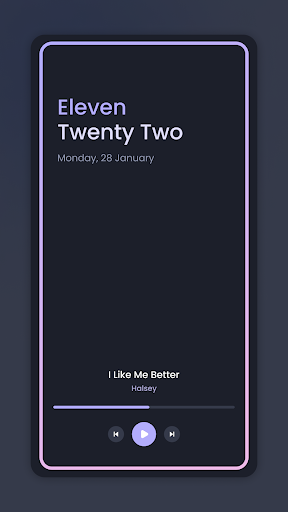
Edge Lighting, Call & SMS application adds beautiful curved rounded corners light on your mobile home screen and lock screen. Battery Saver: The Edge Lighting: LED Notification Light, Call & SMS application is optimized to save battery power. Notification Light application adds beautiful curved rounded corners light on your mobile home screen and lock screen.
Border Light application has an amazing user interface to use and it make your mobile screen totally adorable with attractive lighting. Always on edge app does not consume more battery and adds smooth and beautiful round corners live light into you screen. Flash notification offers many settings which allow you adjusting the edge lighting color, width and change wallpaper.
Edge Lighting app features:
- Set multi color screen edge to live wallpaper.
- Adjust Display Notch edge width, edge height, edge top and edge bottom notch radius as per your device notch
- Adjust animation speed, width, bottom and top curve radius
- Multiple cool formats and colors of frames and borders available.
- Multi color Edge Lighting wallpaper
- Customize Notch setting as per your device notch from settings.
- You can use any wallpaper within border light with opacity customization and set wallpaper.
- Display over other apps, display EDGE Lighting over all other applications on your phone and see a beautiful lighting experience.
- Change Color effect
- Always On Edge
- Set mix color in Edge Line.
- Galaxy Edge Lighting
- Create RGB color screen edge light to live wallpaper.
- Adjust the height and the width to your preference.
- Brightness adjuster with different border styles.
- Overlay Edge lighting screen on different apps
Flashing lights for incoming calls app provides color effects, will run around your screen when incoming calls or new notification arrive. Take your phone down to see the magic.
Note :
- If Edge Lighting not working then turn on notification access permission to use features.
- Open Phone Manager Apps (or Settings app) -> Permission Manager -> choose Applications tab -> select Edge Lighting -> enable Draw over other apps
Thanking to you For Using This app, give us your feedback, rating and Consider for Future updates.
Thank you...


9Apps 4.9














