
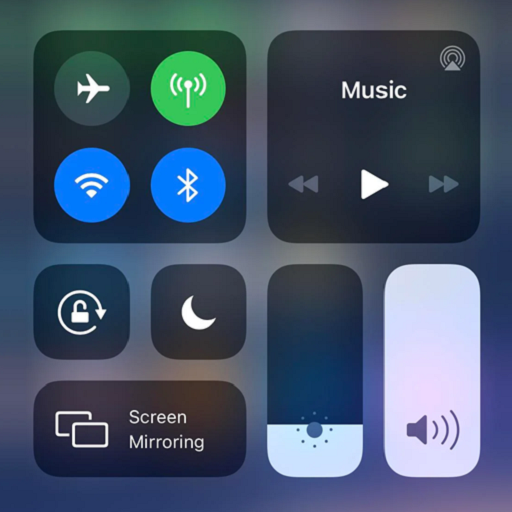
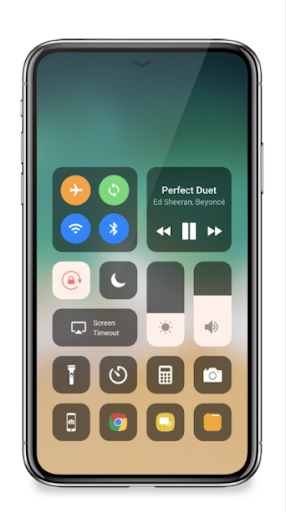
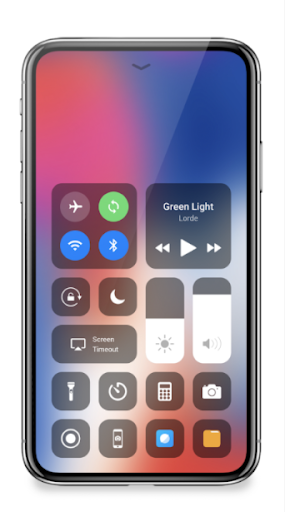
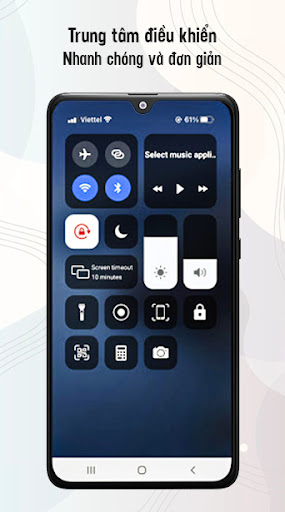
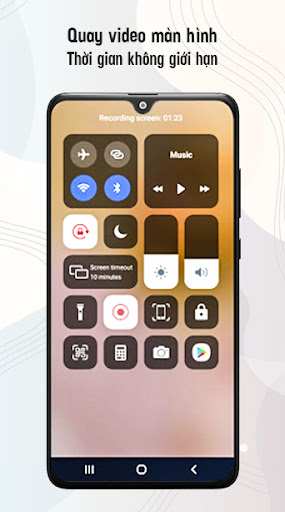
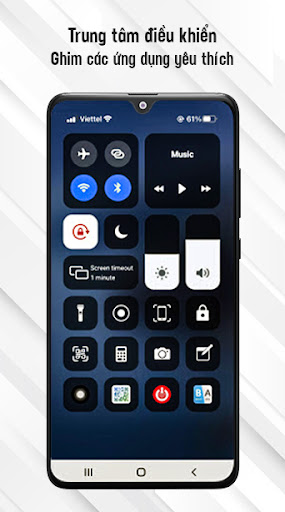
Control Center IOS 14 - Screen Recorder quickly helps you to change settings, screen recorder, screenshot, night mode, lock the screen (Screen off), volume controller, and fast access to the favorite application.
Control Center - quickly change settings:
Screen recorder be like iPhone
Screenshot, screen capture
Wifi
Bluetooth
Screen rotation
Mobile hotspot: easy to make a personal hotspot and share your internet.
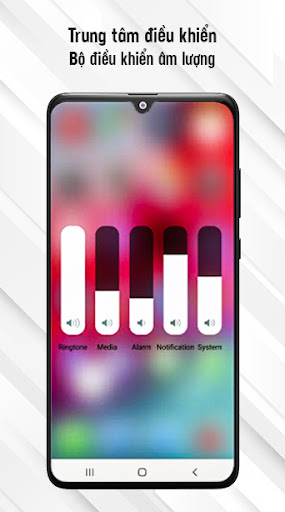
Volume controller: change volume ringtone, music, alarm, notification, and system sounds.
Music controller
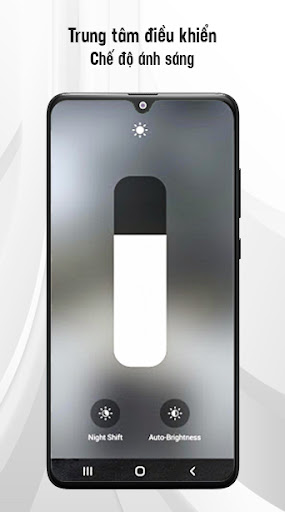
Screen brightness
Flashlight
Do not disturb
Silent, vibration, and sound
Lock the screen (screen off)
Night mode (night light) and take care of your eyes
Pin favorite application in Control Center
How to open Control Center:
If "Top-right Edge" is enabled, swipe down from the top-right edge to open Control Center.
If "Top-right Edge" is not enabled, swipe up from the bottom of the screen to open Control Center.
Touch or swipe down, swipe up to close.
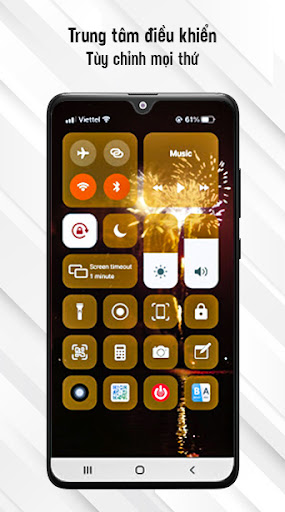
Control Center has no custom limits: change color, background, button size, home bar size, video recorder.
How to recording screen:
Click the icon screen recorder on the bottom of the screen of the Control Center IOS 14.
Countdown timer display with 3, 2, 1. On that screen, choose to turn on/off the sound.
Enjoy your screen recorder.
Change screen recorder settings: Bitrate and Frame rate.
The video is located in the "Control Center" folder.
Control Center IOS 14 - screen recorder, du recorder, mobizen.
Thanks for using my app!



9Apps 4.9














