

Description
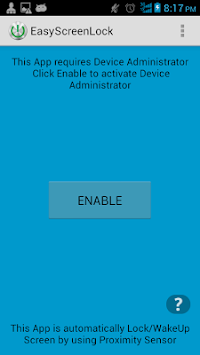
This App is automatically Lock/WakeUp Screen by using Proximity Sensor. You can easily lock or open screen just touching sensor. No more hardware power button click. Enjoy the app. :)
( Any Suggestions is welcome! Don't forget to leave the review. )
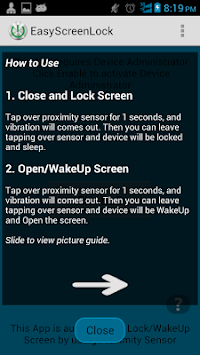
How to Use
1. Close and Lock Screen
Tap over proximity sensor for 1 seconds, and vibration will comes out.
Then you can leave tapping over sensor and device will be locked and sleep.
2. Open/WakeUp Screen
Tap over proximity sensor for 1 seconds, and vibration will comes out.
Then you can leave tapping over sensor and device will be WakeUp and Open the screen.
Fixed
- help guide not displaying.
Bugs Fixed :
1. help view not displaying




9Apps 4.9














