Collabora Office icon

Collabora Office

23.05.5.2 for Android
4.1 | 500,000+ Installs | Reviews

Collabora Productivity Limited

⚠️ You need 9Apps App to install .XAPK File. How to install XAPK?

Description of Collabora Office

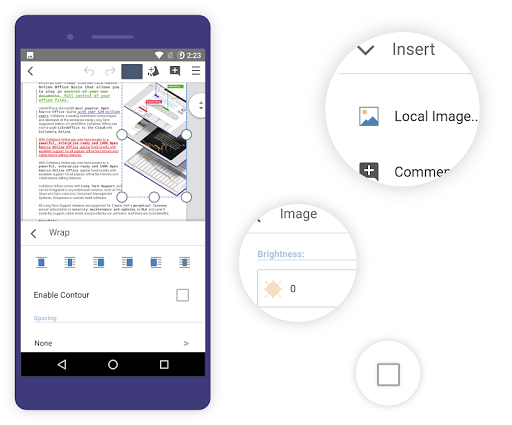
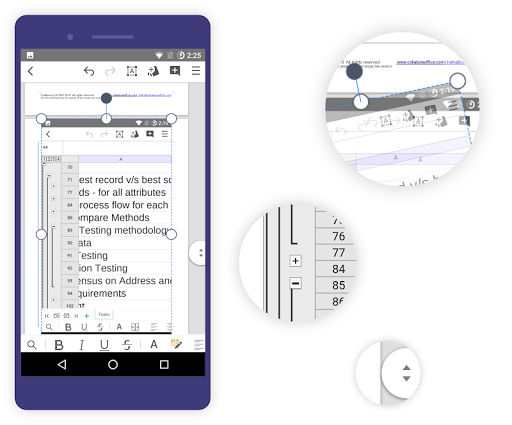
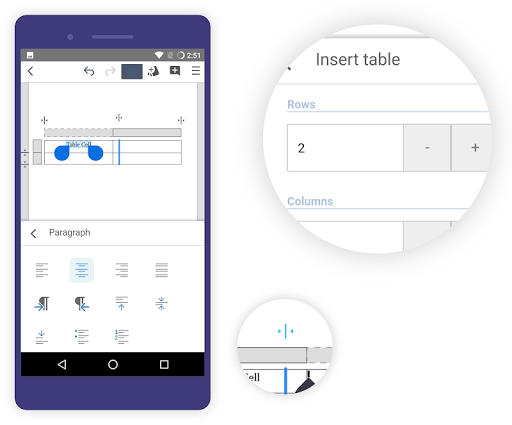
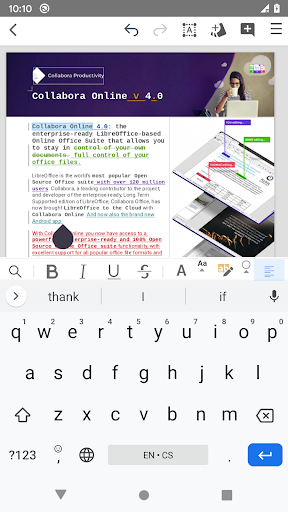
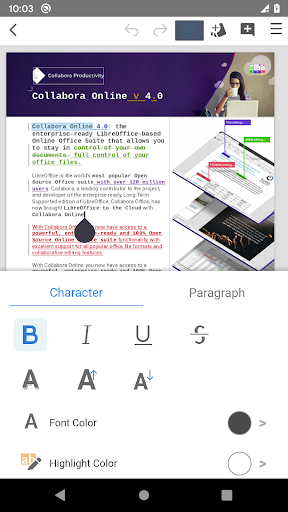
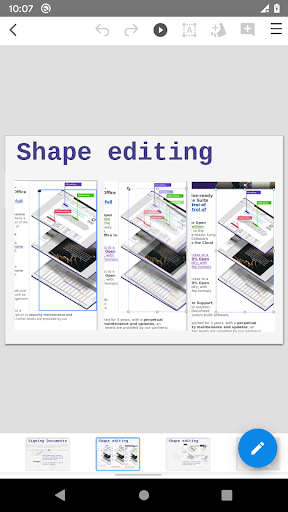
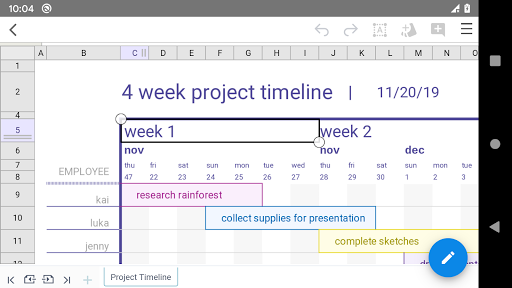
Collabora Office is a text editor, spreadsheet and presentation program based on LibreOffice, the world's most popular Open Source office suite - and now it's on Android, enhancing your possibilities to work on mobile and for collaboration.
This app is in active development, feedback and bug reports are very welcome.
Supported files:
• Open Document Format (.odt, .odp, .ods, .ots, .ott, .otp)
• Microsoft Office 2007/2010/2013/2016/2019 (.docx, .pptx, .xlsx, .dotx, .xltx, .ppsx)
• Microsoft Office 97/2000/XP/2003 (.doc, .ppt, .xls, .dot, .xlt, .pps)
Report issues:
Use the bugtracker and attach any files that caused problems via
https://col.la/android. Please note that anything you enter in the bugtracker will be public.
About the app:
Collabora Office for Android uses the same engine as LibreOffice for Windows, Mac, and Linux. This, combined with a new front-end based on Collabora Online, reads and saves documents similarly to LibreOffice desktop.
Collabora Engineers Tor Lillqvist, Tomaž Vajngerl, Michael Meeks, Miklos Vajna, Jan Holešovský, Mert Tümer and Rashesh Padia have been developing Android support since 2012, with the help of Google Summer of Code students Andrzej Hunt, Iain Billet and Kaishu Sahu.
License:
Open Source - Mozilla Public License v2 and other

What's New with Collabora Office 23.05.5.2

Bugfixes

Information

  • Category:
    Productivity
  • Latest Version:
    23.05.5.2
  • Updated:
    2023-10-25
  • File size:
    245.7MB
  • Requirements:
    Android 5.0 or later
  • Developer:
    Collabora Productivity Limited
  • ID:
    com.collabora.libreoffice
  • Available on:
Reviews
  • avatar
    Need work. Writing the doc is not comfortable. I suggest mobile version of editing like microsoft or Google implemented. Also the markdown and latex support.
    2020-10-25 04:12
  • avatar
    There are two problems I always have with this. First, the app periodically stops working needs to be completely reset. Second, the app has a weird problem I've never seen before in software like this. Sometimes a character will become "stuck" to the cursor. Typing something puts it behind the character despite the cursor being in front of it, and backspacing deletes the character beside the "stuck" one. This problem is especially bad for productivity, and I can't recommend the app due to this.
    2020-10-20 01:17
  • avatar
    Great. Free. Saves doc as pdf, docx, doc, epub etc..., Offline (telugu language too). We can edit documents offline. A little slow in displaying letters while typing. Altogether good.
    2020-10-20 04:51
  • avatar
    Great app. No PDF support, add this and I can delete wps office. Until then using two office suites is pointless so I'll be going back to wps.
    2020-10-17 06:33
  • avatar
    This program has great potential, but needs work. The "active point" for sheets is very useful, but the overall experience is quite laggy, with scrolling taking a moment to start to work and taking time to redraw content. Charts are just plain weird right now, with data being displayed wrongly in an existing chart. Adding a chart to a sheet was straightforward enough, but adding data to a chart is beyond me. Rotating the chart is pretty easy, though, which kind of broke the way it was rendered.
    2020-10-14 12:03
  • avatar
    Too slow when opening document if compared to other office apps like Ms Office Mobile and WPS :(
    2020-10-13 09:35