

Windows Universal Media Controller (WIMICO).
It doesn’t matter what app you are using to play music on your windows PC or laptop… whatever audio or video player, Control them all with one single application, WiMiCo.
With WiMiCo you can remotely:
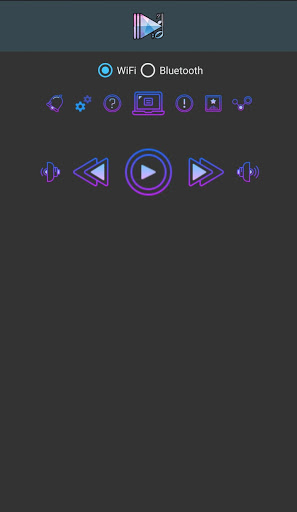
Control PC players using WiFi or Bluetooth.
Play/Pause.
Play next/previous track.
Control system volume.
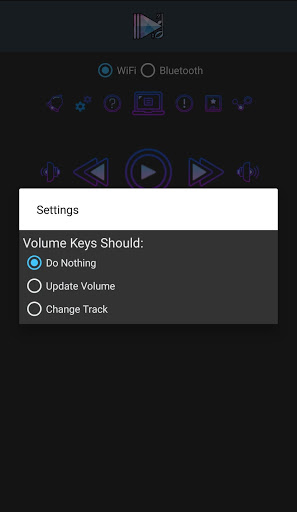
Use phone volume keys to increase/decrease volume remotely.
Open links on pc browser on the same network.
Share text to pc clipboard on the same network.
start stream links to play on pc from other supported apps on the same network.
Pro features:
No Ads.
Control from notification, So its more easier to control even if phone screen is locked.
Add widget to home screen for easier control.
Open your favorite music player, playlist or link remotely.(Over WiFi)
Use volume keys to play next/previous tracks or increase/decrease pc volume.
Use volume keys control even if the phone screen is locked.
How to use:
Download and install the very small and light WiMiCo windows host application: https://bit.ly/WiMiCo
And install it on your pc.
To use WiFi:
Make sure both are on the same network.
Open android application and select “WiFi”.
Click on PC icon .
Enter your “IP and Pairing code” as shown on windows app.
Click Save.
Done.
To use Bluetooth:
Make sure Bluetooth is turned on on both devices.
both devices must be paired, if not you can pair them normally using Bluetooth settings, Its just one time work.
Click on PC icon .
Select your PC device from the list.
Done.
Now you can:
Select From previously saved IPs to reuse easily.
open favorite player remotely.
Open links on PC browser directly.
Copy text to PC Clipboard.
Select or set IP on share.


9Apps 4.9














