
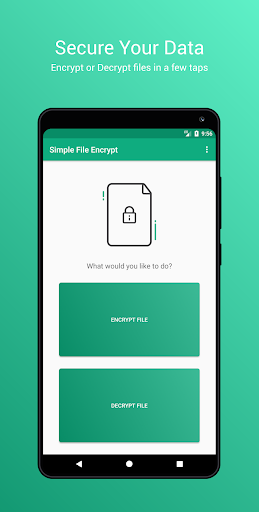
Simple File Encrypt allows you to encrypt or decrypt files with just a few taps. Using the latest cryptographic standard your files are fully secured in seconds.
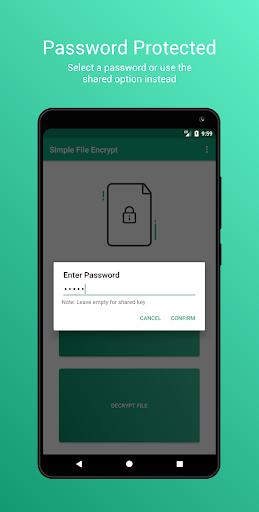
Set a custom file password or use the shared password instead, allowing you to ensure your sensitive data is fully secured.
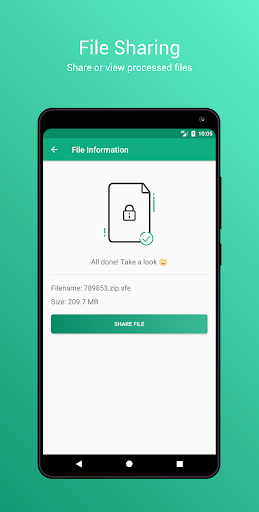
Features modern design with ease of use in mind, making the process frictionless! Share and view files once they have been processed with the touch of a button.
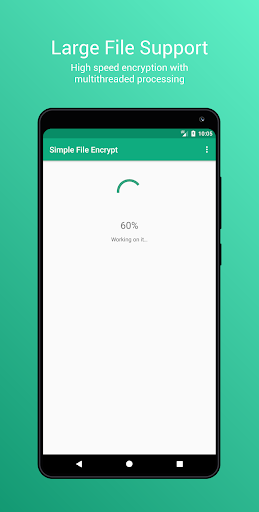
Large files are fully supported by multithreaded encryption/decryption processes. This includes the percentage of readouts and issue monitoring.
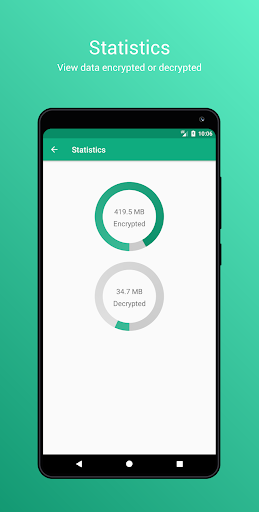
A simple statistics area allows you to keep track of how much data has been encrypted/decrypted with the app.
Unique file type ensures your files are securely stored and can be tap decrypted when shared with others.
Let's make encryption simple!
- Fixed issue where new file name would not contain the original filename, making it difficult to identify an encrypted file by name




9Apps 4.9