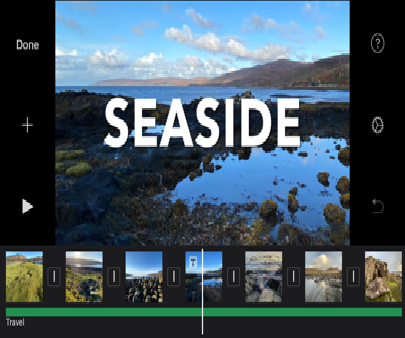
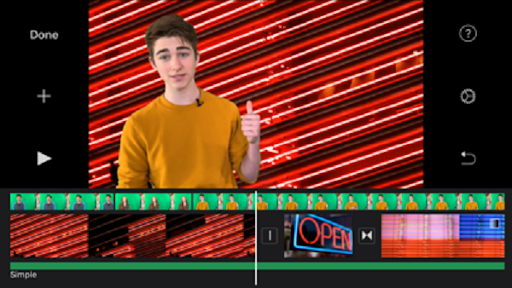
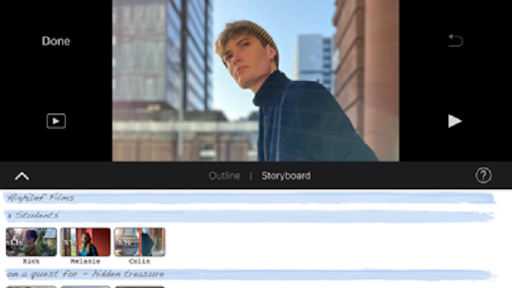
IM Editor - IMovie Video Editor offers powerful features and an elegant UI. The simple-start timeline gives new users an intuitive head start, and professionals will find all the
powerful features they need.
Tutorials, overlay help in the app, and a detailed user guide will get you started and keep you going. Our friendly support gives you direct access to our editing experts.
Make Hollywood-style trailers
• Choose from 14 trailer templates with stunning graphics and original scores by some of the world’s top film composers
• Customize movie studio logos, cast names, and credits
• Select the best videos and photos for your trailer with the help of animated drop zones
• Record video for your trailer right in iMovie
Create beautiful movies
• Choose from 8 unique themes with matching titles, transitions, and music
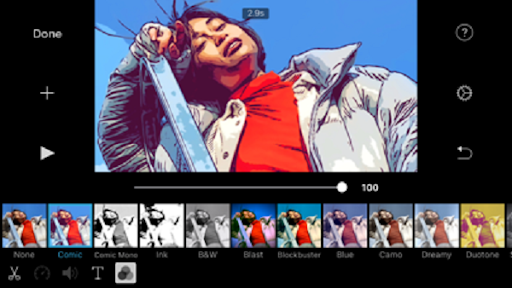
• Give your movie the perfect look with 13 Android-designed video filters
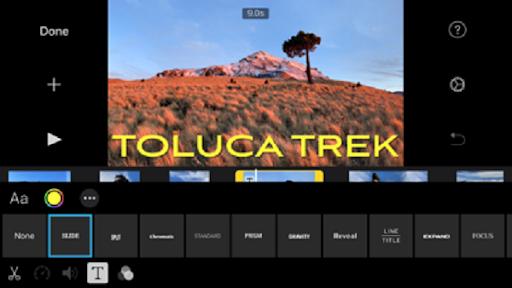
• Choose from 11 animated title styles like Split, Reveal or Pop-up
• Adjust any title by changing its font, color, size, location, and more
• Add solid, gradient, and patterned backgrounds to your movie
• Enhance your movie with by slowing down or speeding up any clip
• Easily add picture in a picture, green screen, and split screen effects
• Select from over 80 soundtracks that automatically adjust to match the length of your movie
• Add sound effects, songs from your music library, and your own narration
• Connect a keyboard and use simple shortcuts to edit movies quickly
• Connect a trackpad or mouse to android phones for fast and accurate moviemaking
iMovie everywhere
• Easily transfer projects between your android phone
• Send any project to your Mac to finish editing with iMovie or Final Cut Pro X
• Connect an external display to your android phones and choose to mirror the iMovie interface or display your video fullscreen while you edit*
Share with friends and family
• Send videos with Mail and Messages
• Save to your Photos library in resolutions up to 4K at 60 frames per second**
• Export a video optimized for Instagram, YouTube, and other popular video destinations
• Save videos and iMovie project files
• Share videos and iMovie project files with AirDrop
• Use AirPlay to wirelessly stream video to your television with TV***

9Apps 4.9